
Expense Payments
Pay expenses to suppliers. Each payment is linked to one or more expenses, and the payment entry is posted automatically.
Overview
Where to find itExpensesOperationsExpense Payments
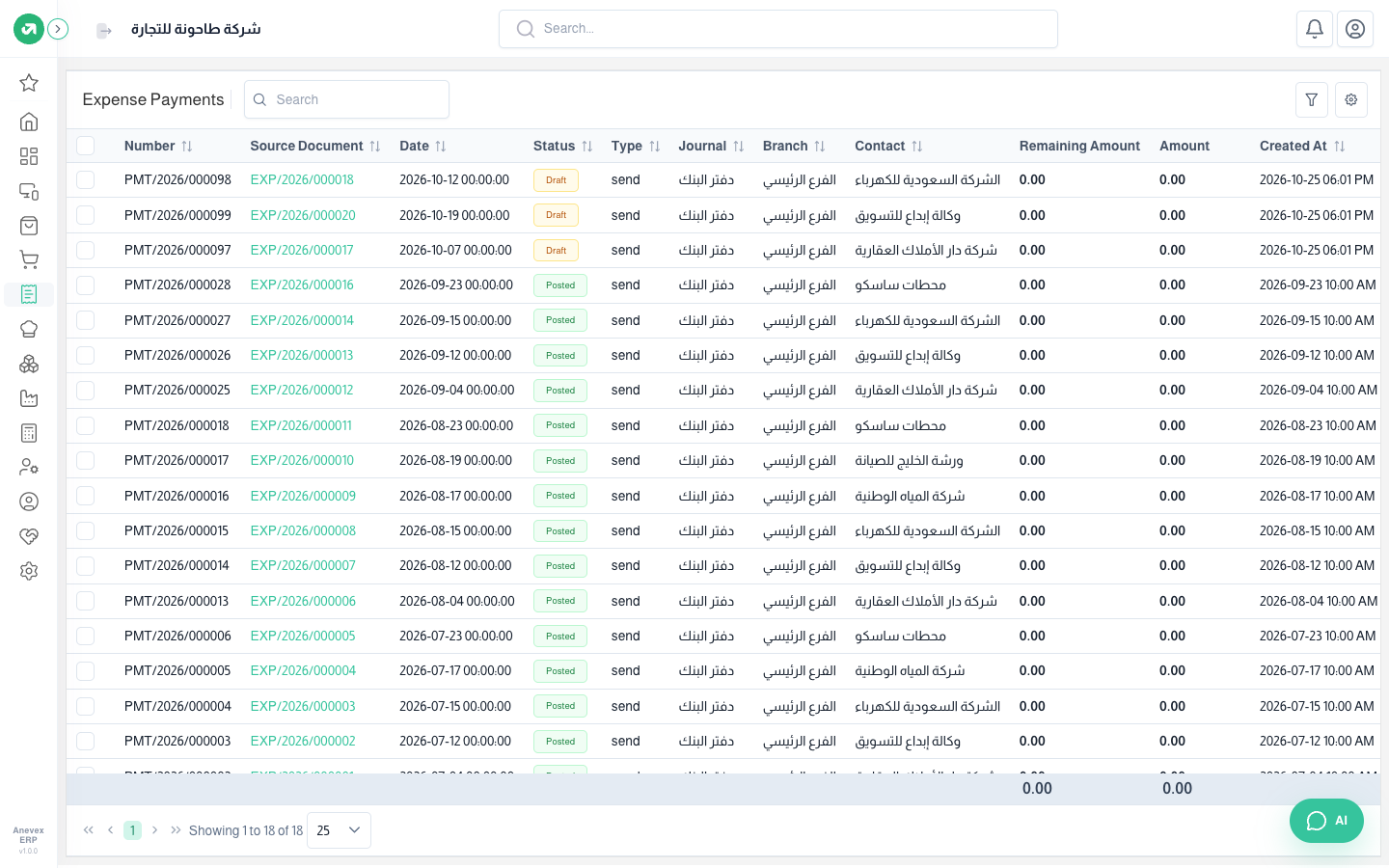
- To pay: open the expense and click Payment, then choose the date, payment method and amount. The button only shows on a posted expense that is not fully paid.
- You can pay in instalments. If you pay less than what remains, you can mark the expense fully paid and post the difference to an account.