
Requests for Quotation
Send the same product list to several suppliers, record each supplier’s offer, then pick the best one and turn it into a purchase order.
Overview
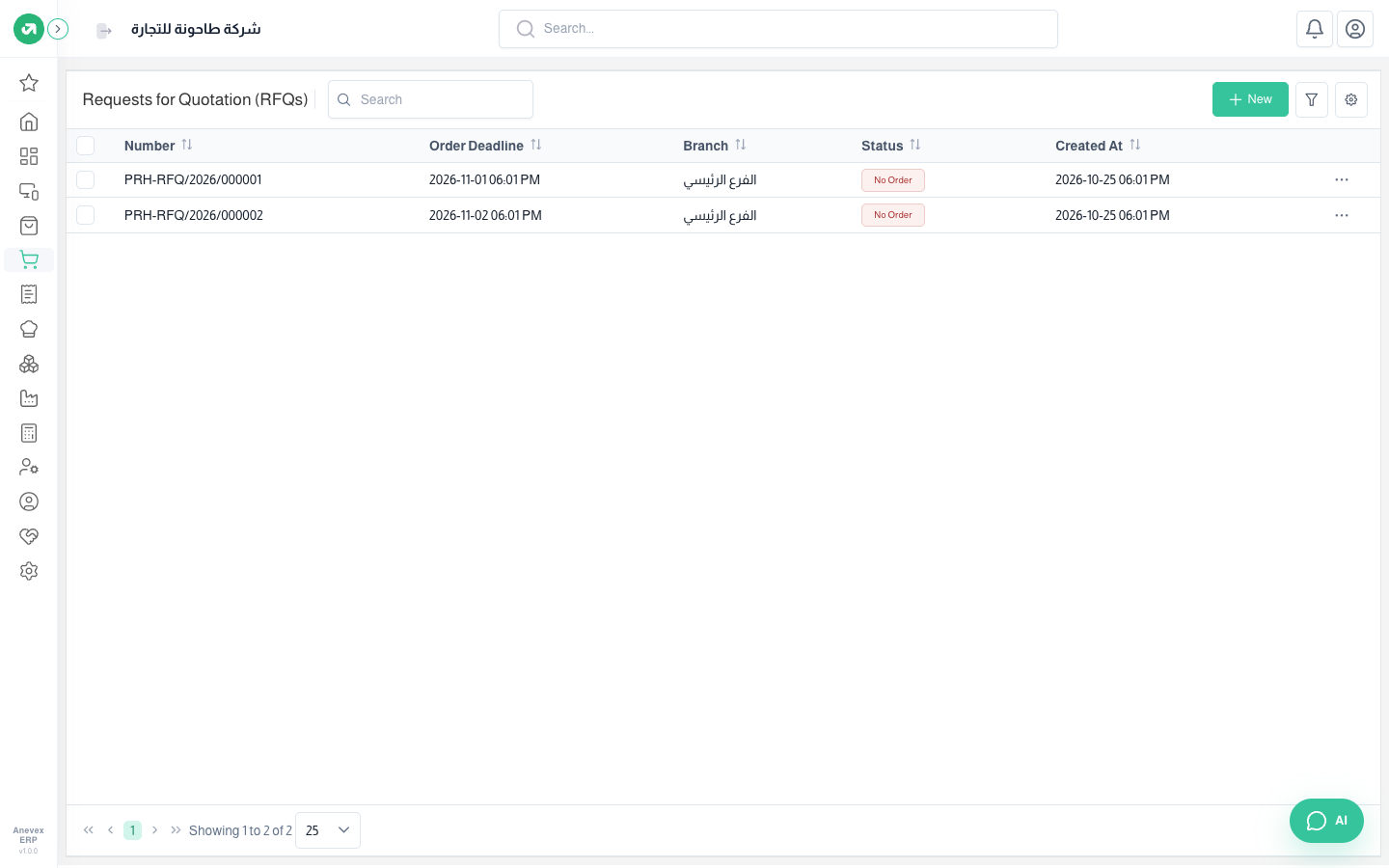
Where to find itPurchasesOperationsRequests for Quotation
Steps
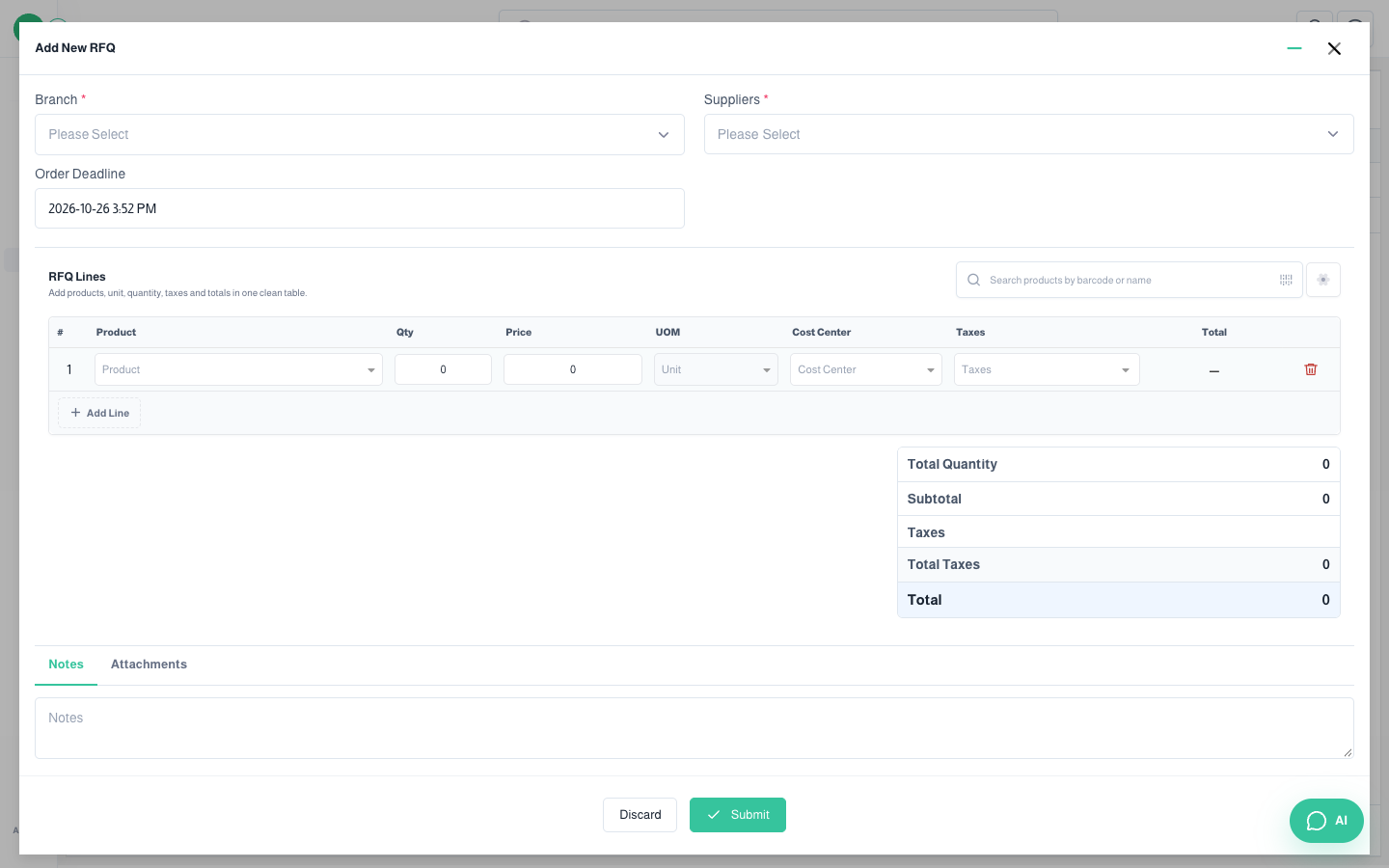
- Click New, choose the Branch and Suppliers (more than one), and set the Order Deadline.
- Add products and quantities, then click Submit.
- When replies arrive, open the request and enter each supplier’s offer (price, discount, tax).
- Accept the best offer, then choose Confirm to create the purchase order at that offer’s prices.
Notes
- You cannot confirm before accepting a supplier’s offer; you get "You have to select the accepted offer first".