Classifications
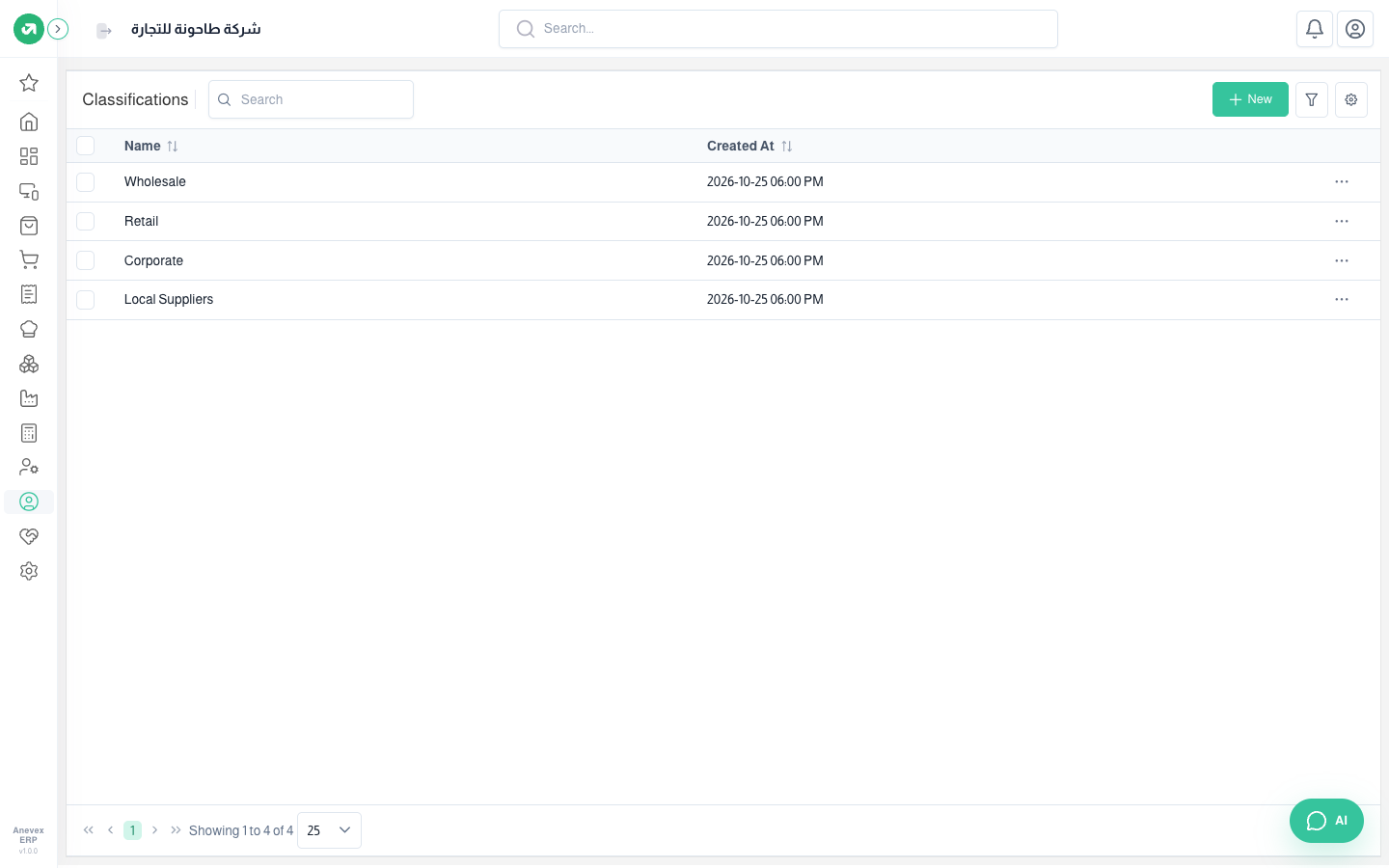
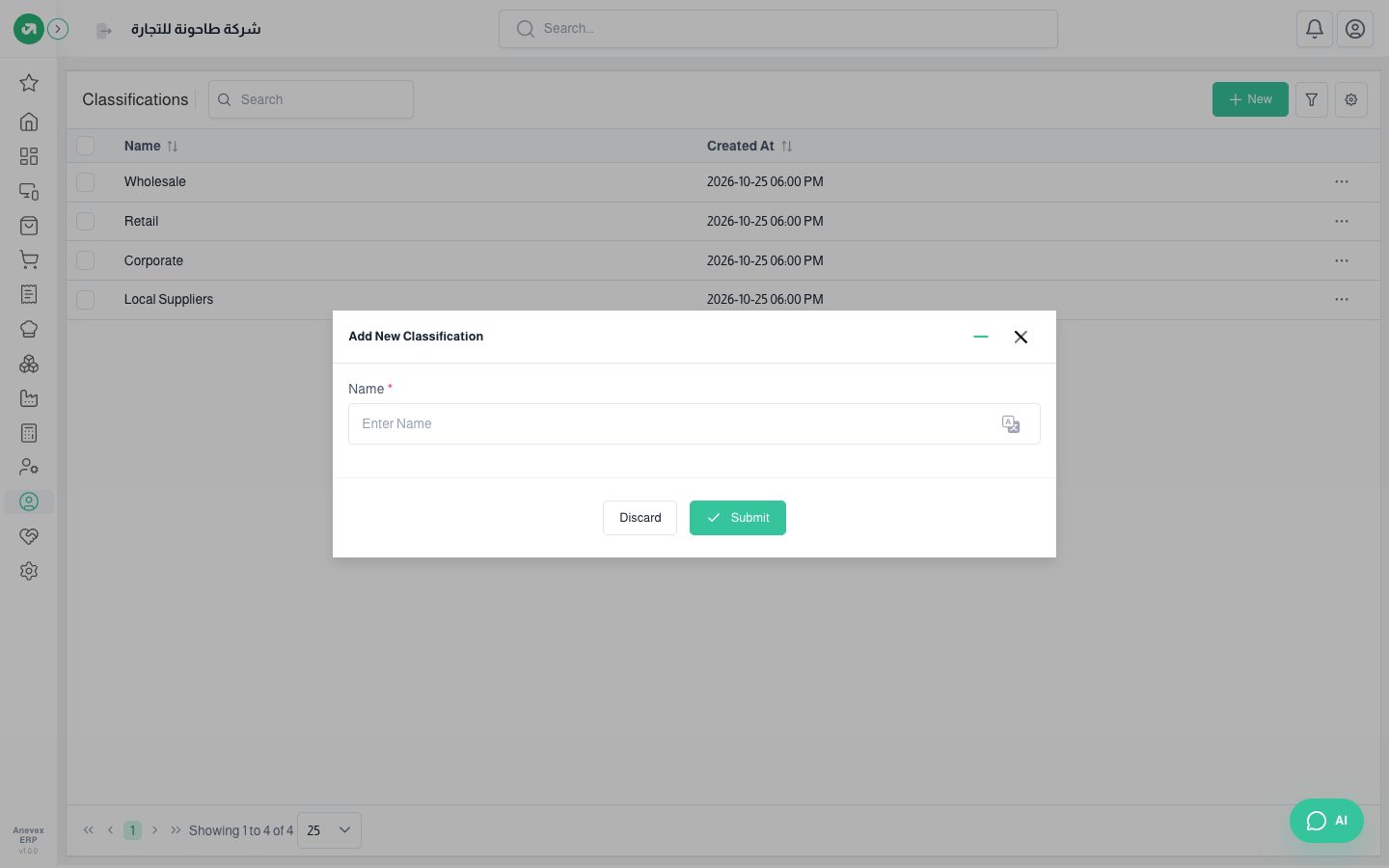
Groups you split customers and suppliers into, like wholesale, retail, corporate and local suppliers. Use them for filtering, reports and bulk edits.

Groups you split customers and suppliers into, like wholesale, retail, corporate and local suppliers. Use them for filtering, reports and bulk edits.