Contacts
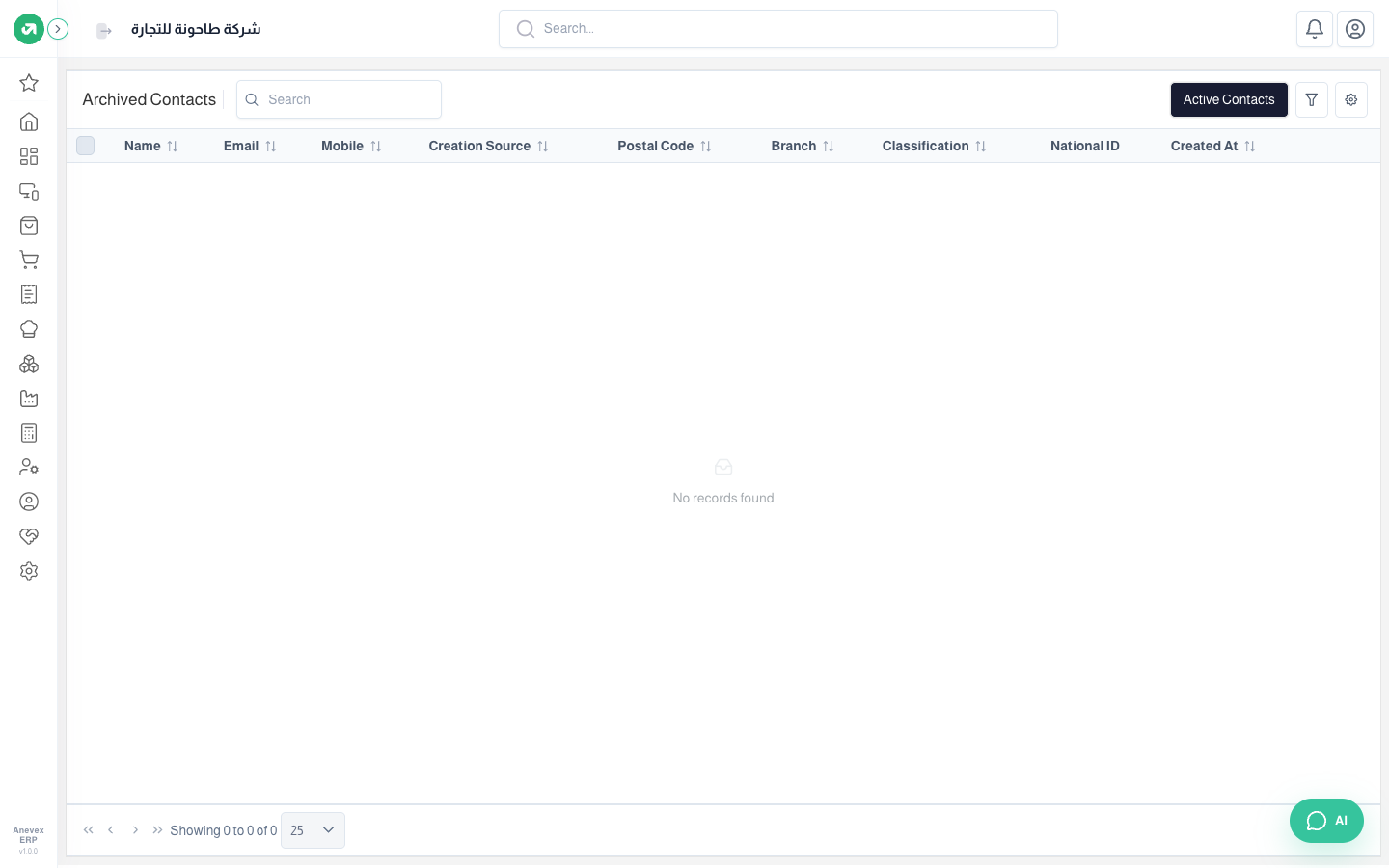
Every customer and supplier in one list, plus the archived (deleted) contacts and restoring them.
Overview
Where to find itContactsContacts
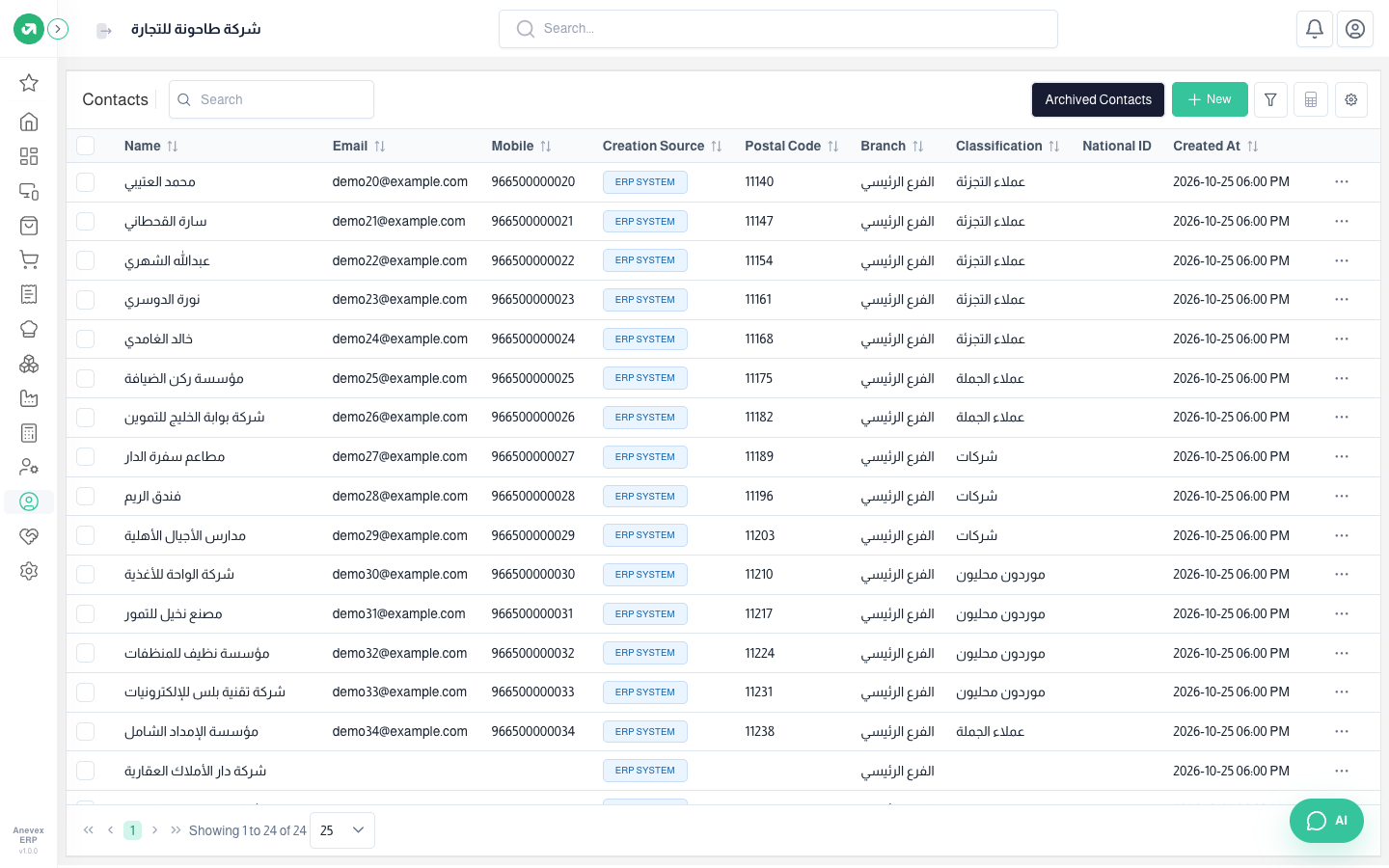
- The same list tools as Customers: search, filter, sort, choose columns, and bulk-edit the selected rows.
- New here adds a contact and you choose whether it is a customer, a supplier or both.
- Archived Contacts shows deleted customers and suppliers; restore one from … → Restore. Active Contacts takes you back to the list.