
Suppliers
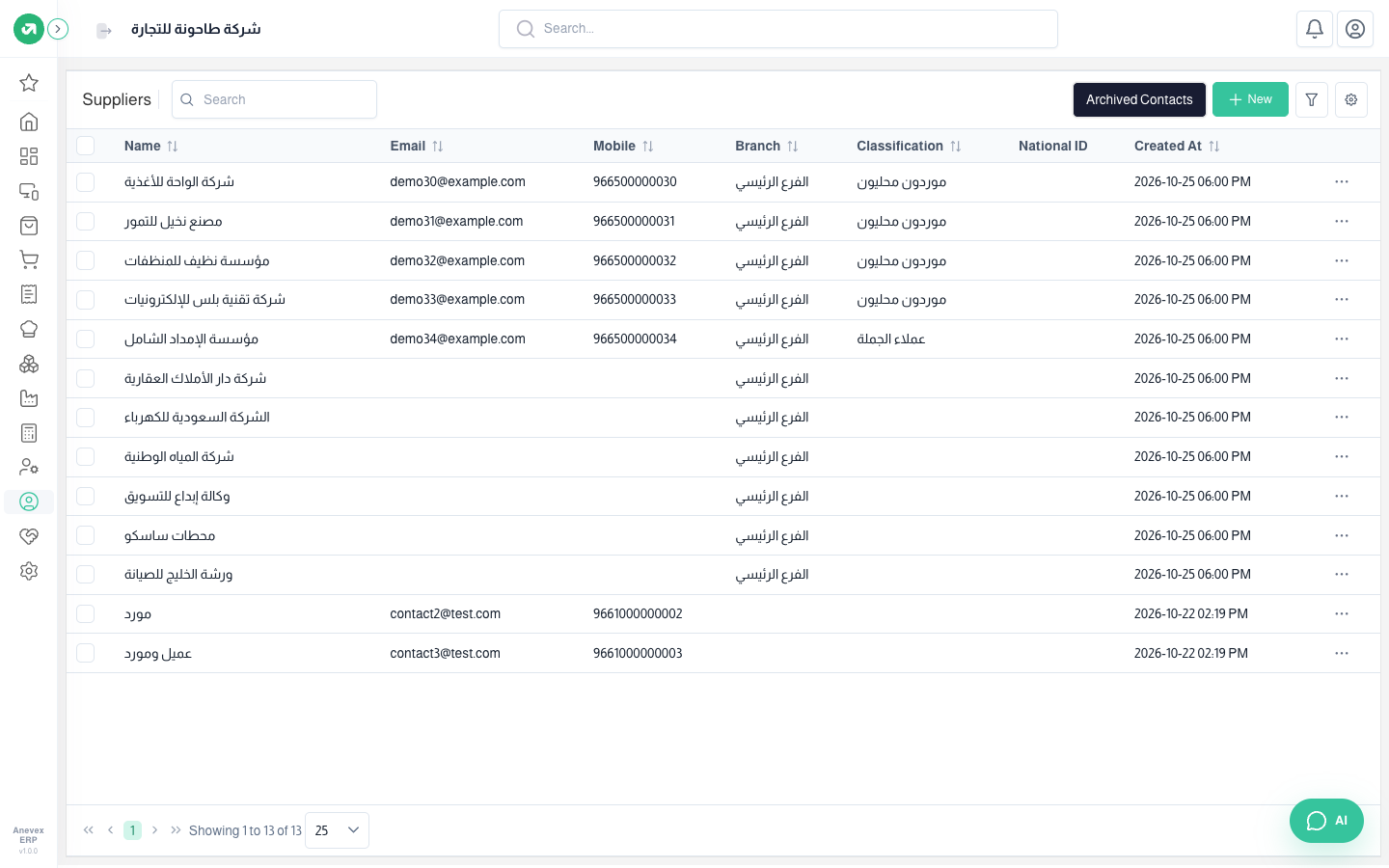
Those you buy goods or services from: goods suppliers, the landlord, the electricity and water companies, maintenance. Suppliers then appear in RFQs, purchase orders, purchase bills and expenses.
Overview
Where to find itContactsSuppliers
Steps
- Click New.
- Type the Name and choose the Type (Individual or Company).
- Fill in the mobile, email, address, branch, classification and Payment Term (for example net 30 days).
- Click Submit.
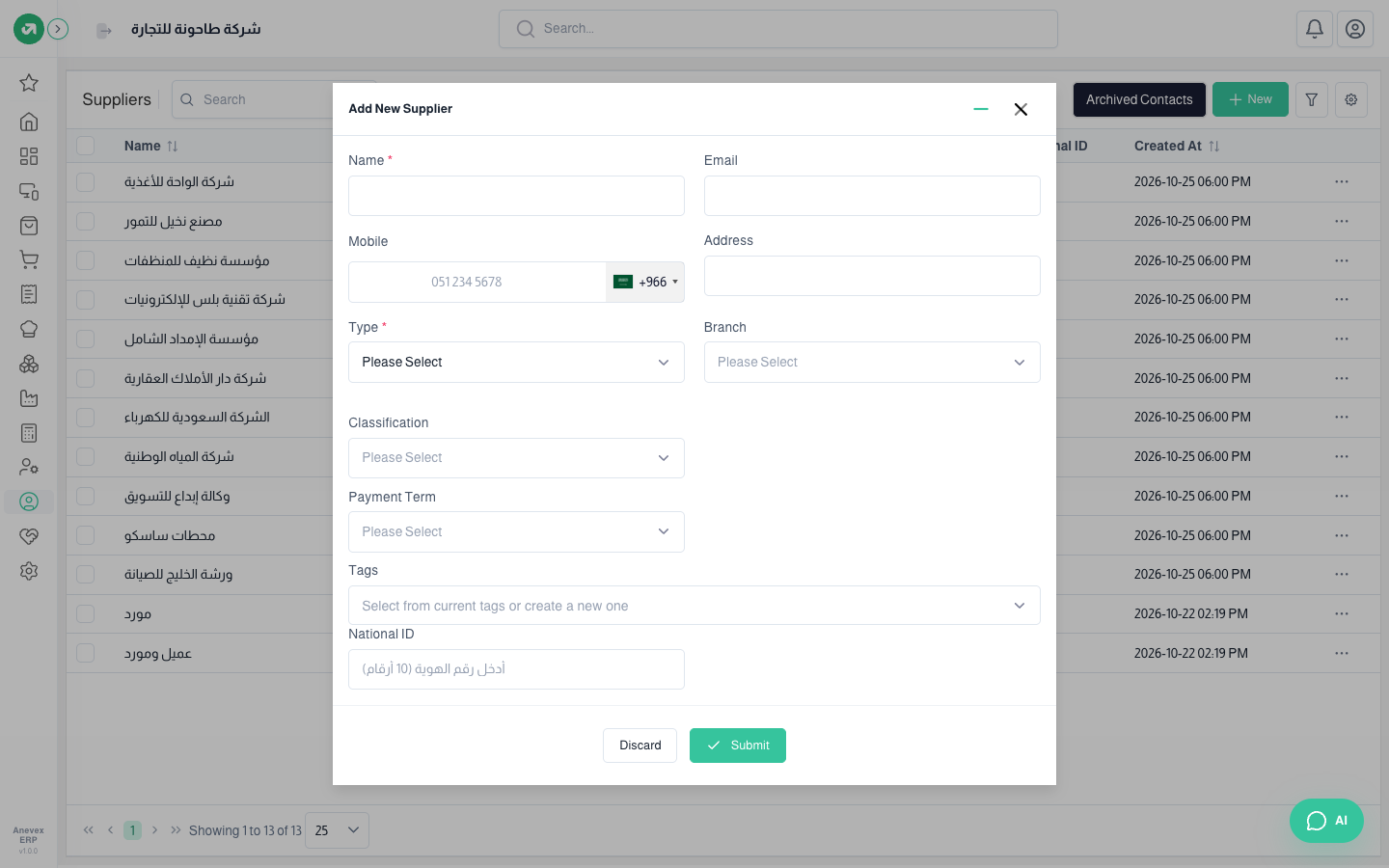
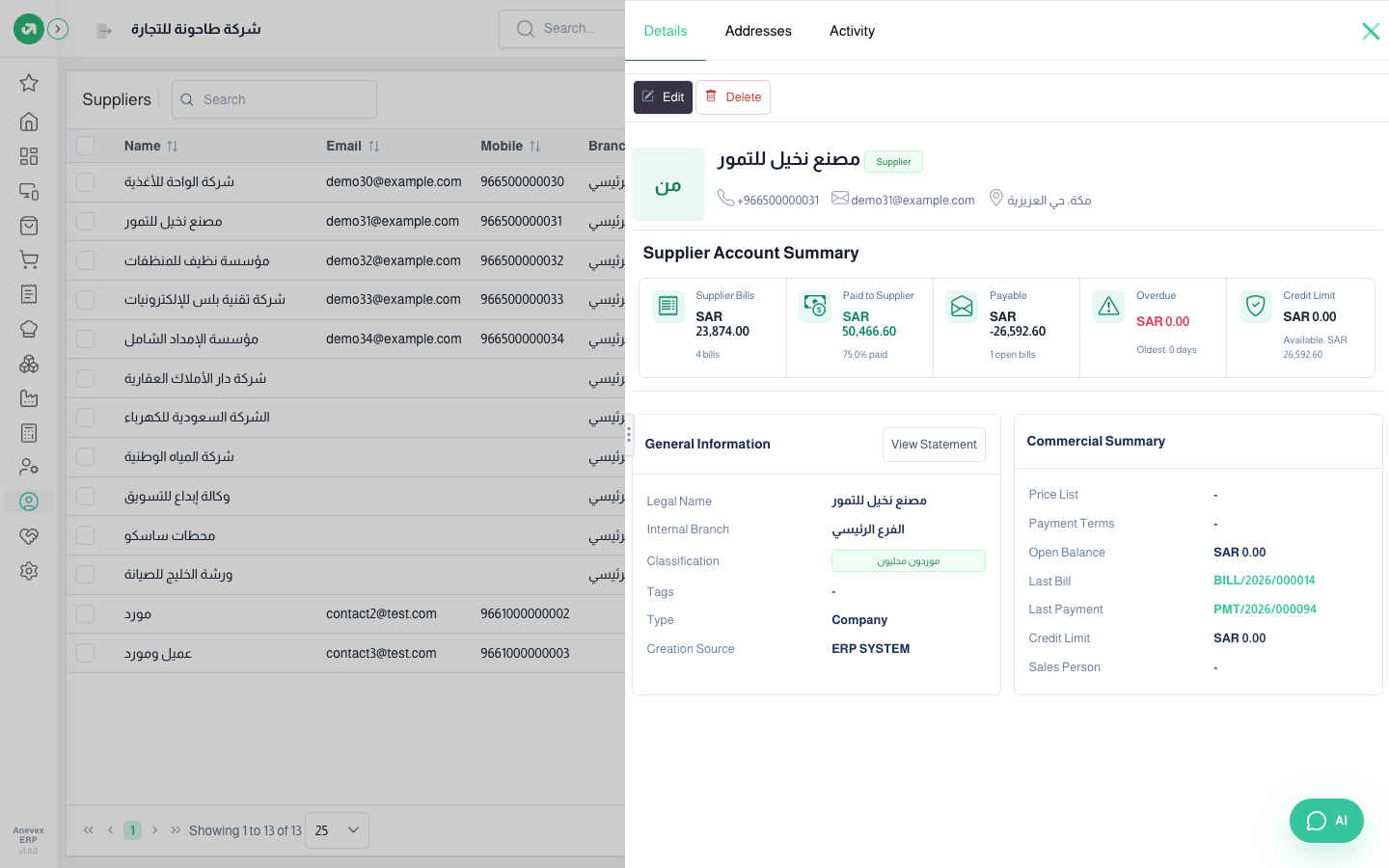
The supplier form is like the customer form without the sales price list. From … → View the supplier file opens: the Supplier Account Summary (supplier bills, paid to supplier, what you owe, overdue, credit limit), then the general information and the commercial summary with the last bill and last payment.
Notes
- A negative balance on a supplier file means you paid more than their bills (an advance taken off future bills).
- One contact can be both a customer and a supplier; it shows in both lists.