
Anevex AI Assistant
A conversation with the assistant: ask in plain words and it answers from the system’s data, with tables and charts when useful.
Overview
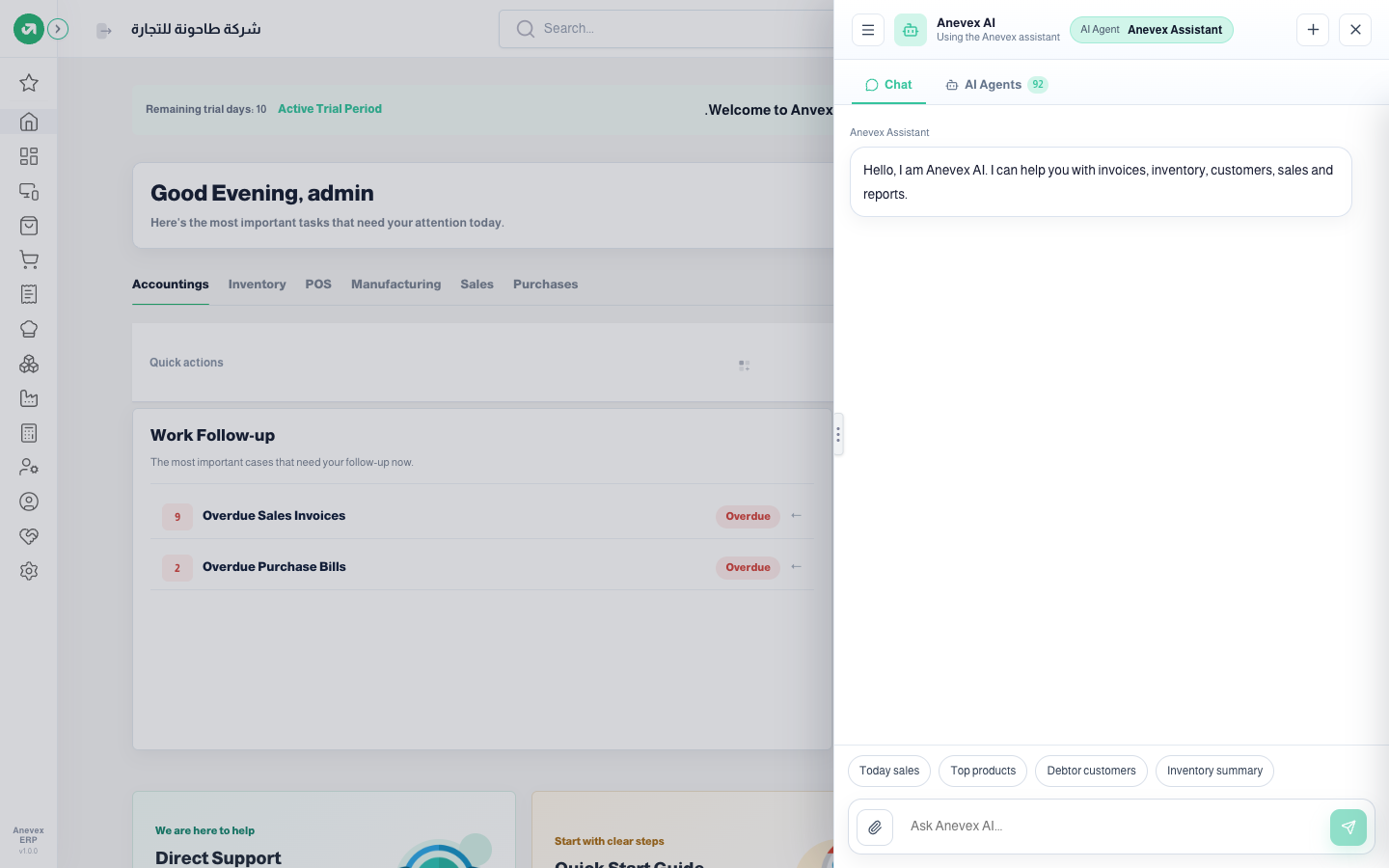
Where to find itAI button at the bottom of any screen
Steps
- Click the green AI button at the bottom of the screen. The chat panel opens beside the screen you are on.
- Type your question in Ask Anevex AI, or click a quick suggestion: Today sales, Top products, Debtor customers, Inventory summary.
- Click send. Under the question you see each tool the assistant uses while it looks (for example list sales invoices), then the answer.
- To attach a file (an invoice photo, an Excel file…) click the paperclip.
- Ask follow-up questions in the same conversation; the assistant remembers what came before. For a new one click +.
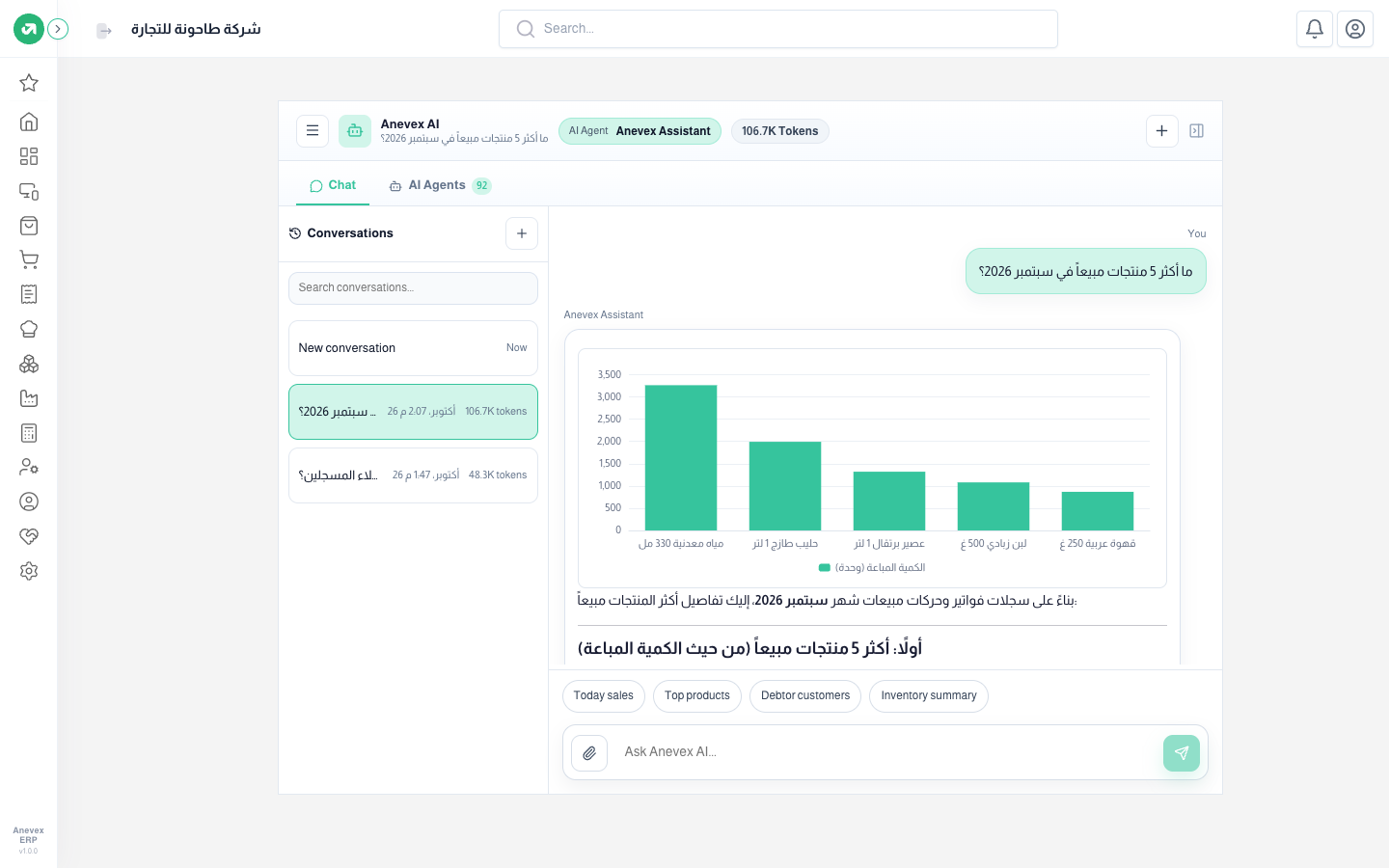
- Conversations: all your past conversations with a search, each with its date and the tokens it used.
- The top of the chat shows the agent answering (Anevex Assistant by default) and the tokens used. From the AI Agents tab you pick a specialised agent for the chat.
- The same assistant has a full page at /ai if you prefer a bigger screen.
Notes
- Make the question specific: the period (September 2026), the measure (quantity or value) and how many (top 5). A vague question makes the assistant read more data and use more tokens.
- Check important figures against the reports themselves before relying on them for a decision.