
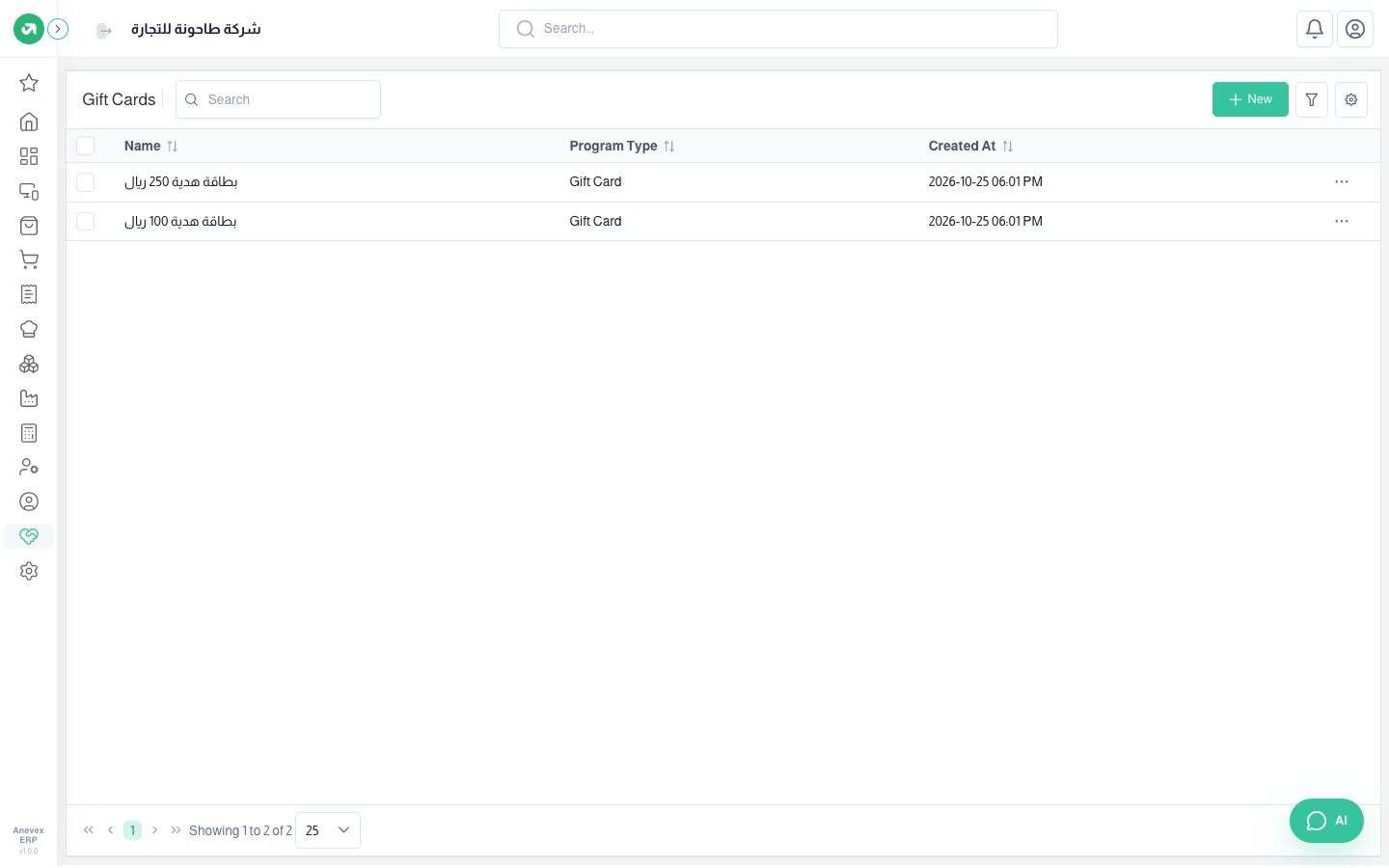
Gift Cards
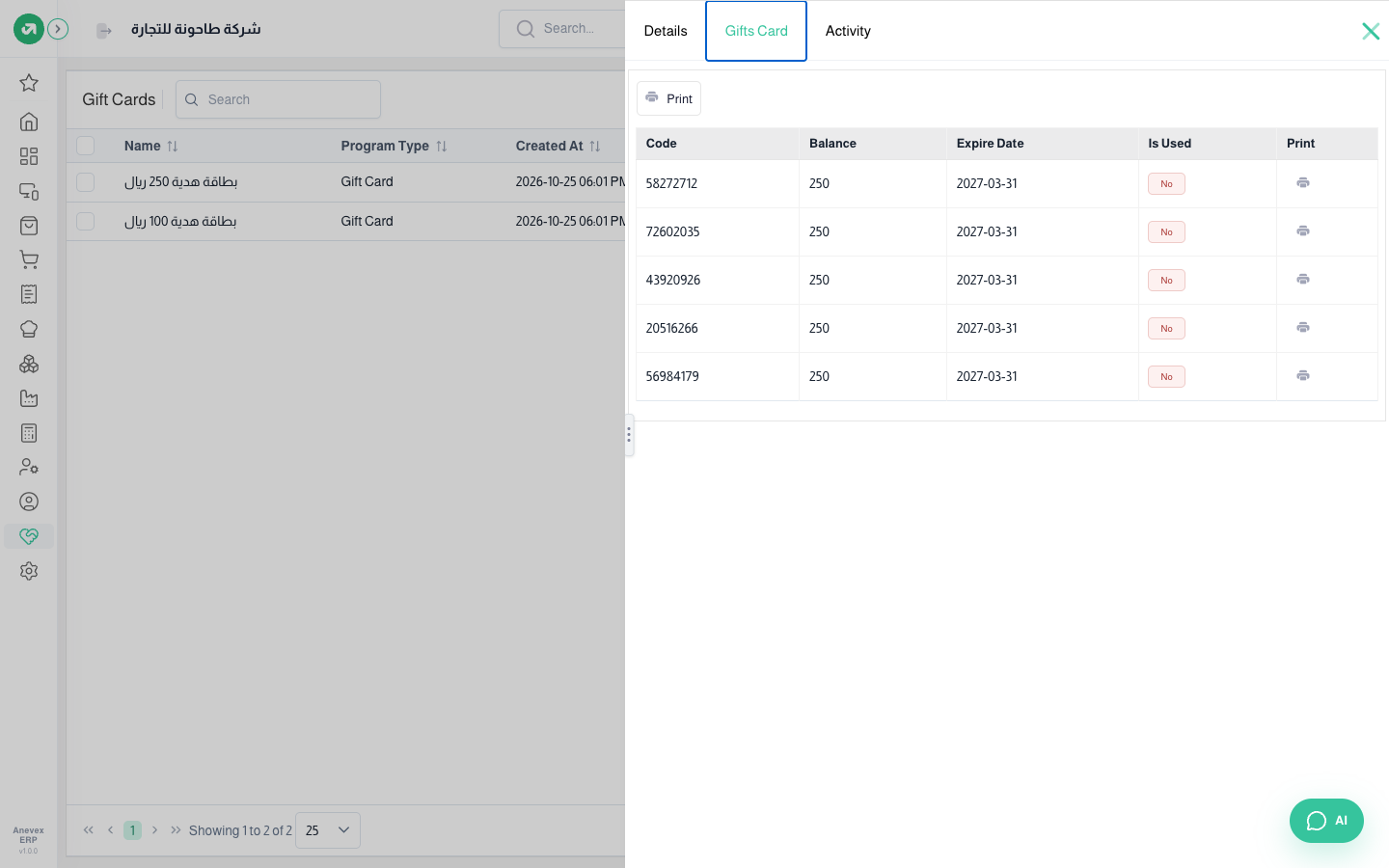
A card sets the channels (POS, sales, shop) and the customers, registers and products it is valid for. Each card has codes, each with a balance and expiry date, and the balance is used up at checkout.
Overview
Where to find itCustomer Loyalty & OffersPricing & OffersGift Cards
Steps
- Click New, enter the name and choose channels and restrictions, then Submit.
- Open the card and click Create Gift Cards, then enter the count, balance and expiry date. The system creates 8-digit codes.
- From the codes tab, print each code’s barcode to hand to the customer.
Notes
- Codes are generated randomly without a duplicate check; review them before handing out large batches.