
Loyalty Rules
How customers earn points. When a cashier order for a registered customer is completed, every rule active today that fits the customer is applied, adding a points transaction per rule.
Overview
Where to find itCustomer Loyalty & OffersLoyalty ProgramLoyalty Rules
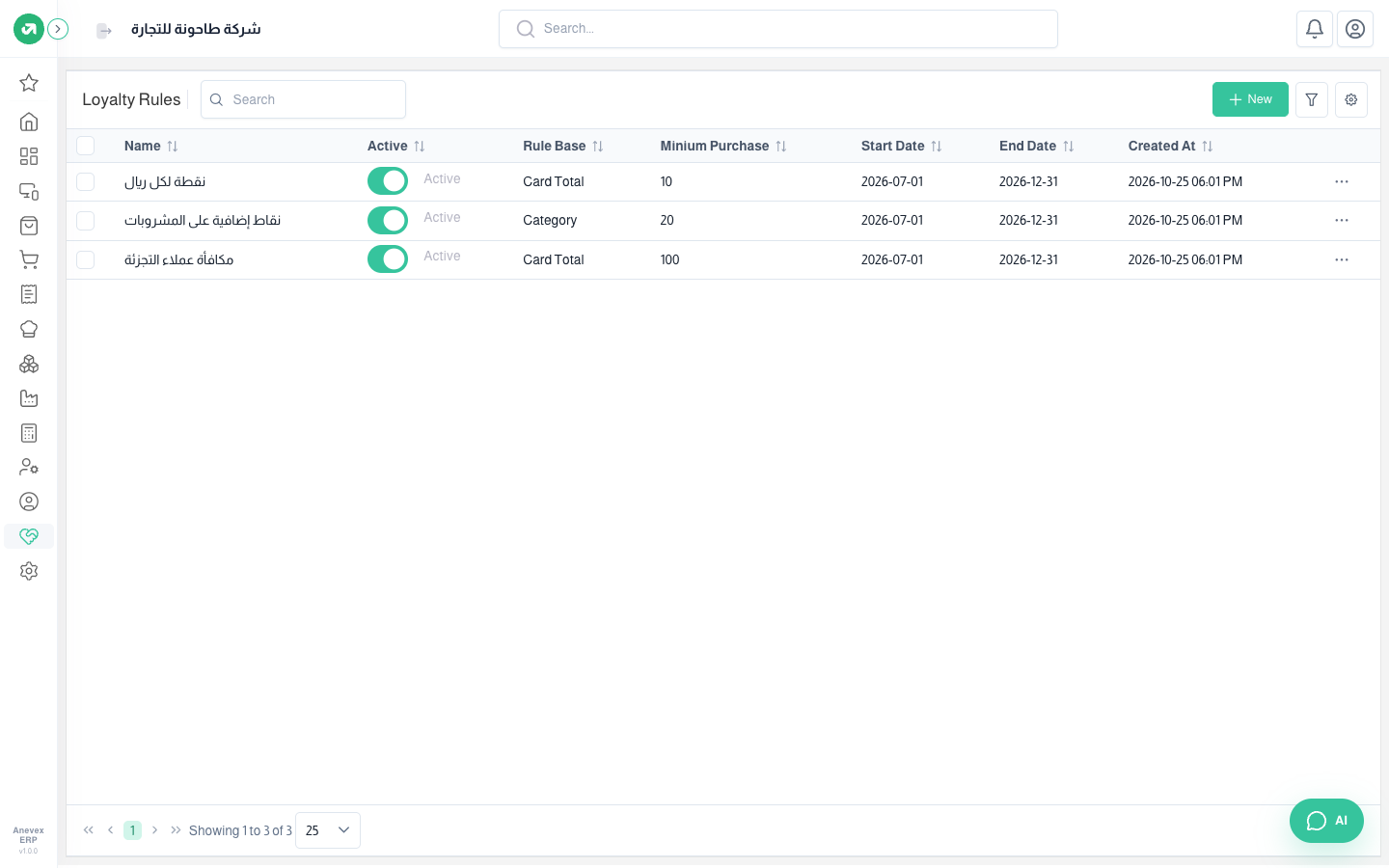
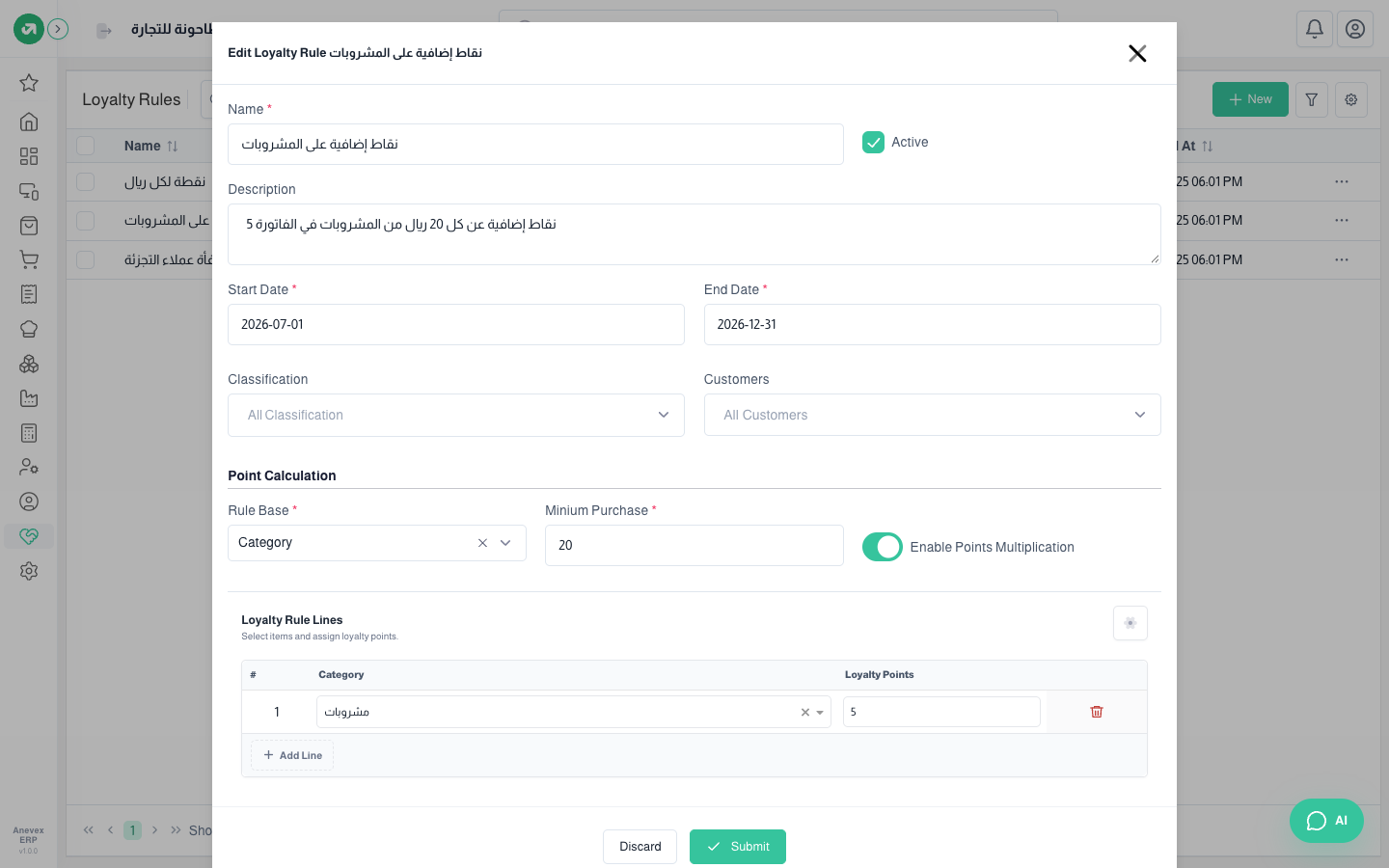
Fields
| Field | Required? | Description |
|---|---|---|
| Rule base | Required | Bill total, category, product, shop category, POS category |
| Minimum purchase | Required | The amount needed (bill, category or product line) before points are given |
| Points multiplication | Optional | On: points = amount × points ÷ minimum (every 10 riyals = 10 points). Off: a fixed number of points per qualifying bill |
| Classification / Customers | Optional | Limits the rule to a customer classification or specific customers |
| Start / End date | Required | The rule only works within this period |
Notes
- POS category rules give no points for now, because points calculation does not handle that type. Use the category base instead.
- Turning loyalty on for POS and the shop, the point value, and how long a redemption code lasts are set in Settings → Loyalty.