Global Search
One box at the top of every screen that searches contacts, products and documents together, and takes you straight to the record without opening its screen first.
Overview
Where to find itTop barSearch box
Steps
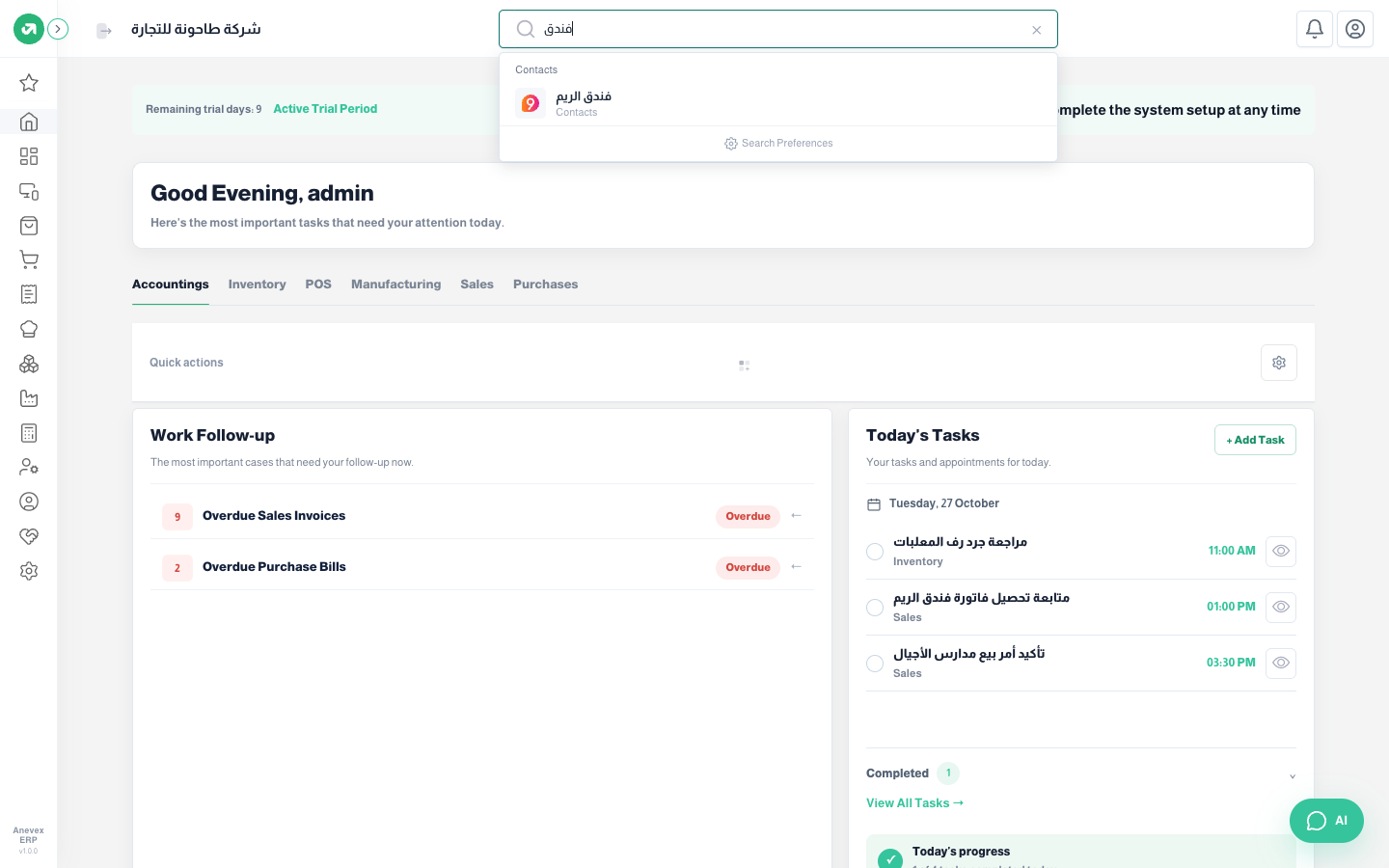
- Click the Search box and type part of a name or number, for example "hotel" or an invoice number.
- Results appear grouped by type (contacts, products, sales invoices…). Click a result to open the record.
- Before you type, Recently Searched shows your last searches; Clear removes them.
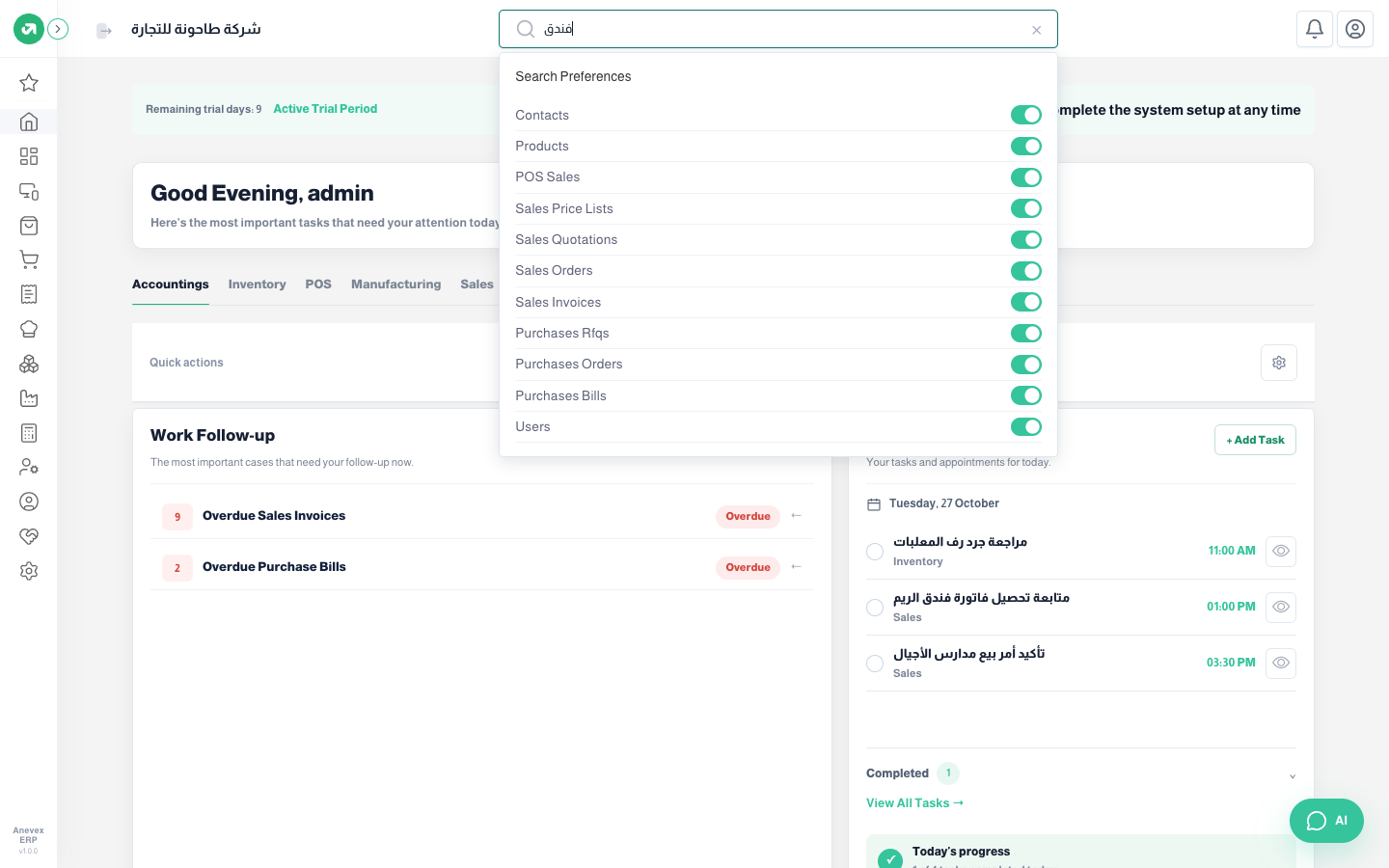
Search Preferences (the gear inside the results) sets where the system searches: contacts, products, POS sales, price lists, quotations, sales orders, sales invoices, RFQs, purchase orders, purchase bills and users. Turn off what you do not need for faster, clearer results, then click Save Changes.