
Home page
The first screen after you sign in. It sums up what needs your attention today.
Overview
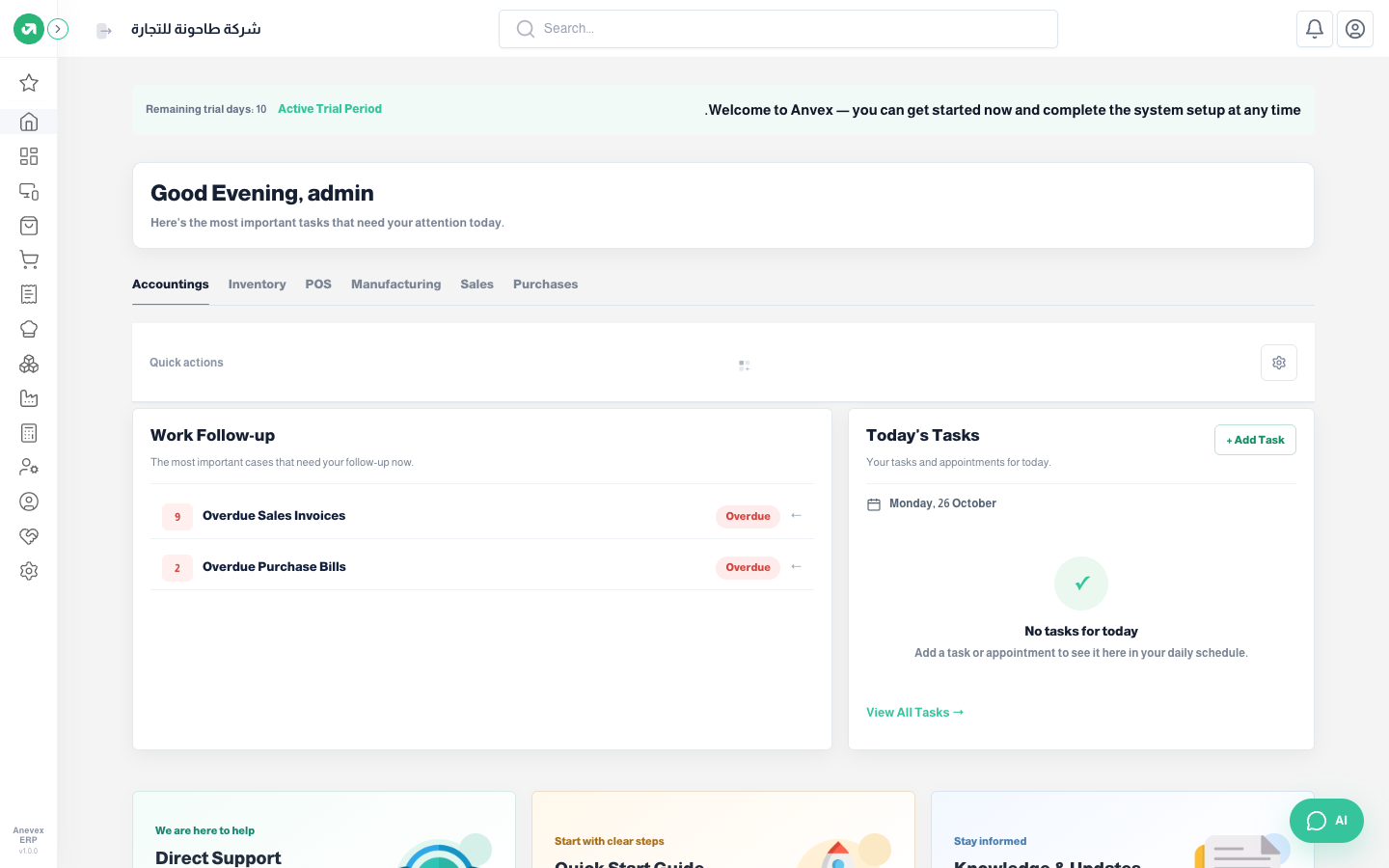
- Top bar: company name, a Search box that jumps to any screen or record, the current fiscal year, notifications and the user menu.
- Tabs: Accounting, Inventory, POS, Manufacturing, Sales and Purchases. Each tab shows its own Quick actions; tabs follow the modules you have switched on.
- Follow-ups: items waiting for an action from you.
- Today's Tasks: your tasks and appointments. Click + Add Task to add one.
- AI button: at the bottom of the screen, opens the AI assistant. It appears when the AI module is switched on.