
Signing in
Sign in to the system with your account. Each company has its own link, and an account only works on its own company link.
Overview
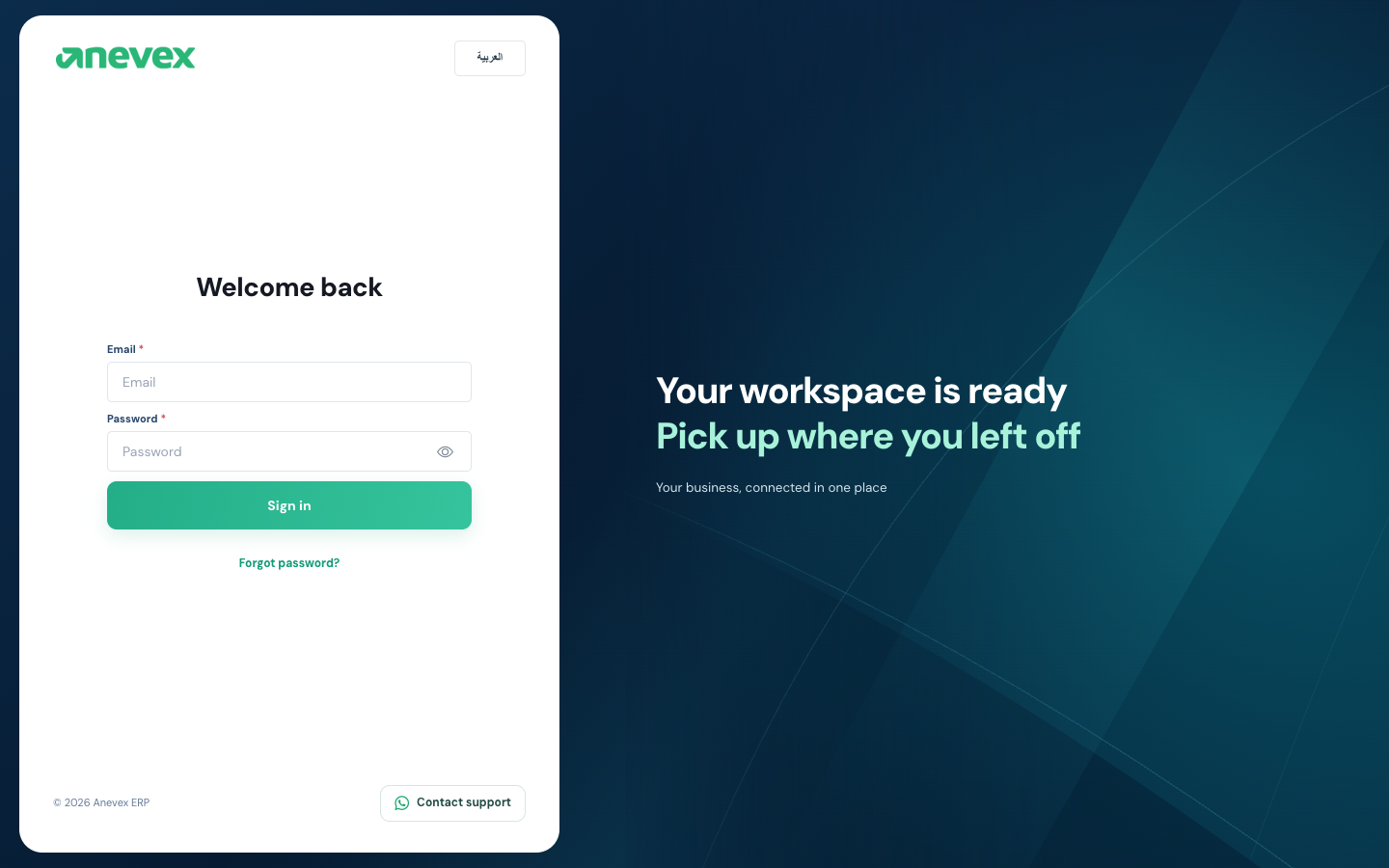
Steps
- Open your company link in the browser.
- To change the interface language, use the language button at the top of the form (العربية / English).
- Enter your Email and Password. The eye icon shows the password so you can check it.
- Click Sign in.
If the account is open on another device
Only one device can stay signed in per account. If you sign in while your account is open elsewhere, you will see Account active elsewhere with two choices:
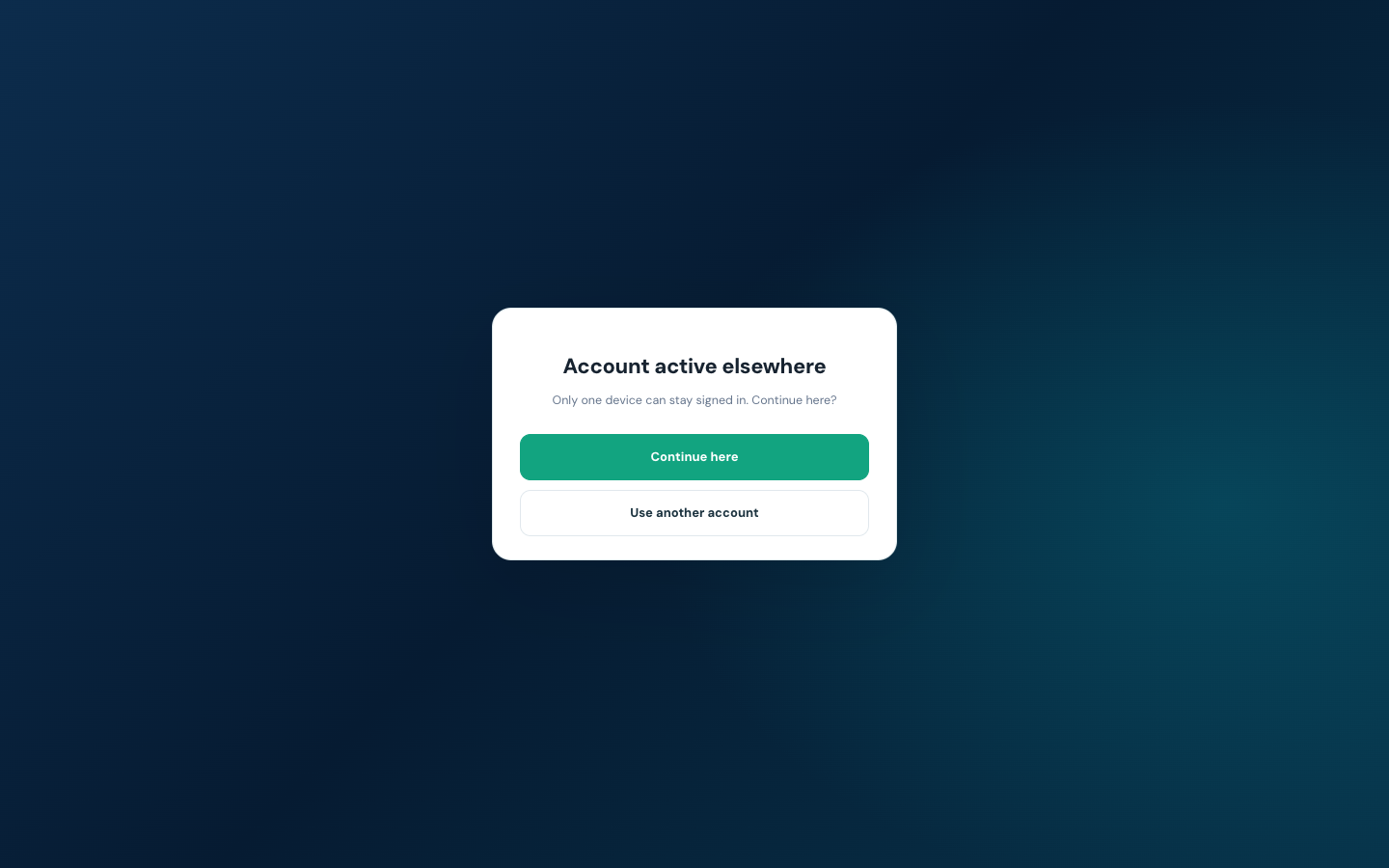
- Continue here: signs you in on this device and signs the other device out.
- Use another account: takes you back to the sign-in screen.
Notes
- Forgot your password? Click Forgot password? and a reset link will be sent to your email.
- The Contact support button at the bottom opens a WhatsApp chat with the support team.