
Sidebar
Overview
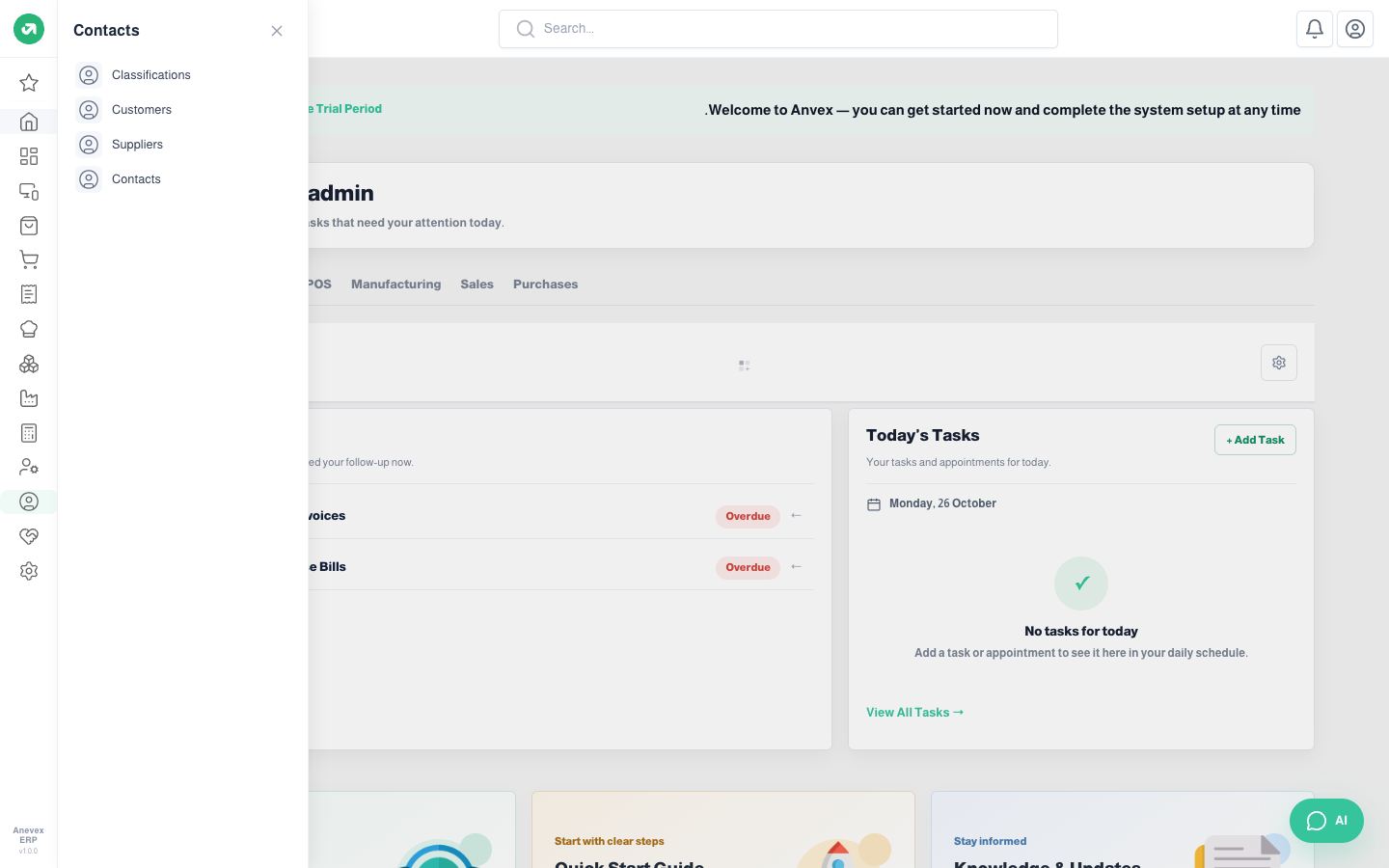
Each module has an icon in the sidebar. Clicking an icon opens a panel with that module's screens. The example below is the Contacts module.
Steps
- Hover over an icon to see the module name.
- Click the icon to open the panel, then pick the screen you need.
- To close the panel, click × or click the same icon again.
Notes
- The sidebar only shows modules active in your subscription and screens you have permission for. If a screen is missing, contact your system administrator.