
Assets
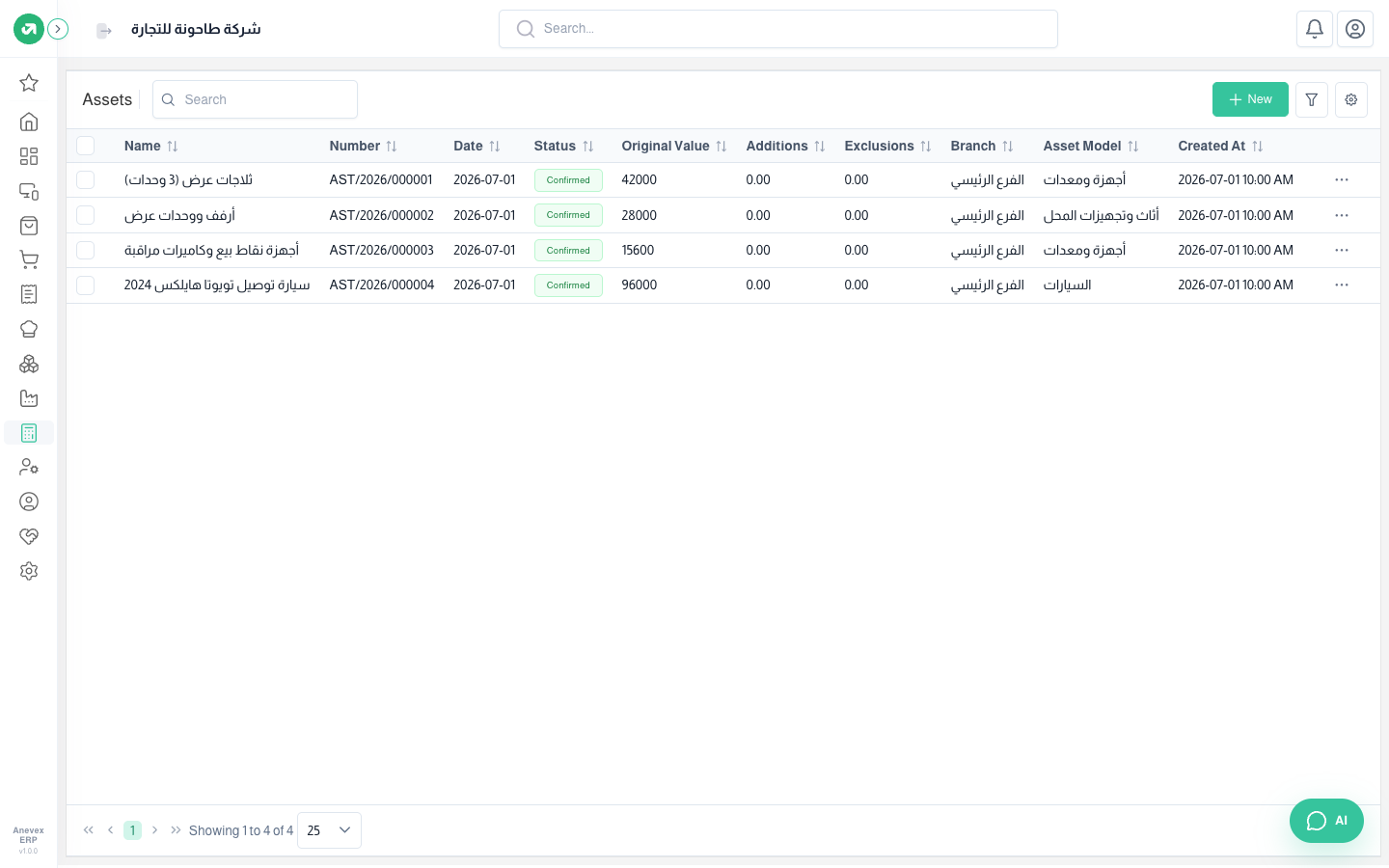
The fixed asset register. Adding an asset builds the full depreciation schedule; confirming it posts the depreciation entries already due, and the rest stay drafts until their date.
Overview
Where to find itAccountingAsset ManagementAssets
Fields
| Field | Required? | Description |
|---|---|---|
| Name / Branch / Date | Required | The date is when depreciation starts. |
| Original Value | Required | The purchase cost. |
| Not Depreciable Value | Optional | The expected end-of-life value (salvage), e.g. 12,000 for the van. |
| Additions / Exclusions | Optional | Improvements that add value or parts removed; depreciation is recalculated. |
| Asset Model / Purchase Bill | Required | The model sets the depreciation; you can link the purchase bill. |
Notes
- Registering an asset does not book the purchase; its value enters the books from the purchase bill or the opening balance entry.
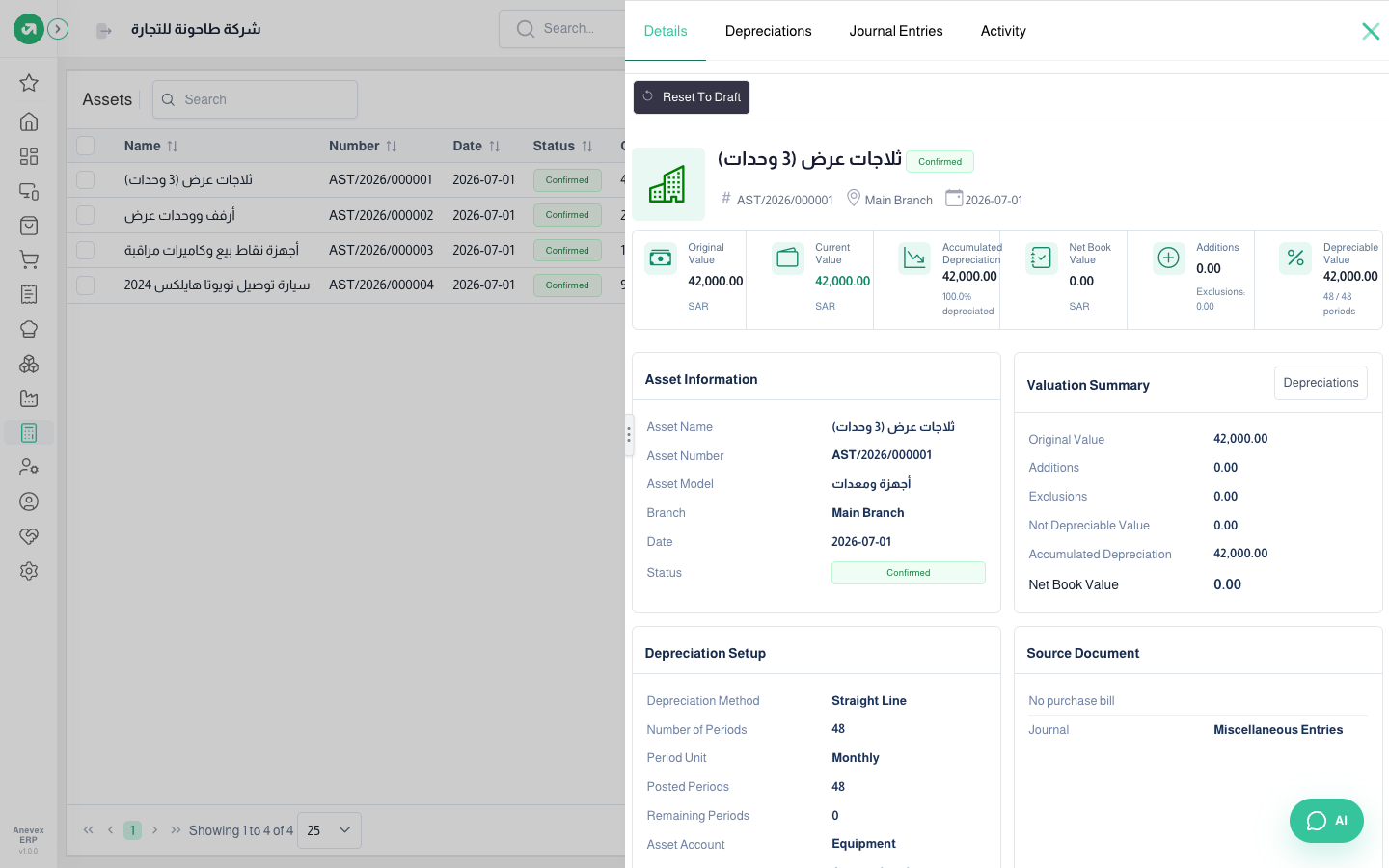
- The asset page shows accumulated depreciation as the full value (42,000 = 100%) and net book value as zero, because it adds up future, unposted instalments too. The correct figure (3,500 after 4 months) is in the Asset Details report.