
Customer Payments
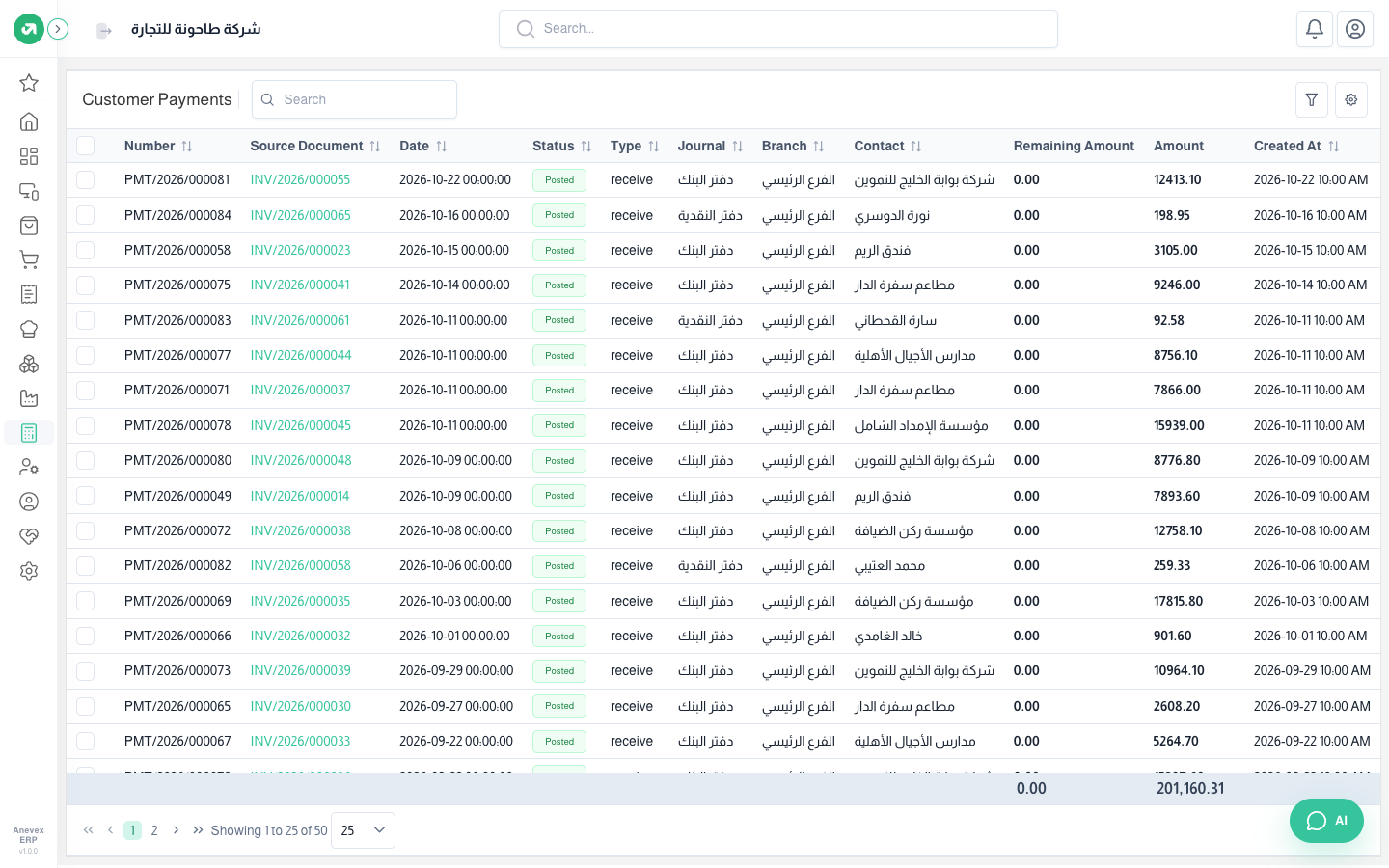
Every amount collected from customers, with the linked invoice and payment method.
Overview
Where to find itAccountingCustomersCustomer Payments
Steps
- Open the invoice and press Payment.
- The amount defaults to the outstanding balance; change it for a partial payment.
- Choose the payment method, the journal (cash or bank) and the date; you can attach the receipt.
- Save, then post the payment so it reaches the entries and reports.
Notes
- If the customer paid slightly less and you want to close the invoice, choose "fully paid" and pick an account for the difference (such as discount allowed).