Credit Notes
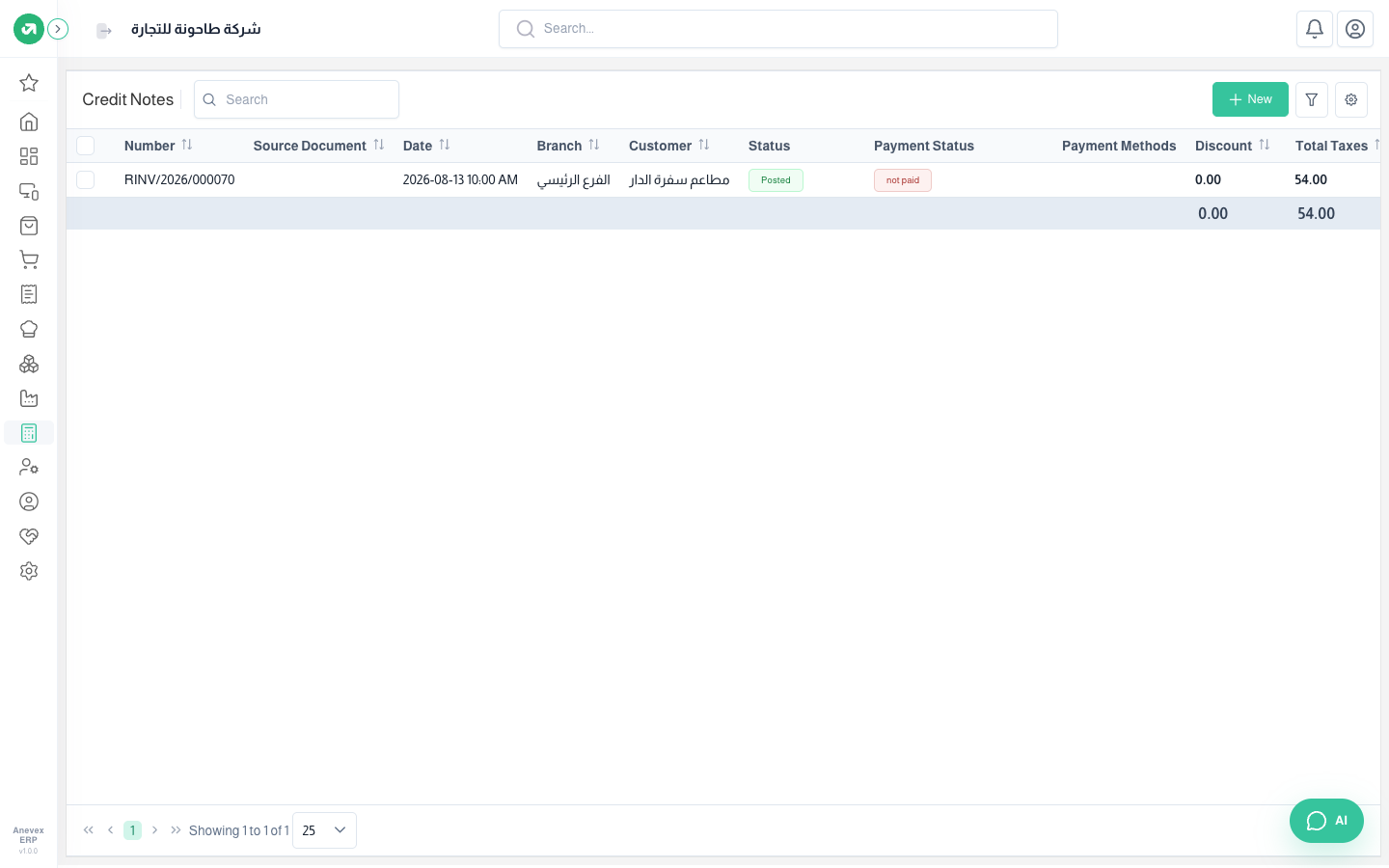
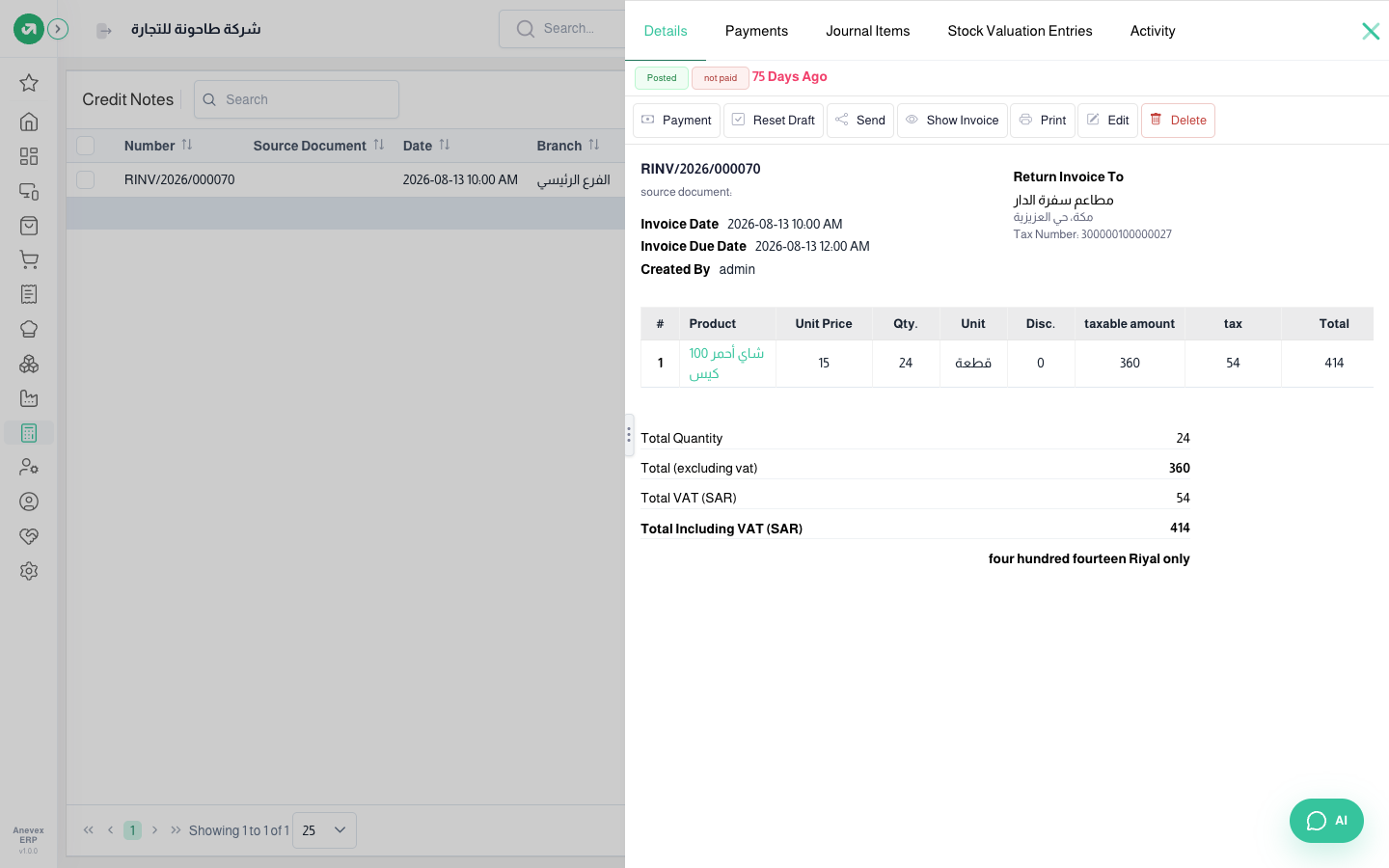
When a customer returns goods or gets a reduction after the invoice. The note reduces what the customer owes, sales and VAT, and puts the goods back through a return transfer.

When a customer returns goods or gets a reduction after the invoice. The note reduces what the customer owes, sales and VAT, and puts the goods back through a return transfer.