
Attendance Evaluation
Compares punches with the schedule, holidays, leave and permissions, and works out each day’s lateness, early leave, absence and overtime, then the deduction or addition under the policy. Its result is what the payslip reads.
Overview
Where to find itHR & PayrollAttendanceAttendance Evaluation
Steps
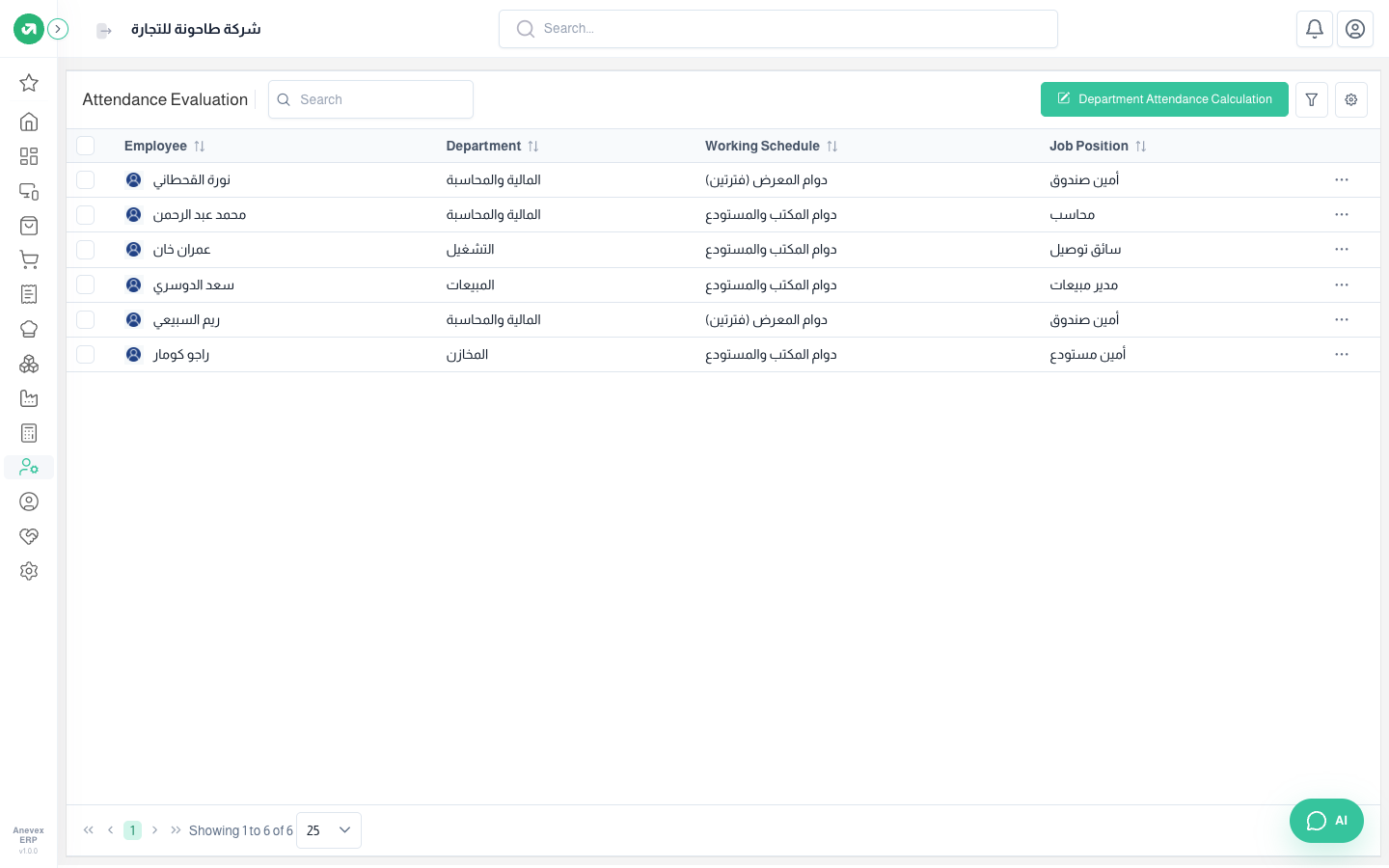
- After month end click Department Attendance Calculation, choose the department and payroll period.
- Repeat for each department. You can re-run it; earlier results are replaced.
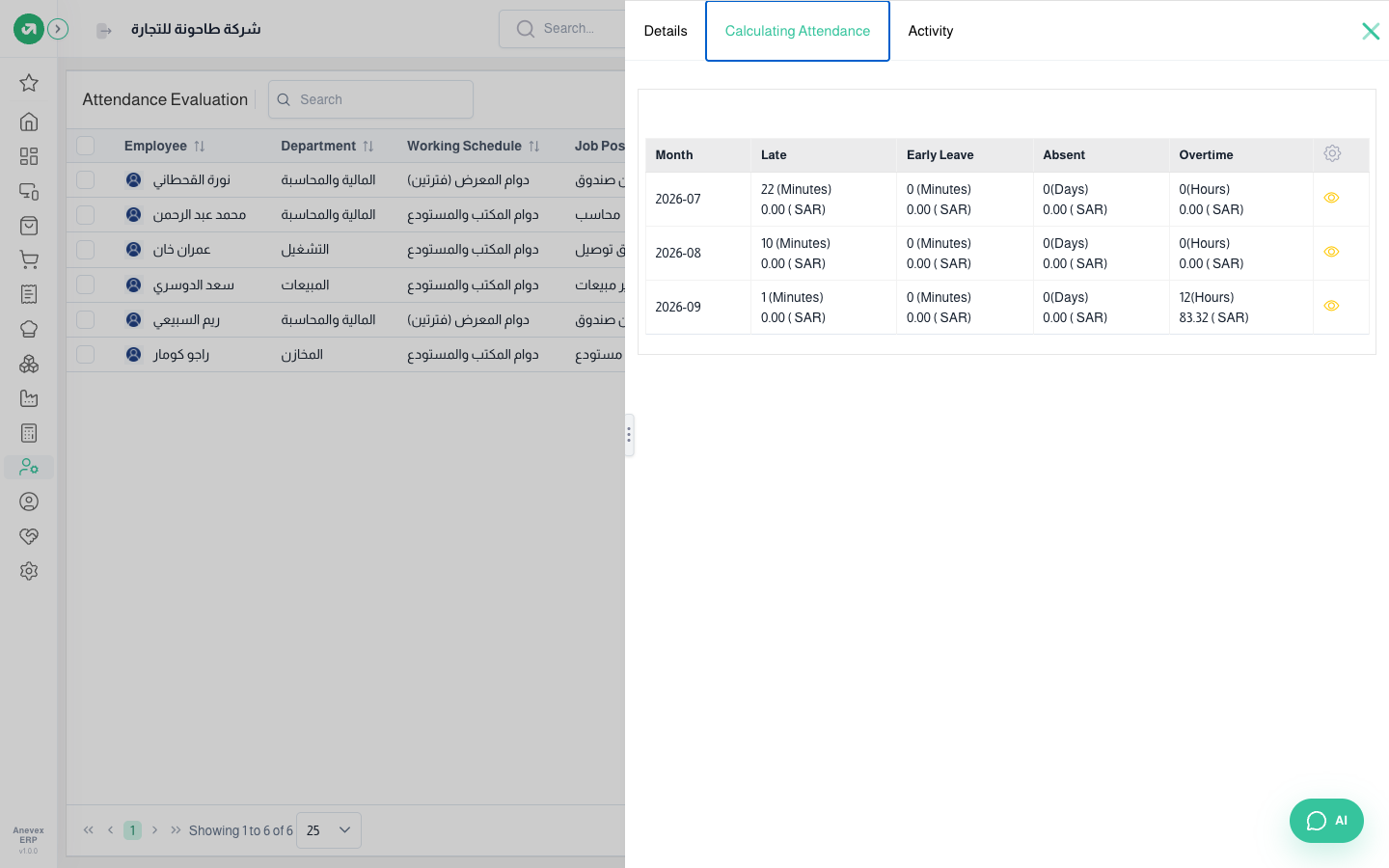
- Open an employee → Calculating Attendance tab to review each month, and click the eye for the daily detail.
Notes
- The calculate button inside a single employee shows the result but does not save it; use the department evaluation so it reaches the payslip.
- Evaluate a month after it ends. Future days without punches count as absences.