
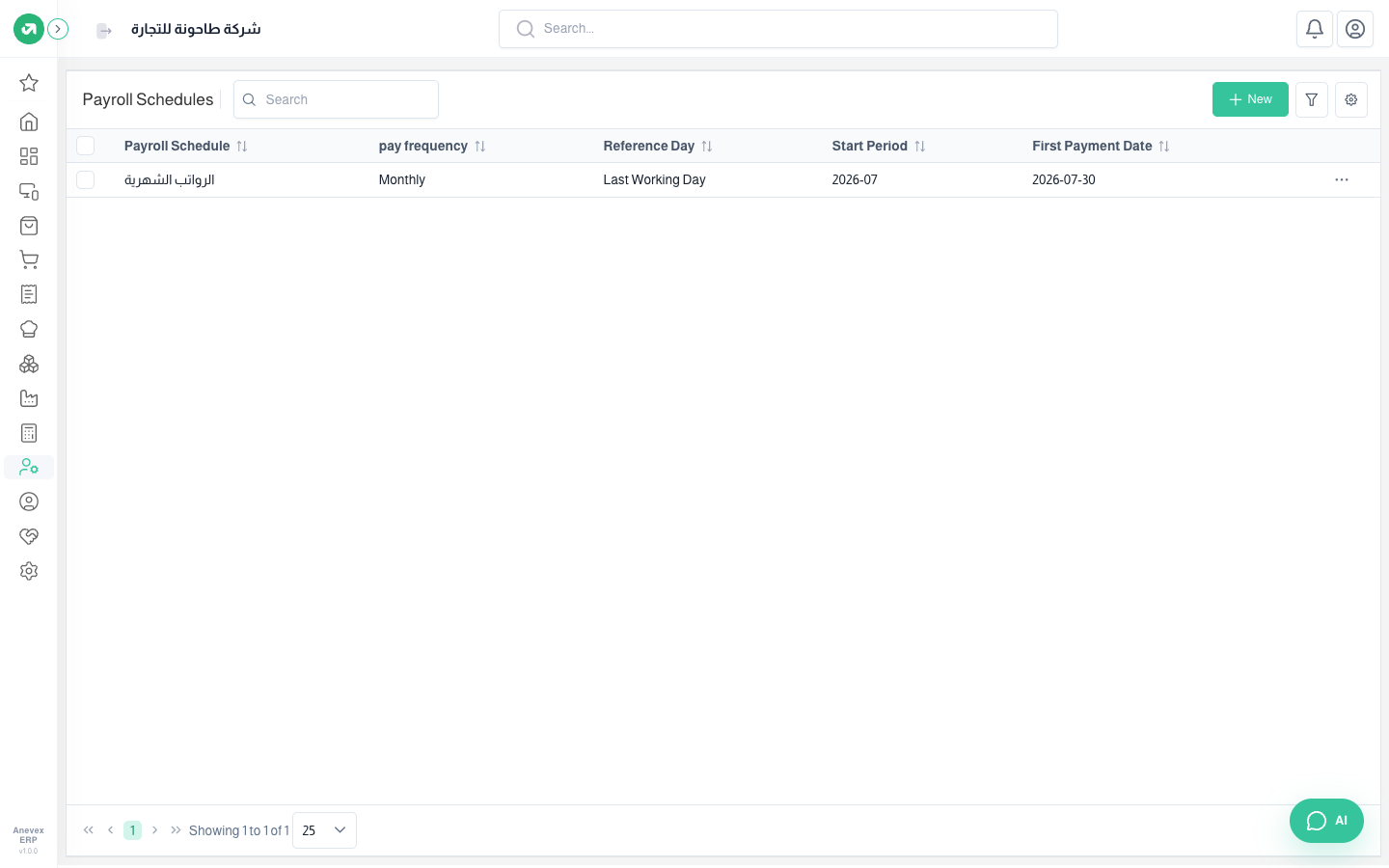
Payroll Schedules
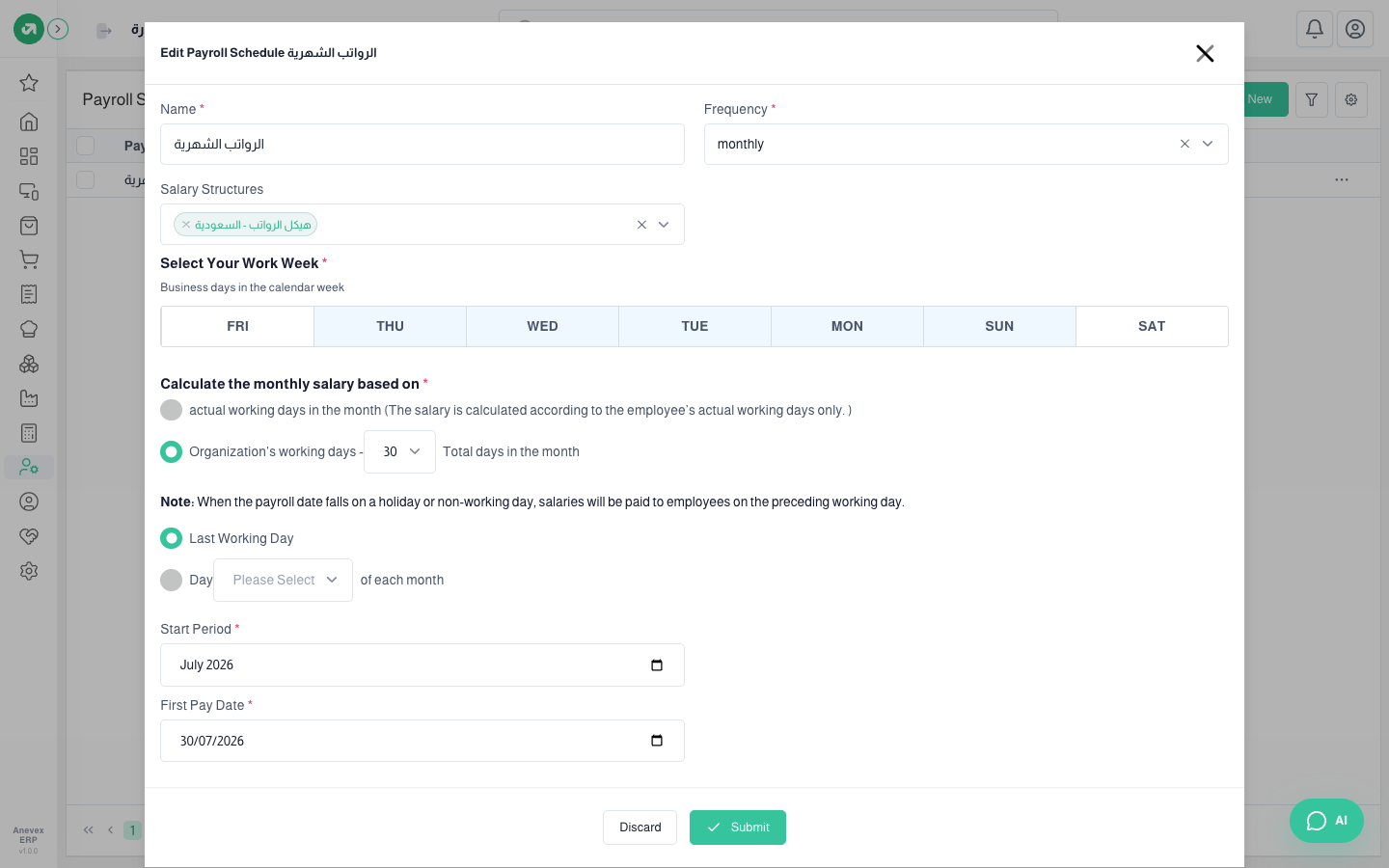
Pay frequency (monthly, biweekly, weekly), working days, how the daily wage is worked out and the pay date. Saving it creates payroll periods to year end.
Overview
Where to find itHR & PayrollPayrollPayroll Schedules
Fields
| Field | Required? | Description |
|---|---|---|
| Monthly salary based on | Required | Actual working days, or a fixed number (30). Use 30 so daily wage = salary ÷ 30 |
| Pay day | Required | Last working day, or a set day after the period. A holiday moves it as HR settings say |
| Start / first payment date | Required | The first month and its pay date |
Notes
- Editing the schedule deletes and recreates its periods; do not edit it once payslips exist.
- With "actual working days" the salary is divided by days attended, which overpays a final settlement. Set it to 30 days.