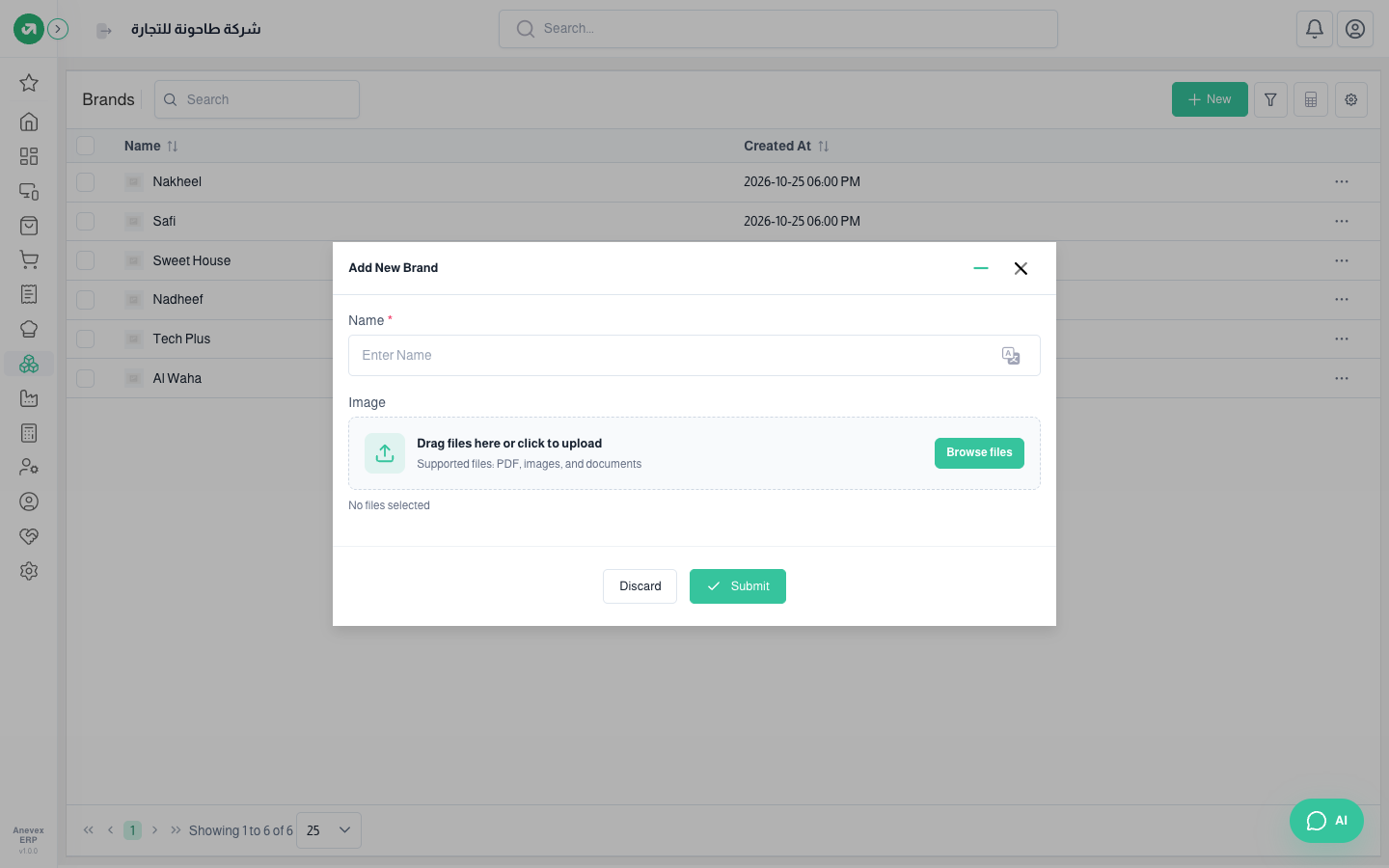
Inventory & WarehousesBrandsThe brands you sell (for example: Samsung, Nestlé). Useful for search, filtering and reports.OverviewCopy Anchor Link Where to find itInventory & WarehousesProducts & master dataBrands Add Brand window StepsCopy Anchor Link Click Add Brand. Enter the Name and upload a logo Image if you like. Click Submit. NotesCopy Anchor Link The brand field on the product form only appears when brands are switched on in Product settings. PreviousUnits of MeasureNextTags