
Stock Report
Each product’s balance on a given date: quantity, its value at cost, and total in, out and scrapped.
Overview
Where to find itInventory & WarehousesInventory reportsStock Report
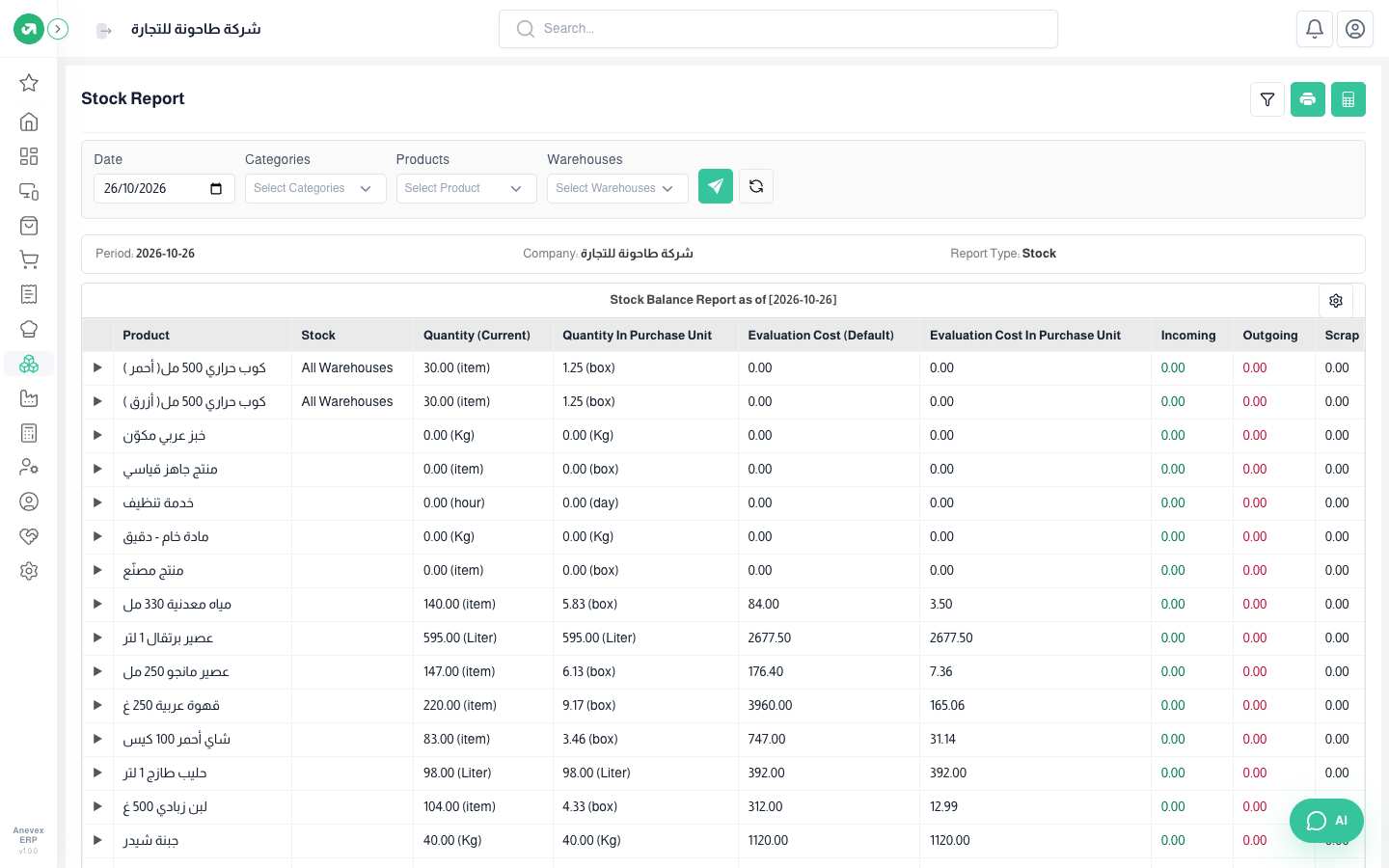
- Filter by Date, Categories, Products and Warehouses, then click the send button.
- Shows quantity in both the base unit and the purchase unit (for example 158 pieces = 6.58 boxes).
- Click the arrow next to a product to see it per warehouse.