
Categories
Group products (for example: drinks, desserts). A category also sets the accounts that sales and stock entries for its products are posted to.
Overview
Where to find itInventory & WarehousesProducts & master dataCategories
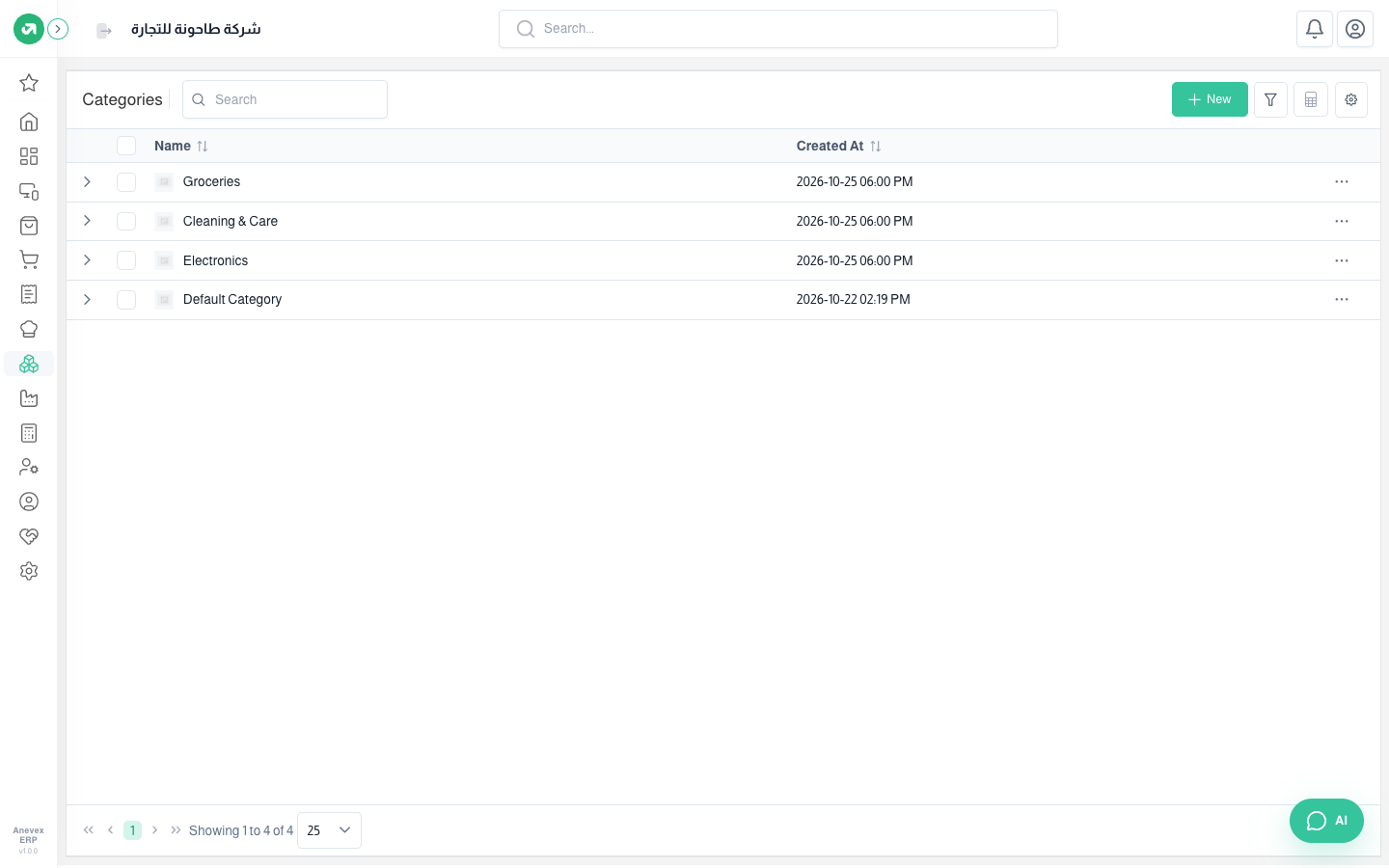
Steps
- Click Add Category.
- Enter a Name. For a sub-category, choose its Parent Category.
- Choose whether the category's products appear in POS.
- Check the accounts, then click Submit.
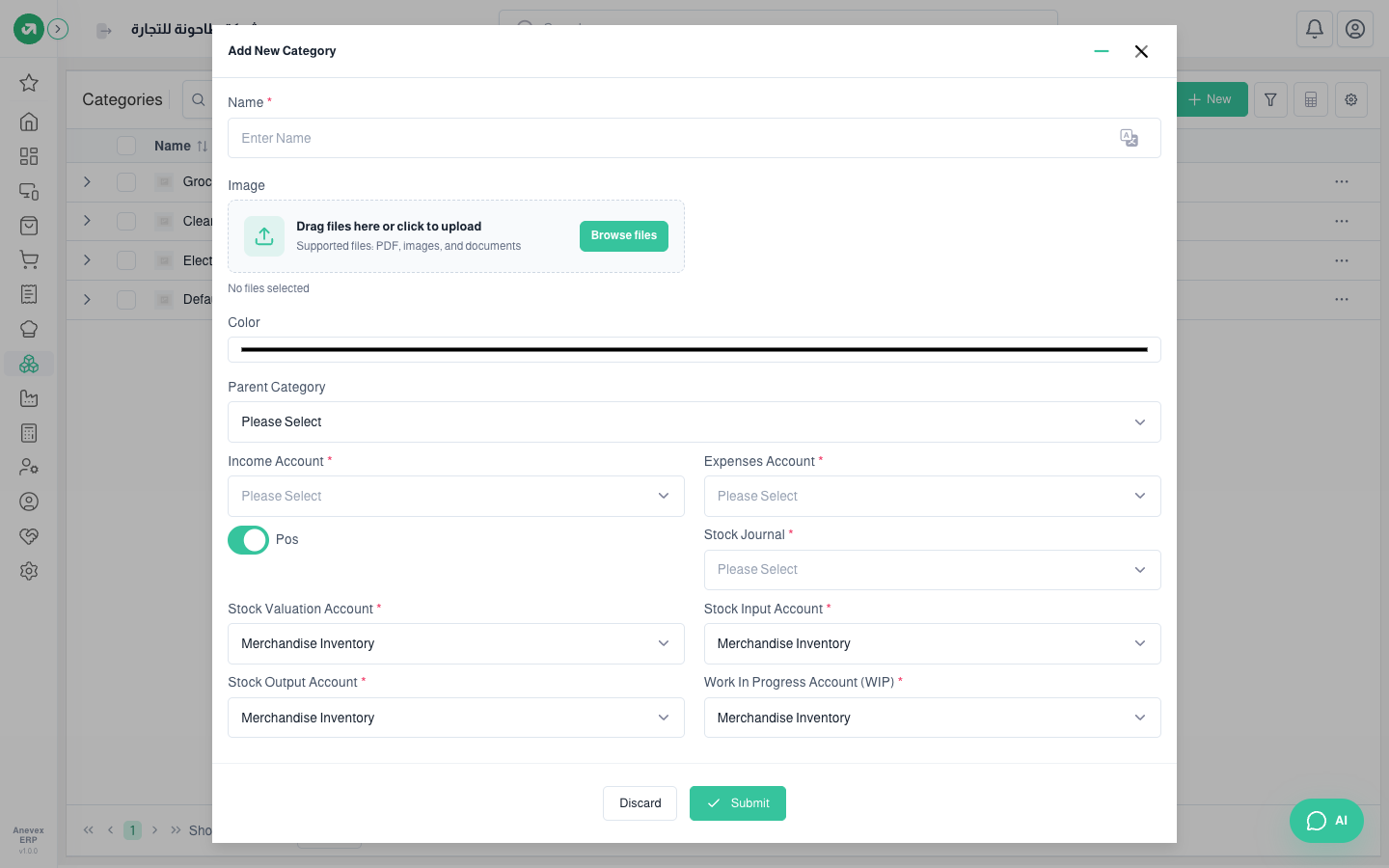
Fields
| Field | Required? | Description |
|---|---|---|
| Name | Required | Must not be used by another category |
| Image | Optional | Shown in the POS |
| Color | Optional | A colour to tell the category apart |
| Parent Category | Optional | Builds a category tree (a category inside a category) |
| POS | Optional | Show the category on the cashier screen |
| Income and Expense Accounts | Required | Accounts that receive revenue and cost for the category's products |
| Stock Journal and Stock Accounts | Required | Stock valuation, input, output and work in progress. Filled with defaults |
Notes
- If you are unsure about the accounts, keep the defaults and check them with your accountant.