
Rules
A rule is one step in a chain: "create a document of this kind that moves goods from this location to that one". You write it once and can use it in several routes.
Overview
Where to find itInventory & WarehousesOperations engineRules
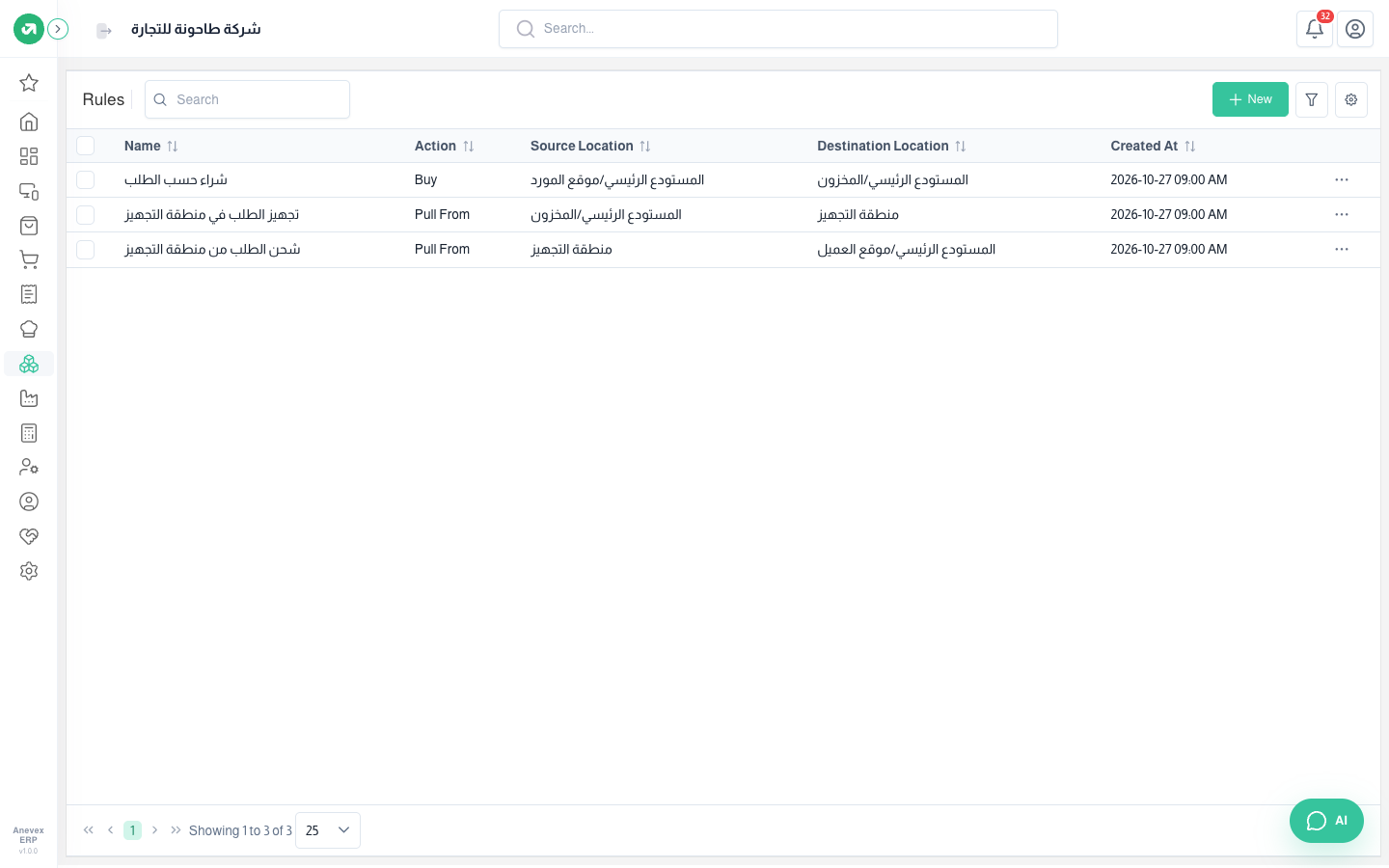
| Action | What it creates |
|---|---|
| Pull From | A stock transfer of the chosen operation type, from the source location to the destination. For example from stock to the packing area |
| Push To | The same, but used in routes that run after goods arrive in the warehouse, such as moving received goods from the receiving area to the shelves |
| Buy | A purchase order per default supplier with the products and quantities needed, received into the operation type’s warehouse |
| Manufacturing | A manufacturing order for the manufactured product using its bill of materials |
Fields
| Field | Required? | Description |
|---|---|---|
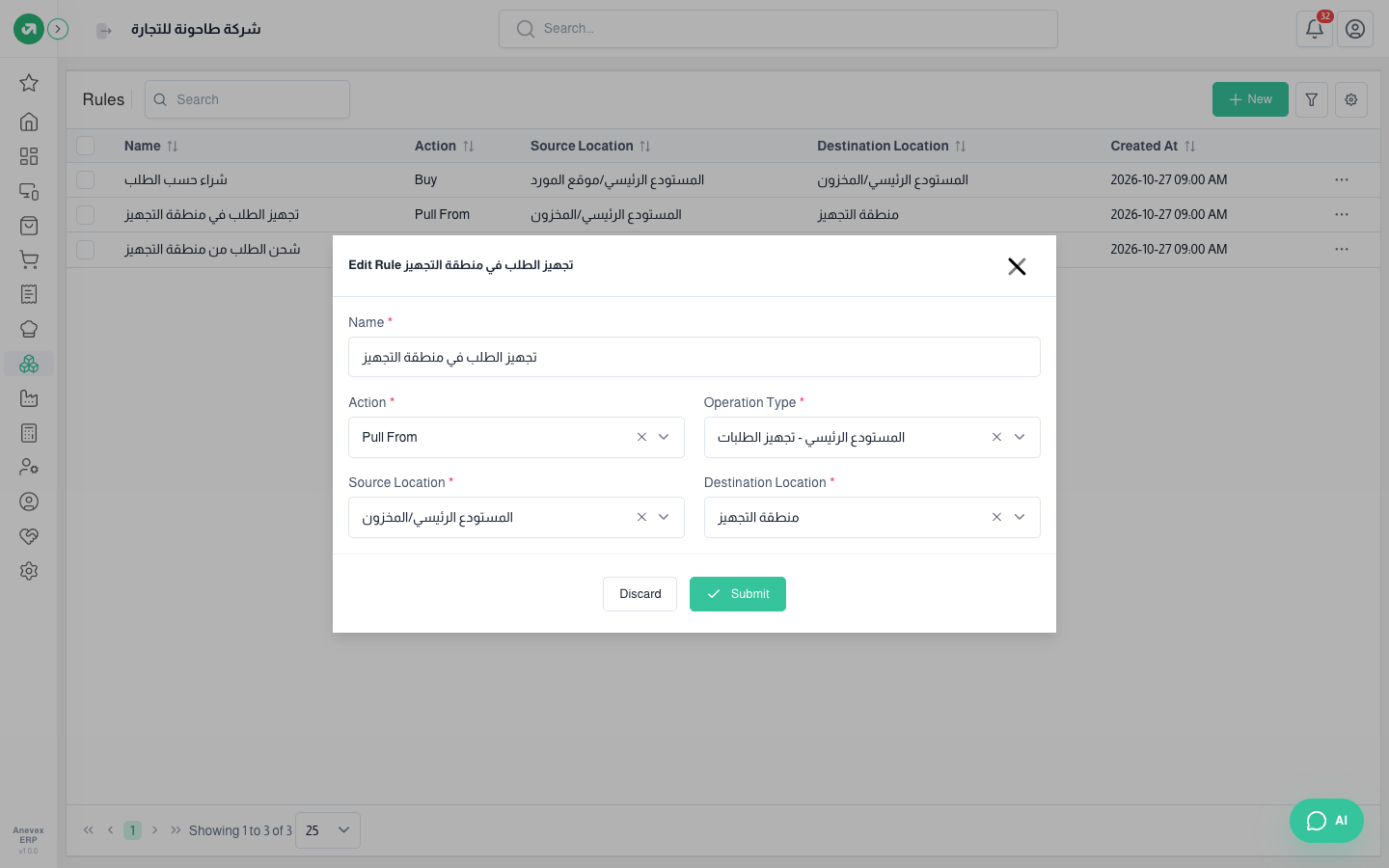
| Name | Required | A name that says what the step does, for example "Pick the order to the packing area" |
| Action | Required | Pull From, Push To, Buy or Manufacturing |
| Operation Type | Required | The kind of document to create. It sets the warehouse and the document numbering |
| Source / Destination Location | Required | Filled from the operation type; you can change them |
Notes
- Before the rule, set up the location (for example the packing area) and the operation type that moves goods to it (Warehouses → Operation Types).
- Avoid Push To routes for now: every transfer validated in the warehouse creates a new transfer with the same rule, including the one the rule itself created, so transfers keep repeating.