
Units of Measure
The units you sell, buy and store in (piece, kilogram, box…). The system converts between units of the same type using the Ratio.
Overview
Where to find itInventory & WarehousesProducts & master dataUnits of Measure
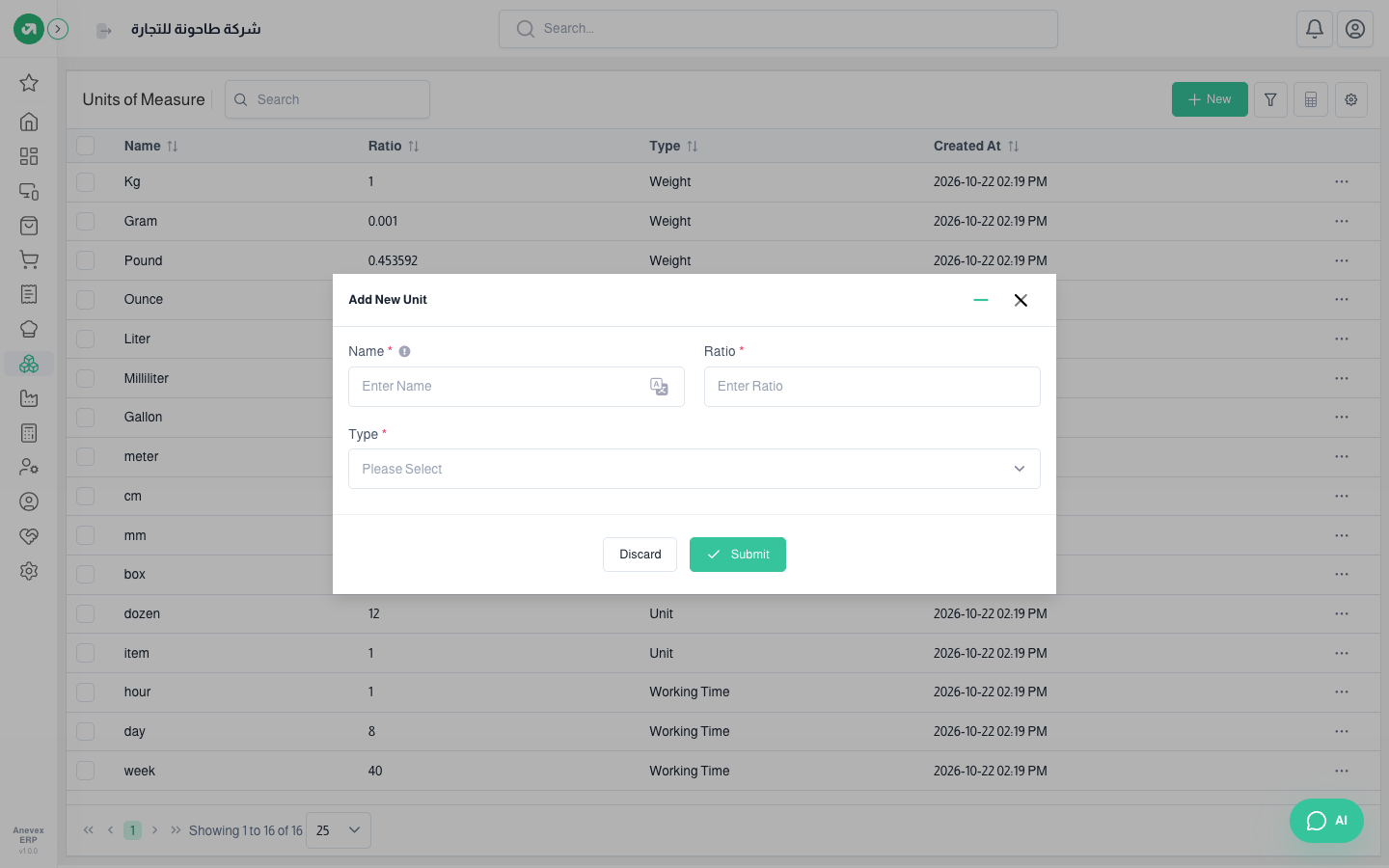
Steps
- Click Add Unit.
- Enter the Name and Ratio, and choose a Type.
- Click Submit.
Fields
| Field | Required? | Description |
|---|---|---|
| Name | Required | Must not be used by another unit |
| Type | Required | Weight, Volume, Length, Unit, Working Time or Surface |
| Ratio | Required | The unit's size compared with the base unit of the same type |
Example: for Weight, kilogram has a ratio of 1 and gram 0.001. For Unit, piece is 1 and dozen is 12, so buying one dozen adds 12 pieces to stock.
Notes
- Two units of the same type cannot have the same ratio.
- Conversion only works between units of the same type. You cannot convert kilograms to pieces.