
Cash in and cash out
Records cash that went into or out of the drawer without a sale: change from management, or bags bought from the drawer. The button shows when cash in/out is on in the settings.
Overview
Where to find itPOSCashier screen
Steps
- Press Cash In/Out.
- Choose Cash in or Cash out.
- Enter the amount and the reason (the reason is required), then Add.
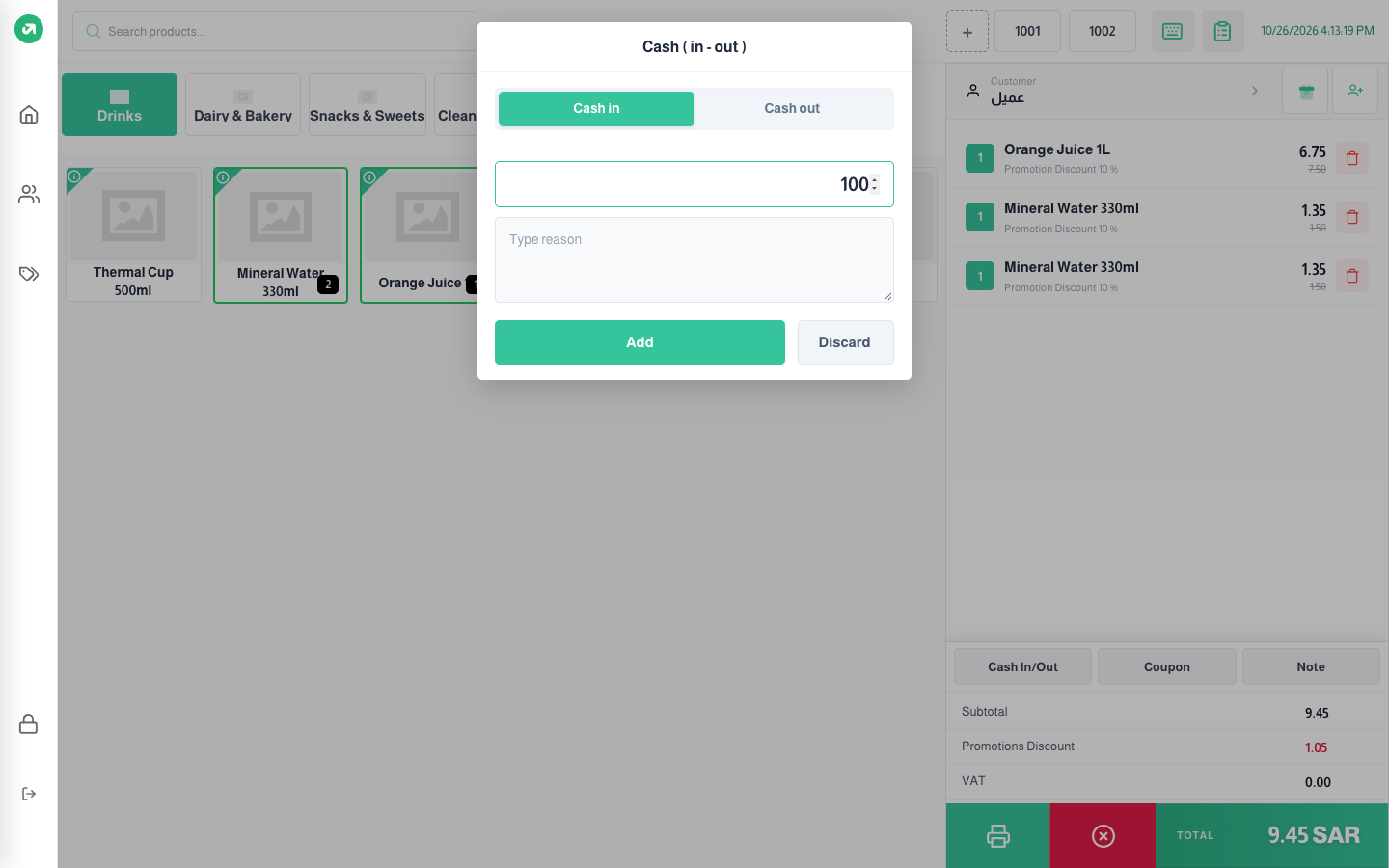
These entries show at closing under cash in and cash out, and adjust the expected cash in the drawer.
Notes
- The button does not work while the bill is empty; you have to add a product first to record a cash entry, even though the entry has nothing to do with the bill.