Total discount and order note
A discount on the whole bill and a note saved with the order, from the bottom of the bill on the cashier screen.
Overview
Where to find itPOSCashier screen
- Total Discount: a discount on the whole bill, as a percentage or a fixed amount (whichever the settings allow). It has quick percentage buttons (5%, 10%, 15% or whatever the settings list) and clear. It shows only when tax is per bill, not per product.
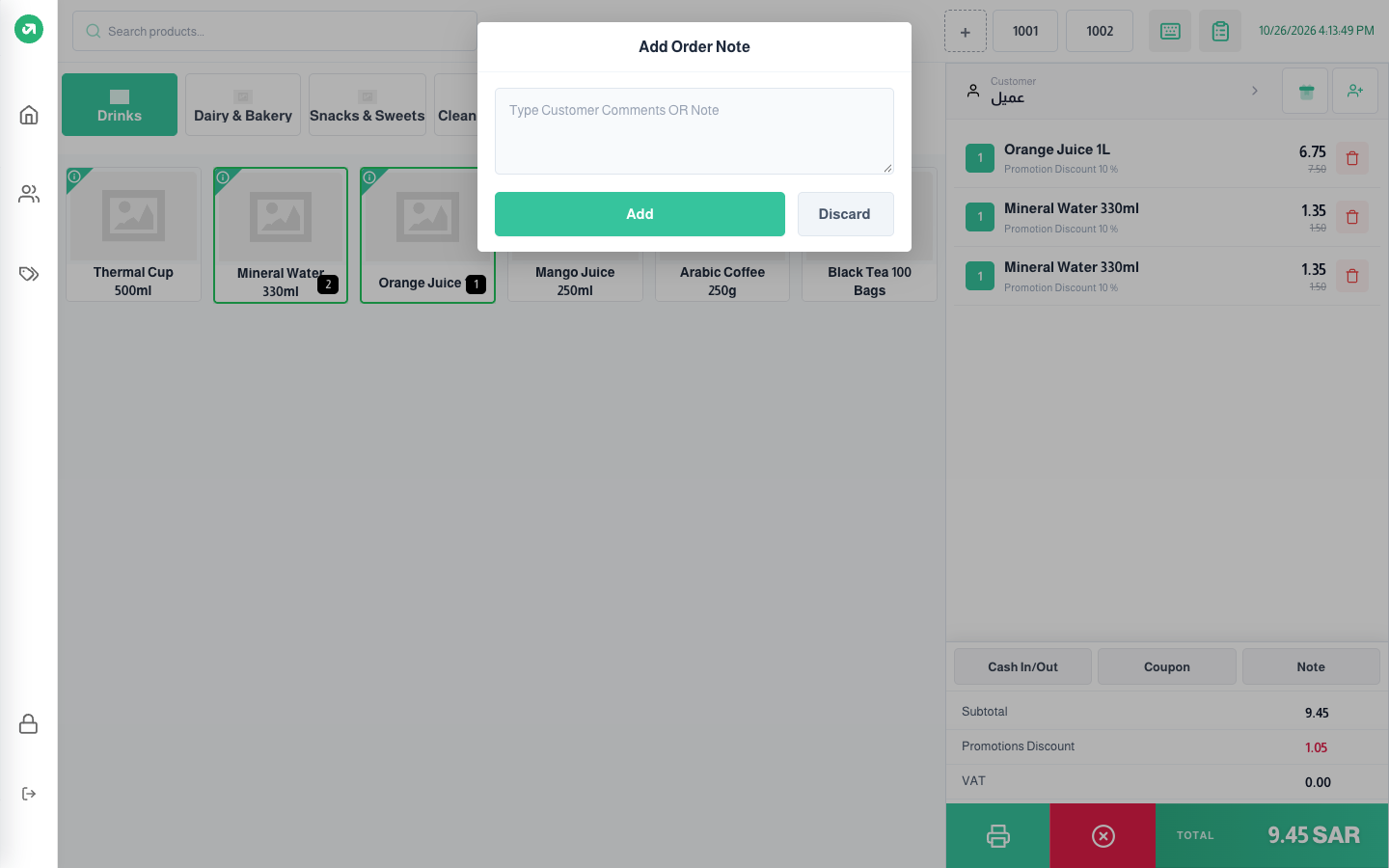
- Note: a note on the whole order, saved with it and shown in its details. Press Add to keep it or Discard to clear it.