Locking the screen
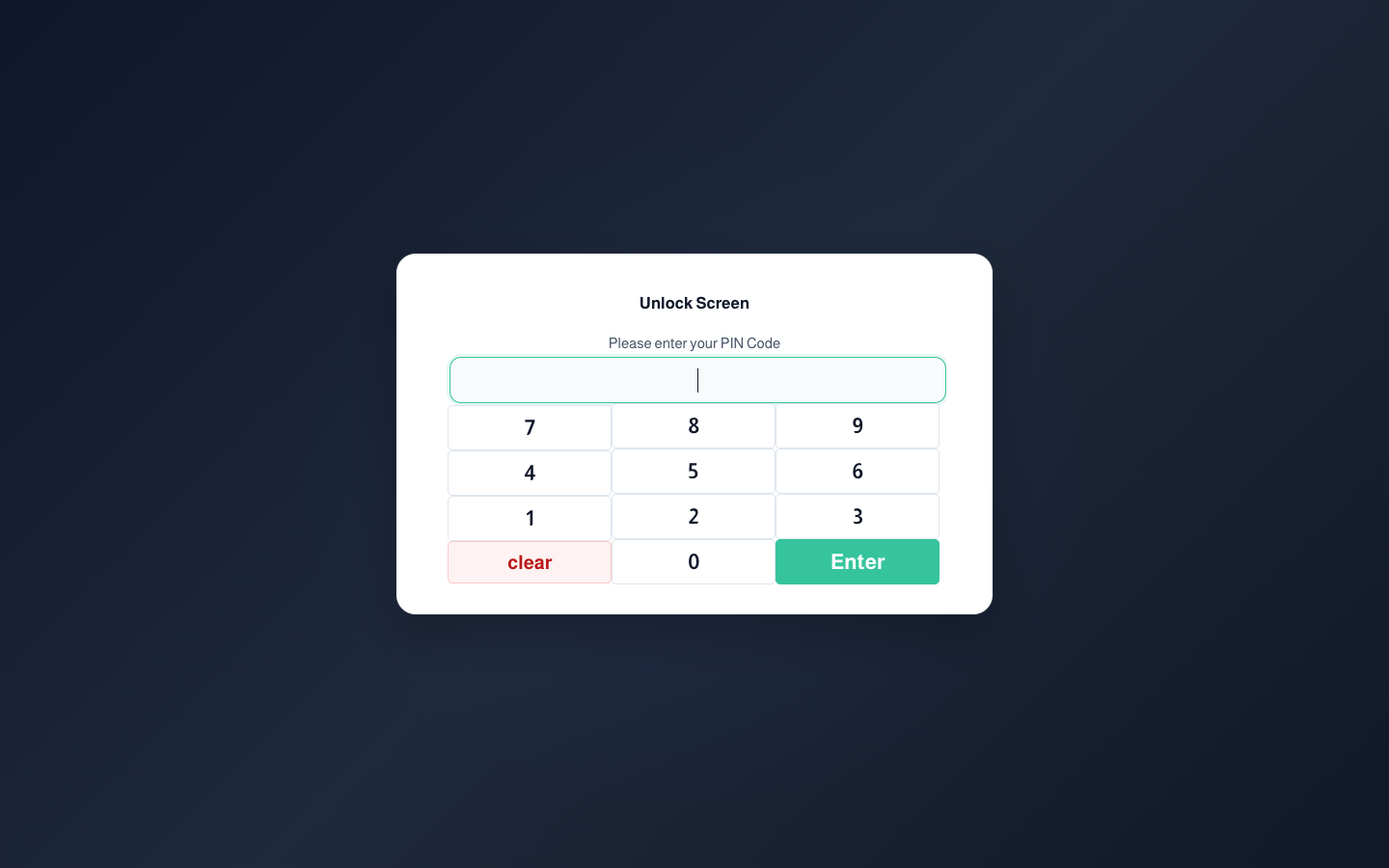
When the cashier steps away, they press the lock icon at the bottom of the side menu. The session stays open, and the screen only reopens with the user’s PIN.

When the cashier steps away, they press the lock icon at the bottom of the side menu. The session stays open, and the screen only reopens with the user’s PIN.