
Keyboard shortcuts
They work when shortcuts is on in the settings, where the keys can also be changed. Press the keyboard icon in the top bar to see the list.
Overview
Where to find itPOSCashier screen
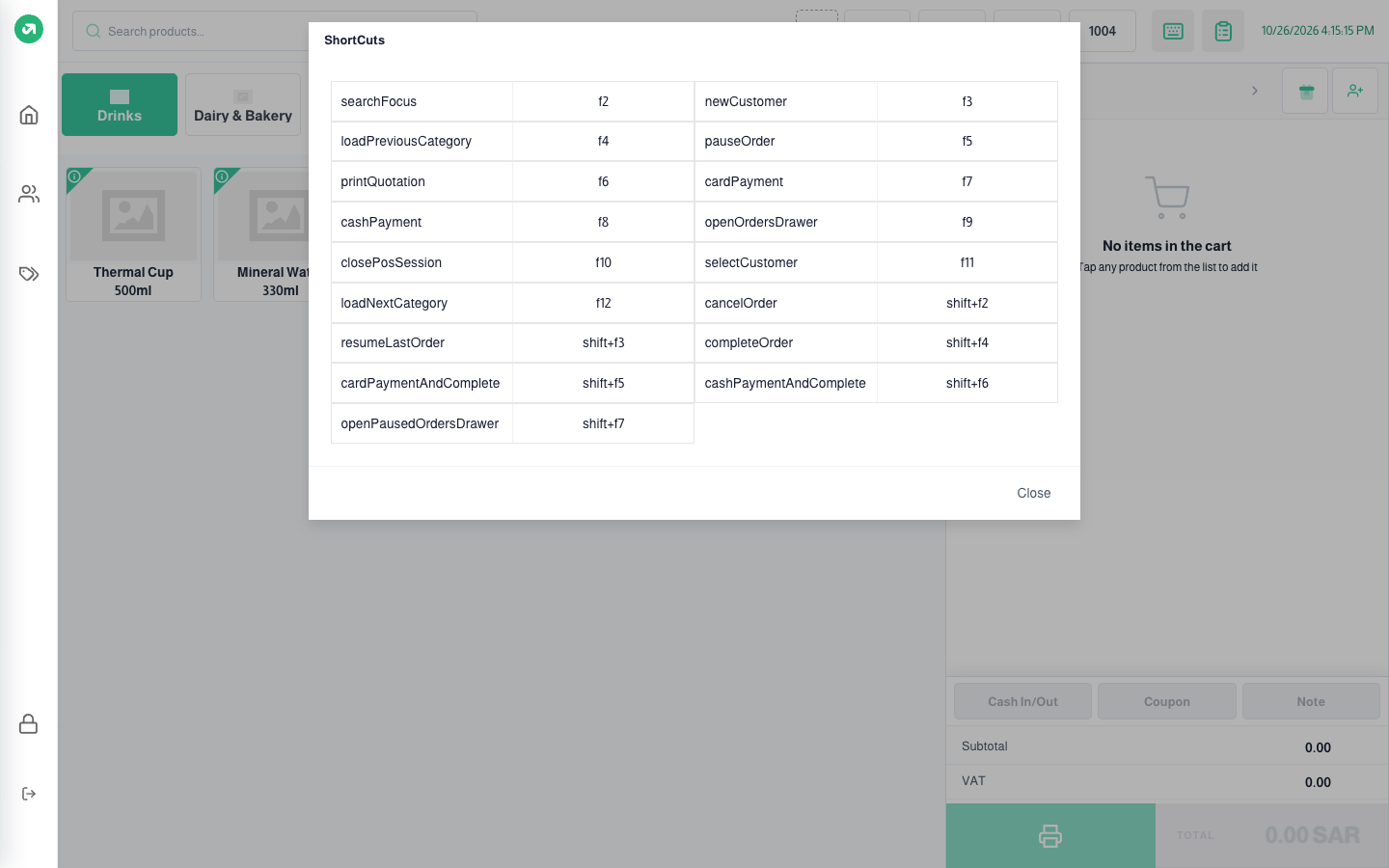
| Key | Action |
|---|---|
| F2 | Jump to the search box |
| F3 | New customer |
| F4 / F12 | Previous / next category |
| F5 | Hold the current order |
| F6 | Print quotation |
| F7 | Open payment by card for the amount left |
| F8 | Open payment in cash for the amount left |
| F9 | Orders |
| F10 | Close session |
| F11 | Select customer |
| Shift+F2 | Cancel order |
| Shift+F3 | Resume the last held order |
| Shift+F4 | Complete order |
| Shift+F5 | Pay by card and complete at once |
| Shift+F6 | Pay cash and complete at once |
| Shift+F7 | On-hold orders list |
Notes
- The Shift shortcuts do not currently work as listed: Shift+F7, for example, runs F7 (card payment). The system matches the plain F key first and ignores Shift. Use the on-screen buttons until this is fixed.
- Shortcuts other than F keys do not work while the cursor is in the search box; leave the box first.