
Opening a session
Before the first sale of the shift the cashier opens a session. Open the screen from the Open POS button at the top of the POS panel in the sidebar. If you have no open session, the New POS Shift window appears.
Overview
Where to find itPOSOpen POS
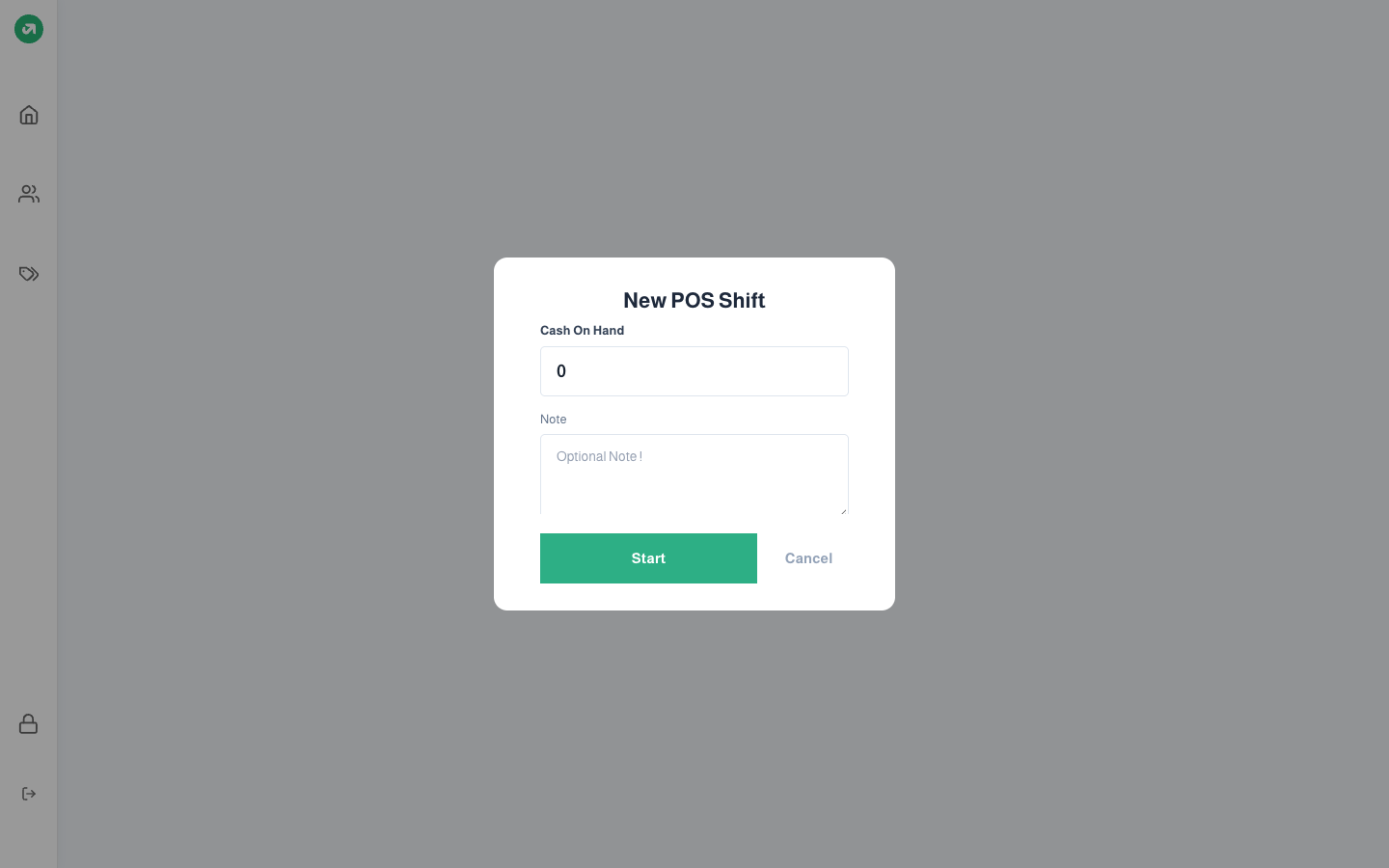
Fields
| Field | Required? | Description |
|---|---|---|
| Cash On Hand | Required | The cash in the drawer right now. It shows at closing as the opening amount and counts toward the expected cash. |
| Note | Optional | Any note about the start of the shift. |
Notes
- Each user has only one open session. If the cashier comes back while their session is open, they go straight in without this window.
- A session cannot be opened if the user is not linked to a register (in the Users screen). The message "You are not assigned to any register" appears.
- When shifts are on, the current time must fall inside a shift assigned to the user, otherwise the screen refuses entry. Before the shift ends, a Shift End message appears with a countdown and a button to close the session.
- When branch restriction is on, the cashier must log in from the same branch as their register.