
Order type
Shown when the Restaurant module is on. Press the Order Type icon in the top bar and choose:
Overview
Where to find itPOSCashier screen
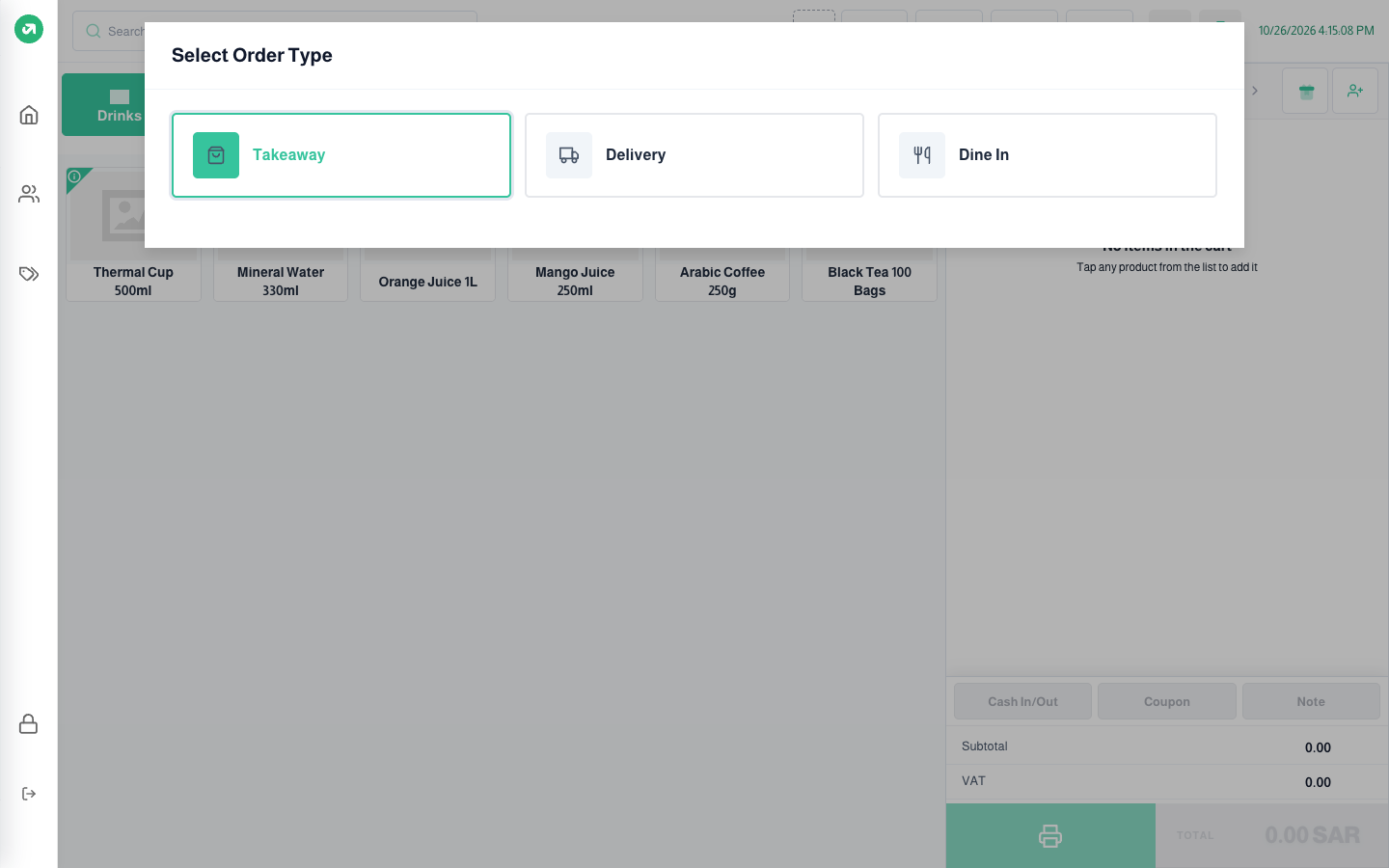
- Takeaway: the default for every new order.
- Delivery: choose the delivery app. Promotions linked to delivery apps apply only to their orders, and prices may follow the app’s price list.
- Dine In: choose the area, then the table (seats are shown). Only areas and tables of the session’s branch appear.