
Backups
Copies of your company’s database to go back to when needed, made by hand or automatically.
Overview
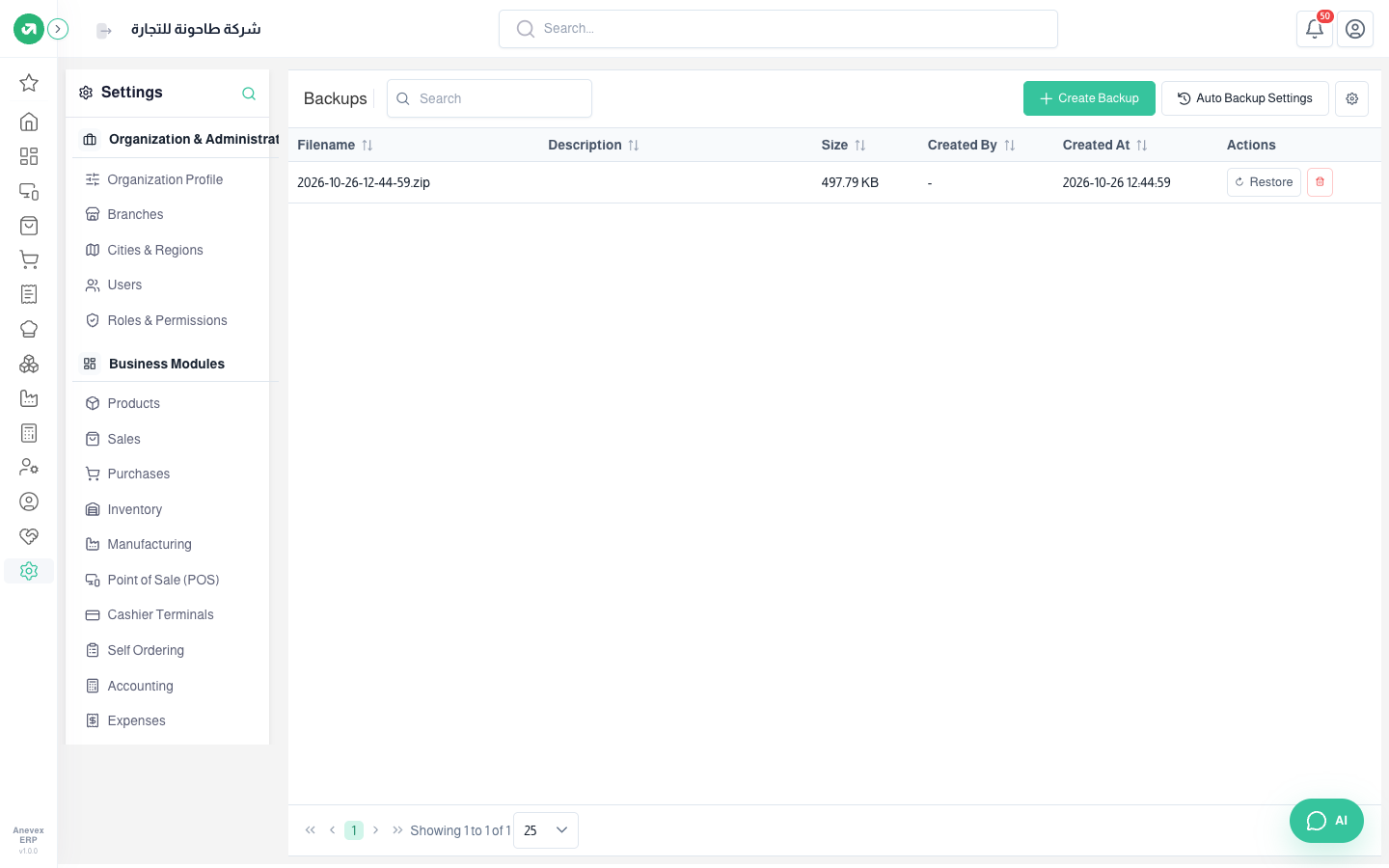
Where to find itSettingsSystem & MaintenanceBackups
Steps
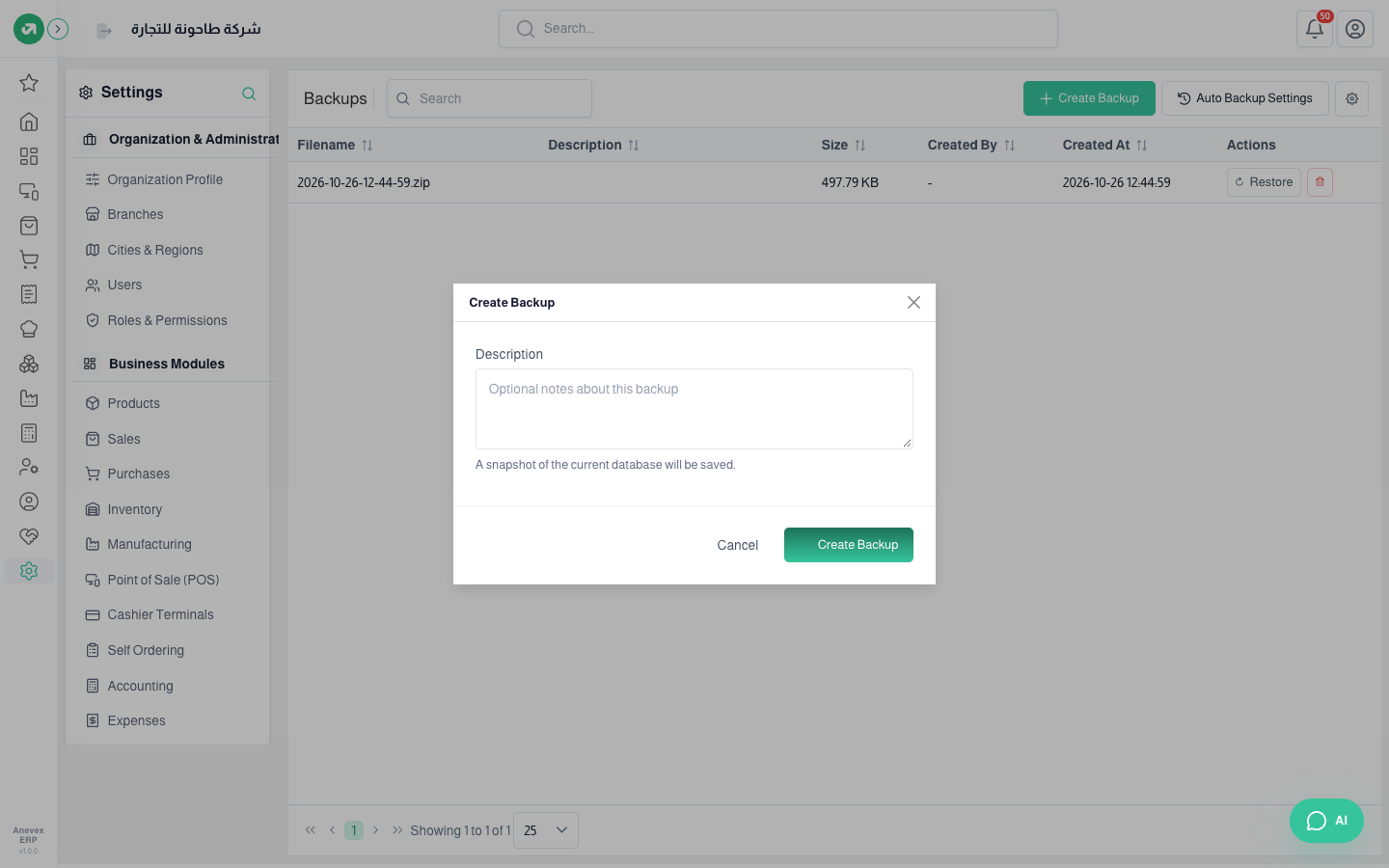
- Click Create Backup, type an optional description (say "before month-end close"), and click Create Backup.
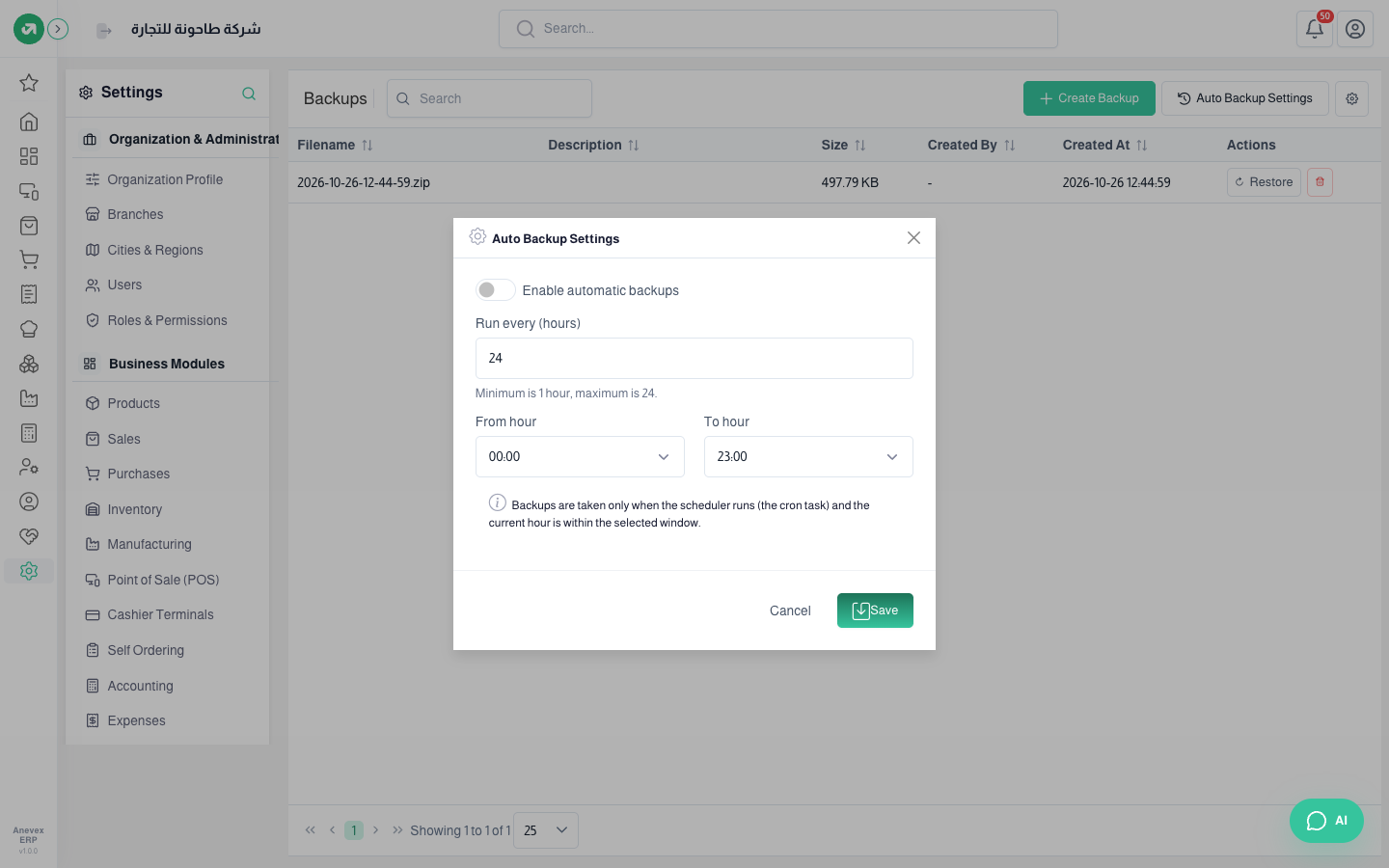
- For automatic backups click Auto Backup Settings: turn it on, set how often in hours (1 to 24) and the window from hour to hour, then Save.
- To go back to a copy click … → Restore. Better keep Take a backup of the current database before restoring ticked.
Notes
- A restore overwrites all current company data and cannot be undone. While it runs the account is locked for every user until it finishes.
- Automatic backups run only when the current hour is inside the chosen window.
- For now an error message appears after a manual backup even though the backup is saved. Refresh the page to see it in the list.