
Cashier Terminals
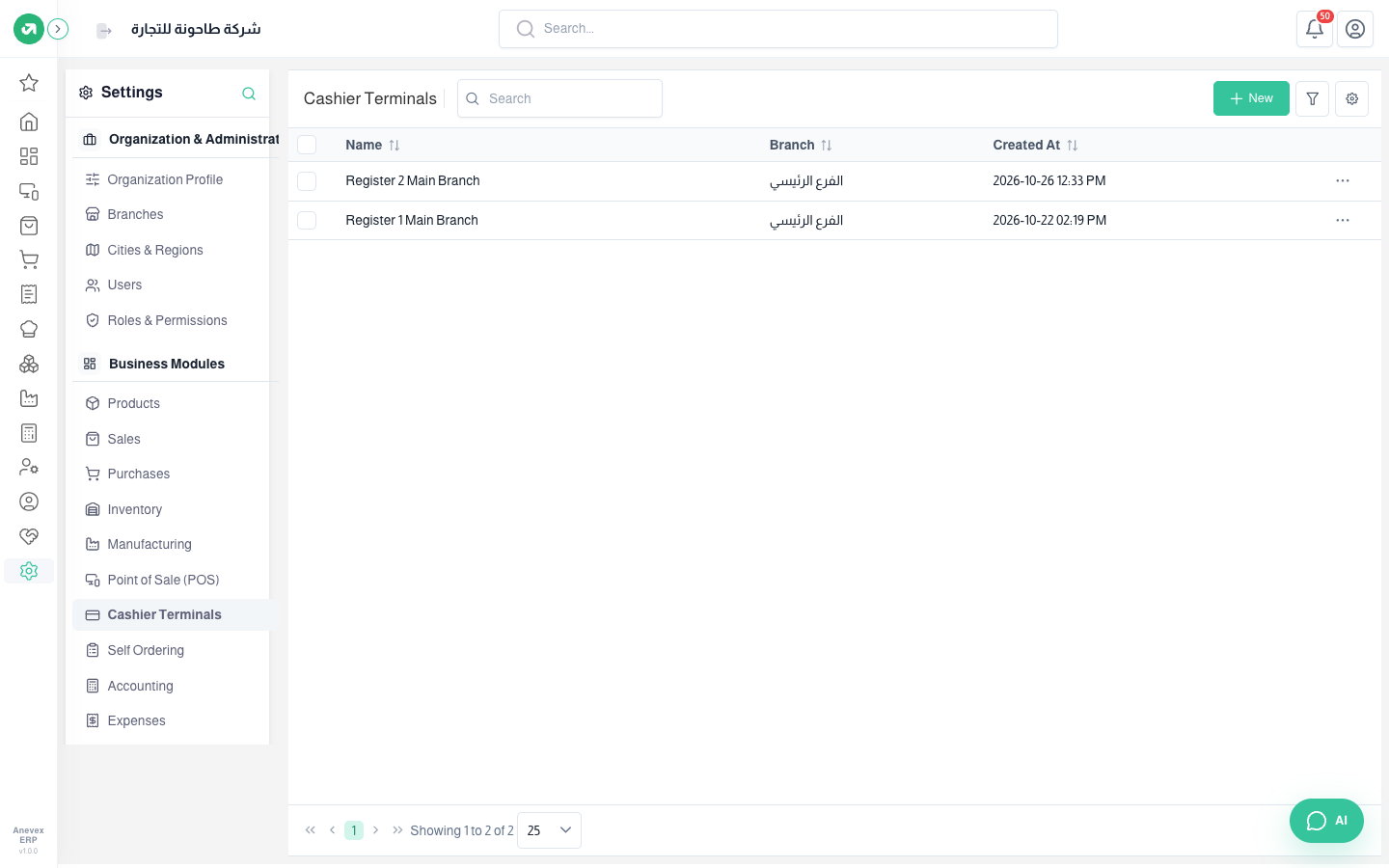
Each cash register where sales sessions are opened. Every register has a branch, a sales journal and a payments journal.
Overview
Where to find itSettingsBusiness ModulesCashier Terminals
Steps
- Click New.
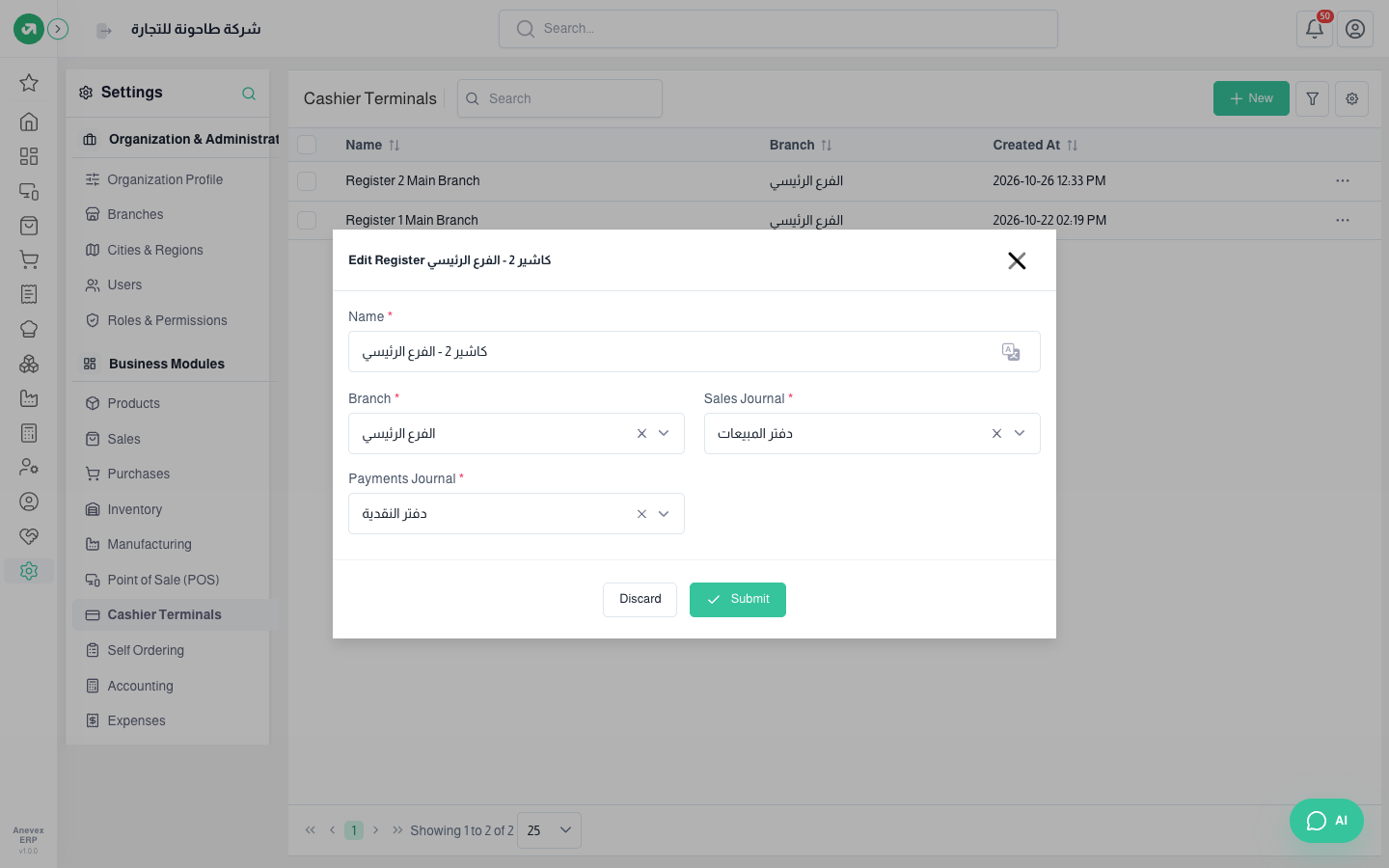
- Enter the register’s name and choose the branch.
- Choose the Sales Journal (usually the sales journal) and the Payments Journal (usually the cash journal).
- Click Submit. Then link the cashier to the register on the Users screen.
Notes
- A register name cannot repeat within a branch. The number of registers depends on your plan.