
Users
The logins to the system. Each user has a role that decides what they see, a branch they work in, and, for cashiers, a register and a PIN.
Overview
Where to find itSettingsOrganization & AdministrationUsers
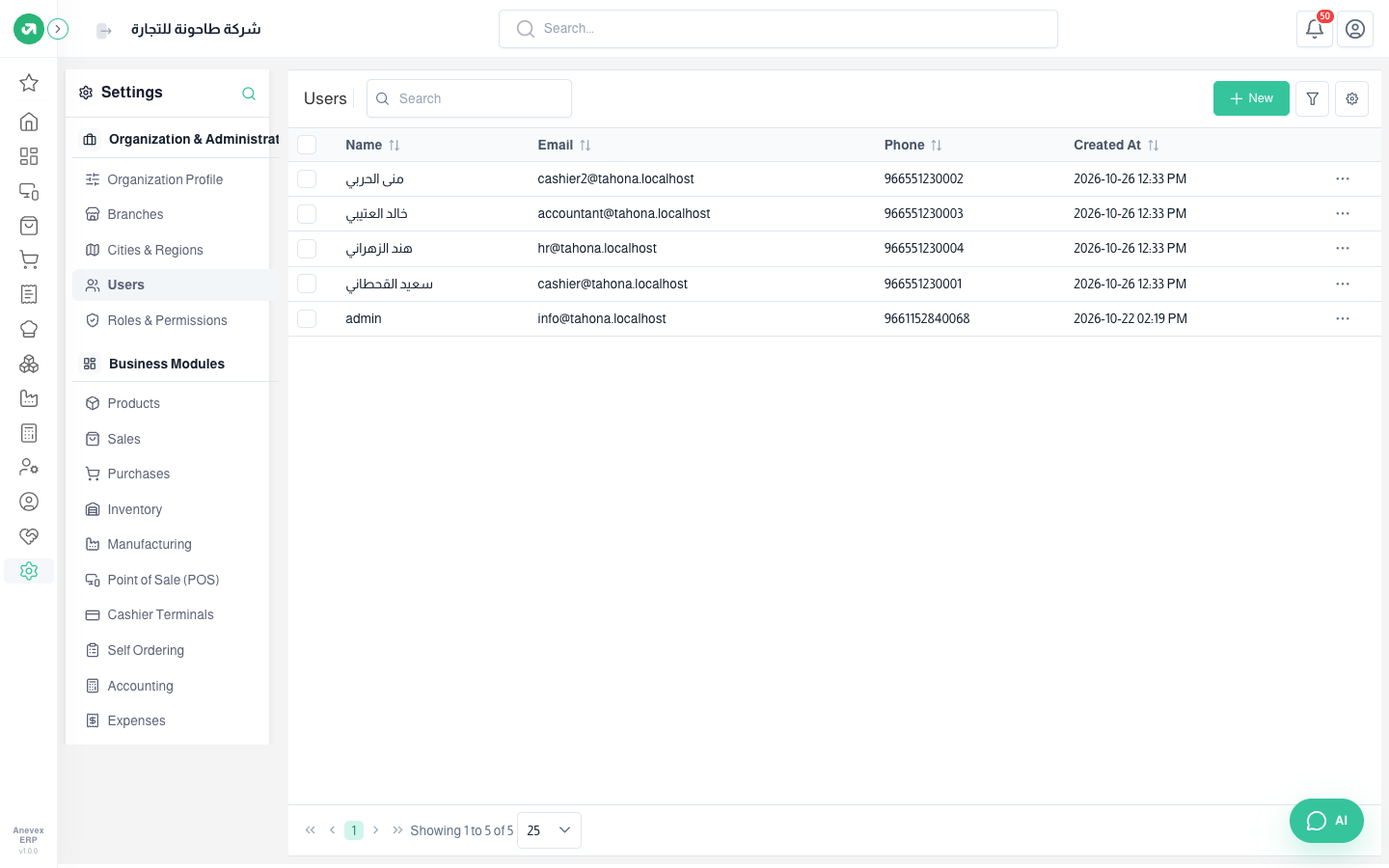
Steps
- Click New.
- Enter the name, the email (used to sign in) and the phone.
- Enter the password and confirm it (at least 6 characters).
- Choose the branch and the role.
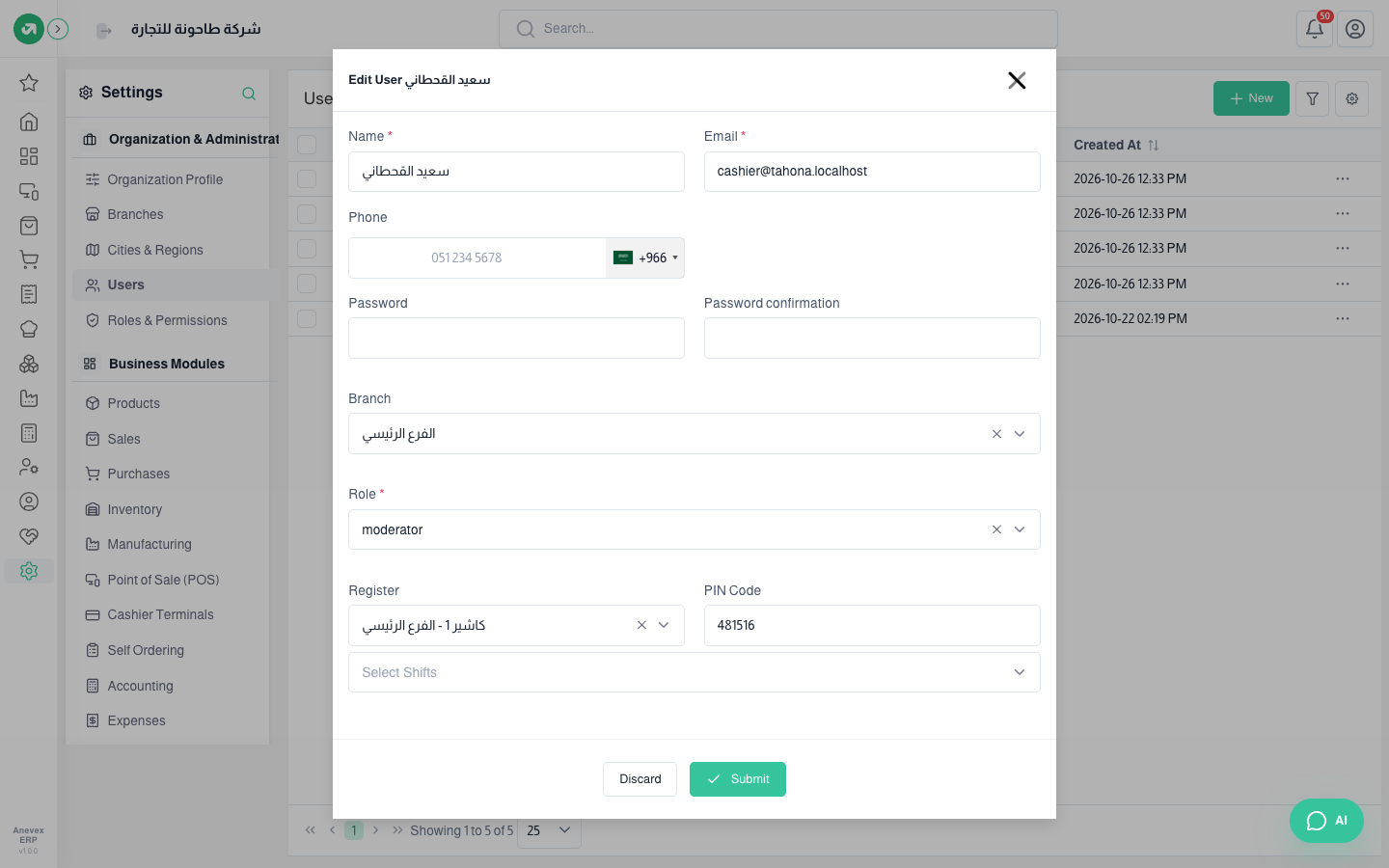
- For a cashier: choose the Register, enter a 6-digit PIN Code, and choose the shifts allowed.
- Click Submit.
Fields
| Field | Required? | Description |
|---|---|---|
| Name | Required | |
| Required | Must be unique, even across other companies on the platform | |
| Password | Required | On create only. When editing, leave it empty to keep it |
| Role | Required | From the Roles & Permissions screen |
| PIN Code | Optional | 6 digits, required with a register, and unique |
Notes
- The number of users depends on your plan.
- You cannot change the branch or register of a user with an open POS session. Close the session first.