
Cities & Regions
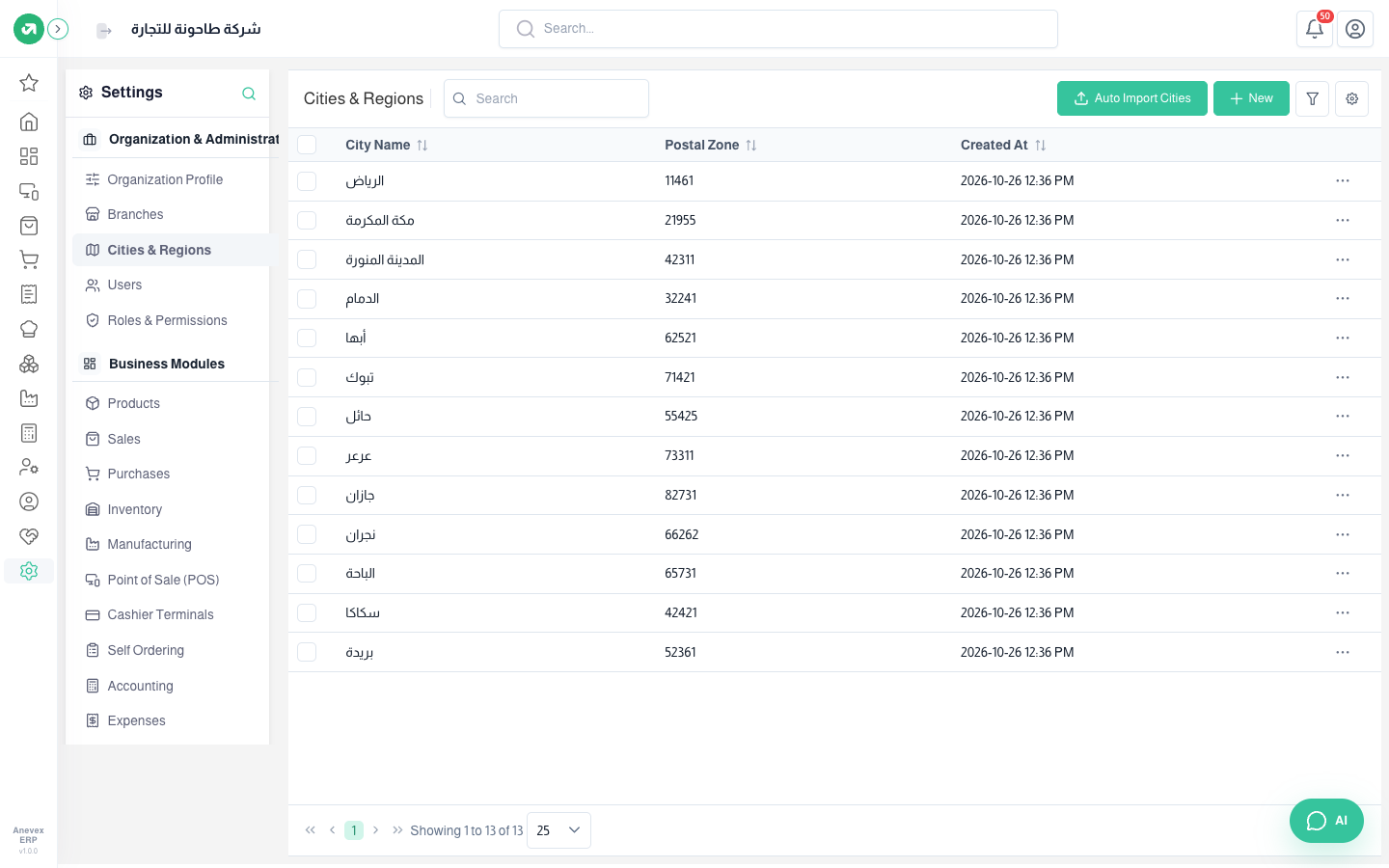
The list of cities you choose from in customer addresses, delivery zones and shipping costs.
Overview
Where to find itSettingsOrganization & AdministrationCities & Regions
Steps
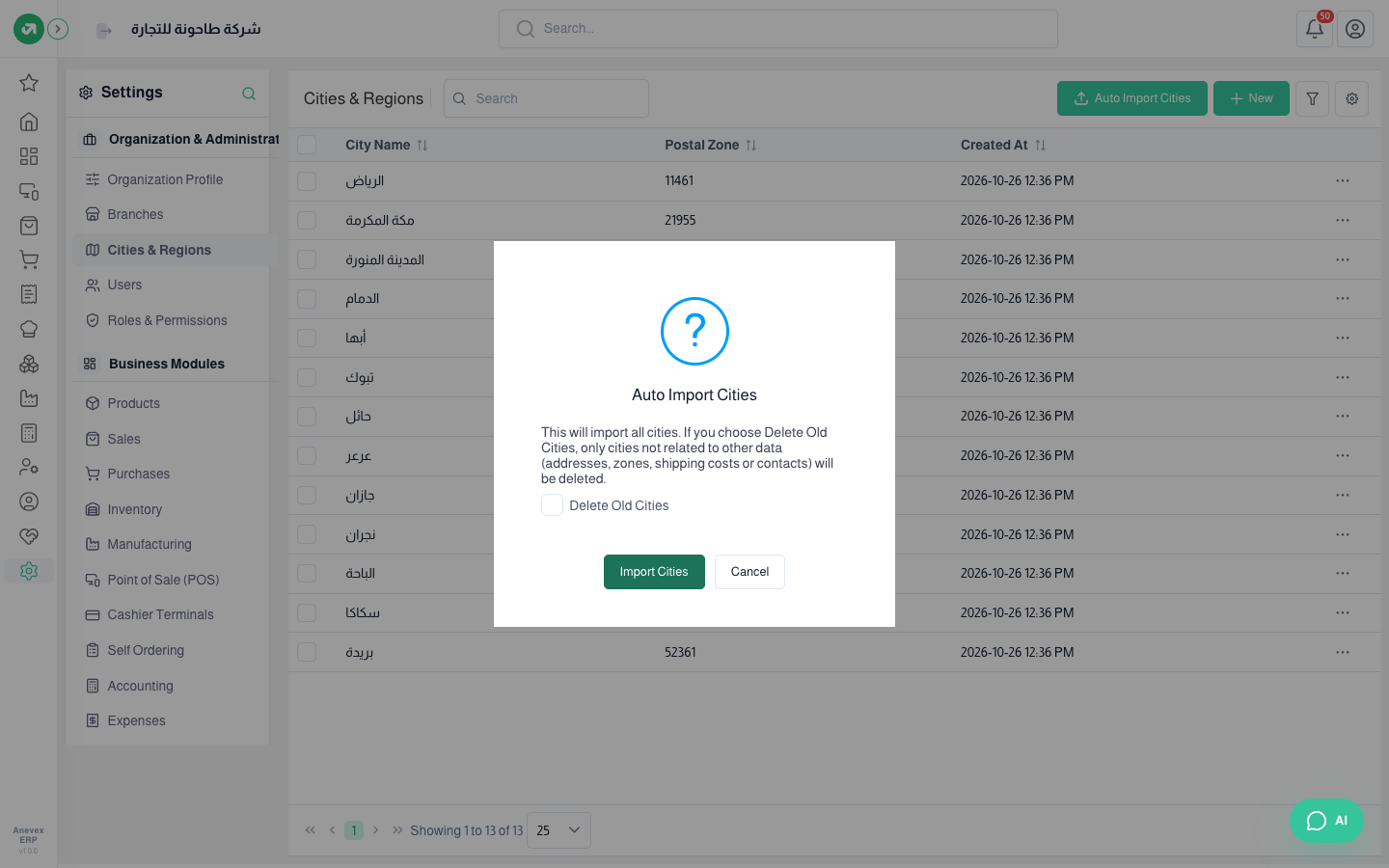
- Click Auto Import Cities. The system imports the cities of the country set in the organization profile (Saudi Arabia, UAE, Kuwait, Egypt).
- To remove old cities first, tick Delete Old Cities. Only cities without addresses, zones or contacts are deleted.
- Click Import Cities.
- To add a missing city click New, enter the name and postal code and mark it on the map.
Notes
- Do not import twice without Delete Old Cities: the second import adds the cities again with numbered names.