
Roles & Permissions
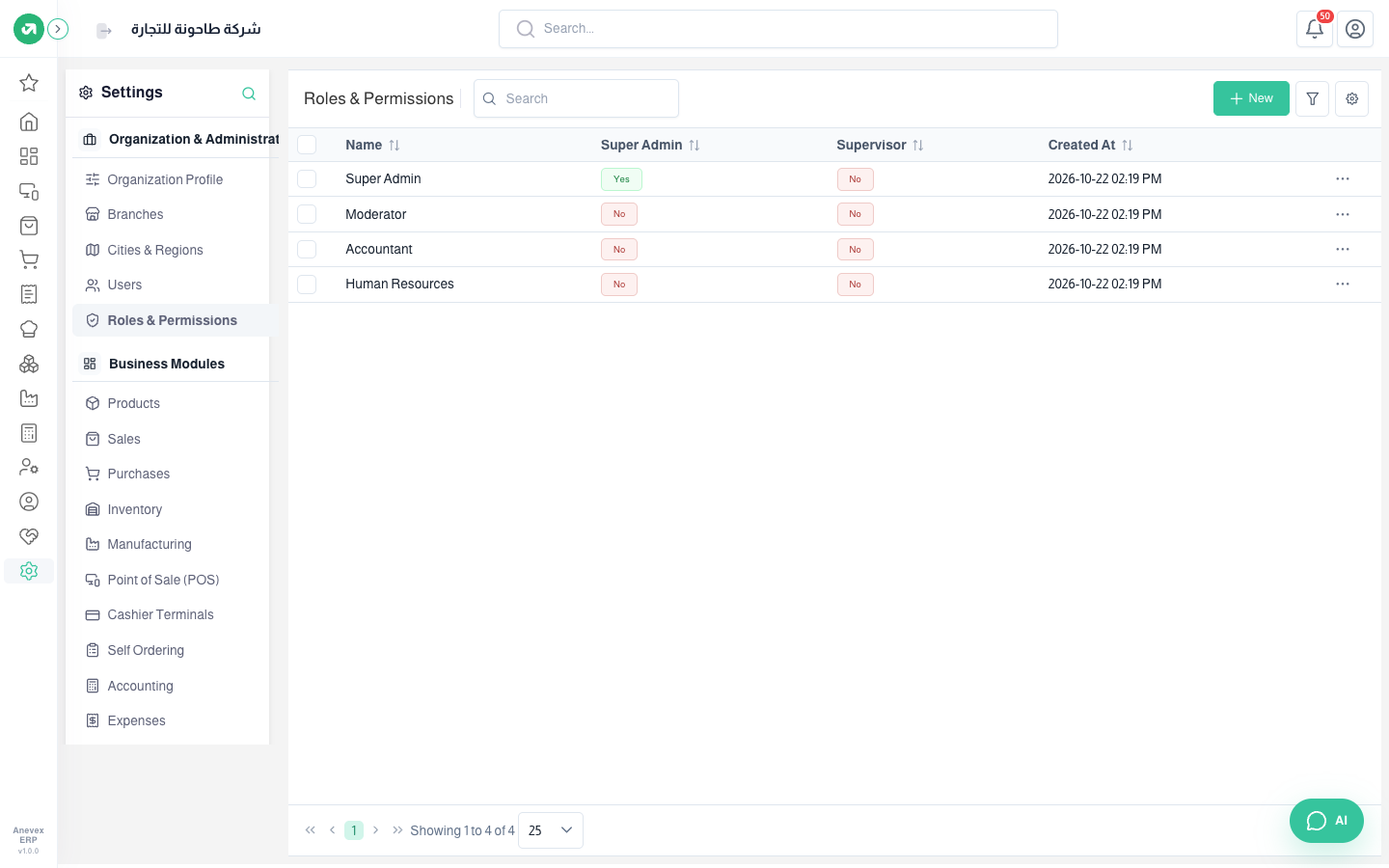
A role is a set of permissions you give to several users at once, like "Accountant" or "Cashier".
Overview
Where to find itSettingsOrganization & AdministrationRoles & Permissions
Steps
- Click New and enter the name and description.
- Pick a module from the list on the side (Home, Inventory, Settings, POS…). The number beside each module is how many permissions are ticked in it.
- Tick the permissions you need inside the module: view, create, edit, delete, and special ones like posting.
- Click Submit.
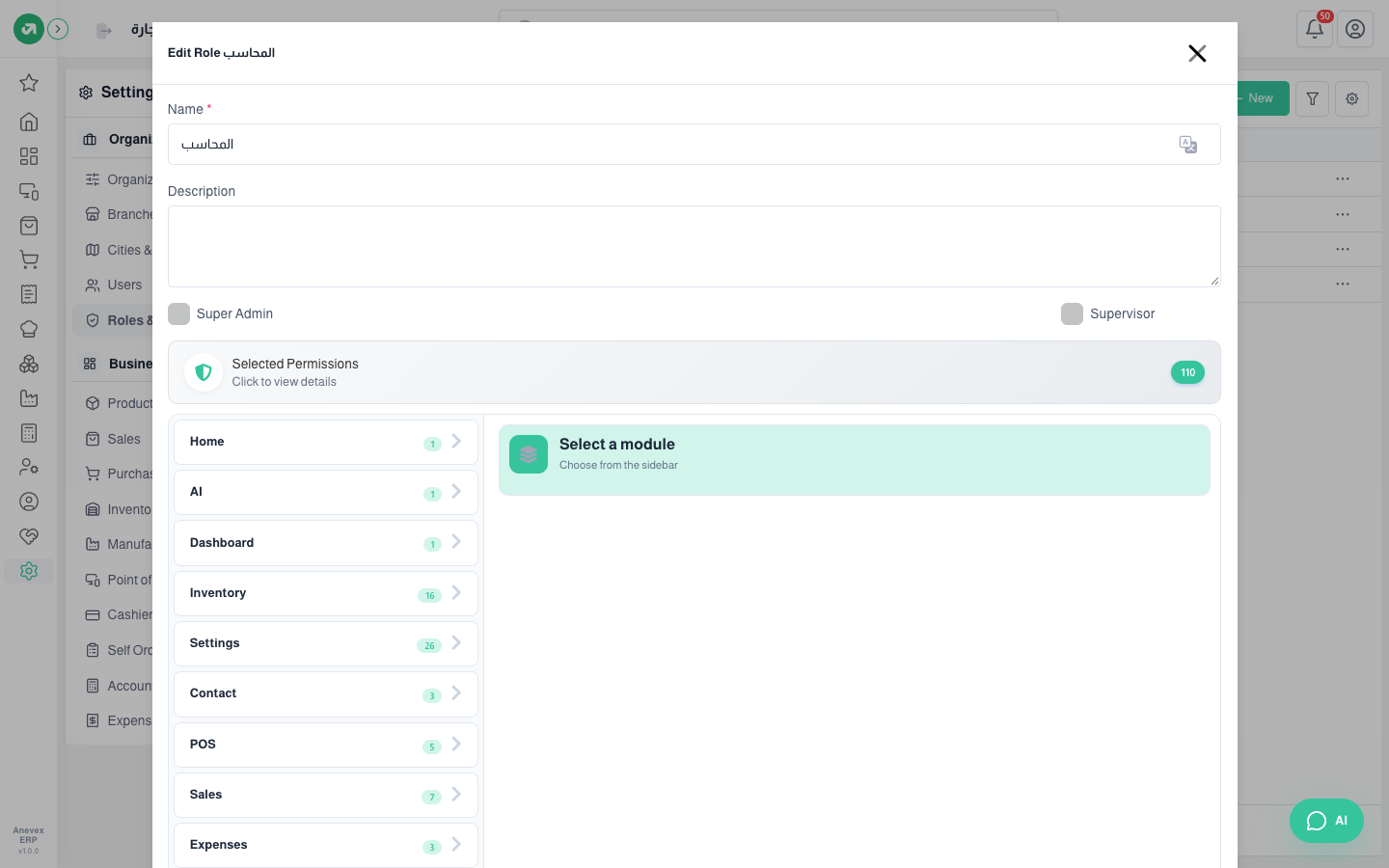
- Super Admin: sees everything and bypasses all permissions. Give it only to the account owner.
- Supervisor: approves things that need approval, like leave, permissions and loans.