
Self Order Settings
The look of the self-order screen where customers order by themselves (a kiosk in the shop or a website).
Overview
Where to find itSettingsBusiness ModulesSelf Ordering
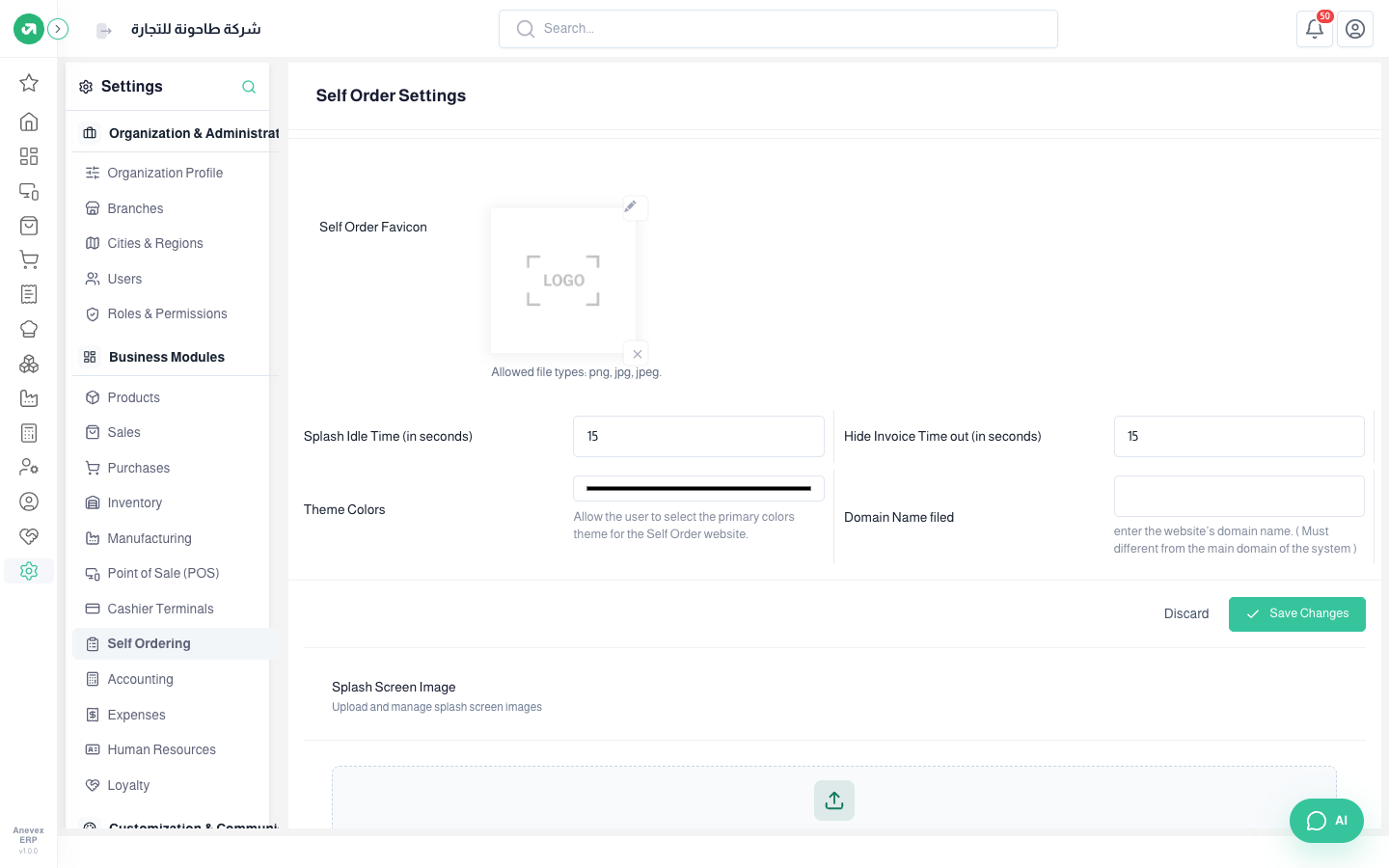
- Self Order Favicon: shows in the browser tab.
- Splash Idle Time: after how many idle seconds the welcome screen comes back.
- Hide Invoice Time out: how many seconds the invoice stays after ordering.
- Theme Colors and Domain Name (must differ from the system’s main domain).
- Splash Screen Image: up to 20 images that rotate on the welcome screen.