
Inventory Settings
How stock moves, how cost is calculated, and selling more than you have.
Overview
Where to find itSettingsBusiness ModulesInventory
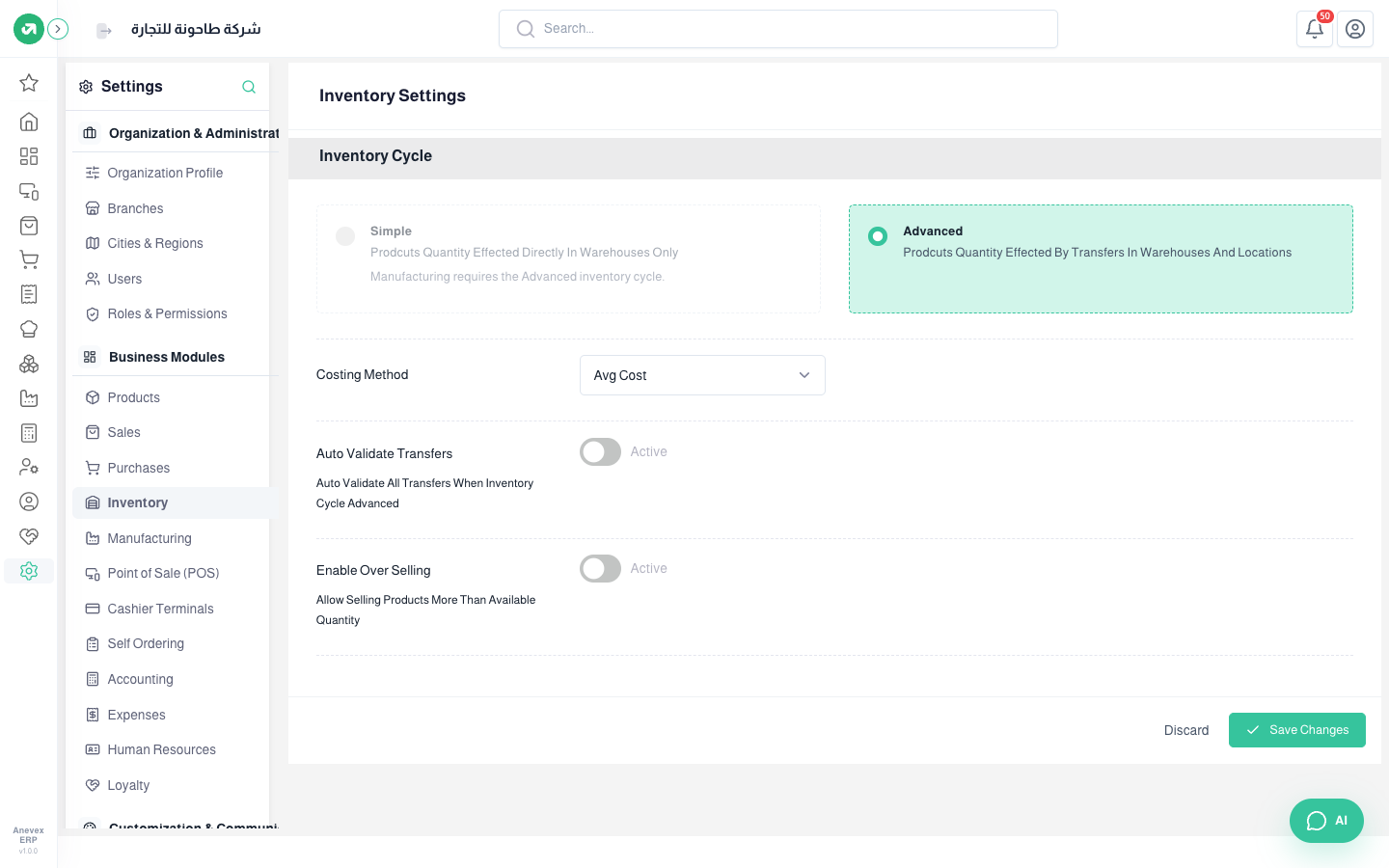
- Inventory Cycle - Simple: quantities change in the warehouse directly.
- Inventory Cycle - Advanced: every movement goes through a transfer between warehouses and locations (receipt, delivery, internal). Required for manufacturing.
- Costing Method: fixed cost price, first in first out, or average cost.
- Auto Validate Transfers: in the advanced cycle, validates transfers automatically. Pick types in Validated Types or leave it empty for all.
- Enable Over Selling: allows selling more than the available quantity. You can limit it to certain categories or products in the POS and in the shop.
Notes
- Change the costing method before the first stock movement. Changing it later makes the cost of goods sold inconsistent between periods.