
Products Settings
Decides which fields show on the product form, and how pricing, barcodes and units of measure work.
Overview
Where to find itSettingsBusiness ModulesProducts
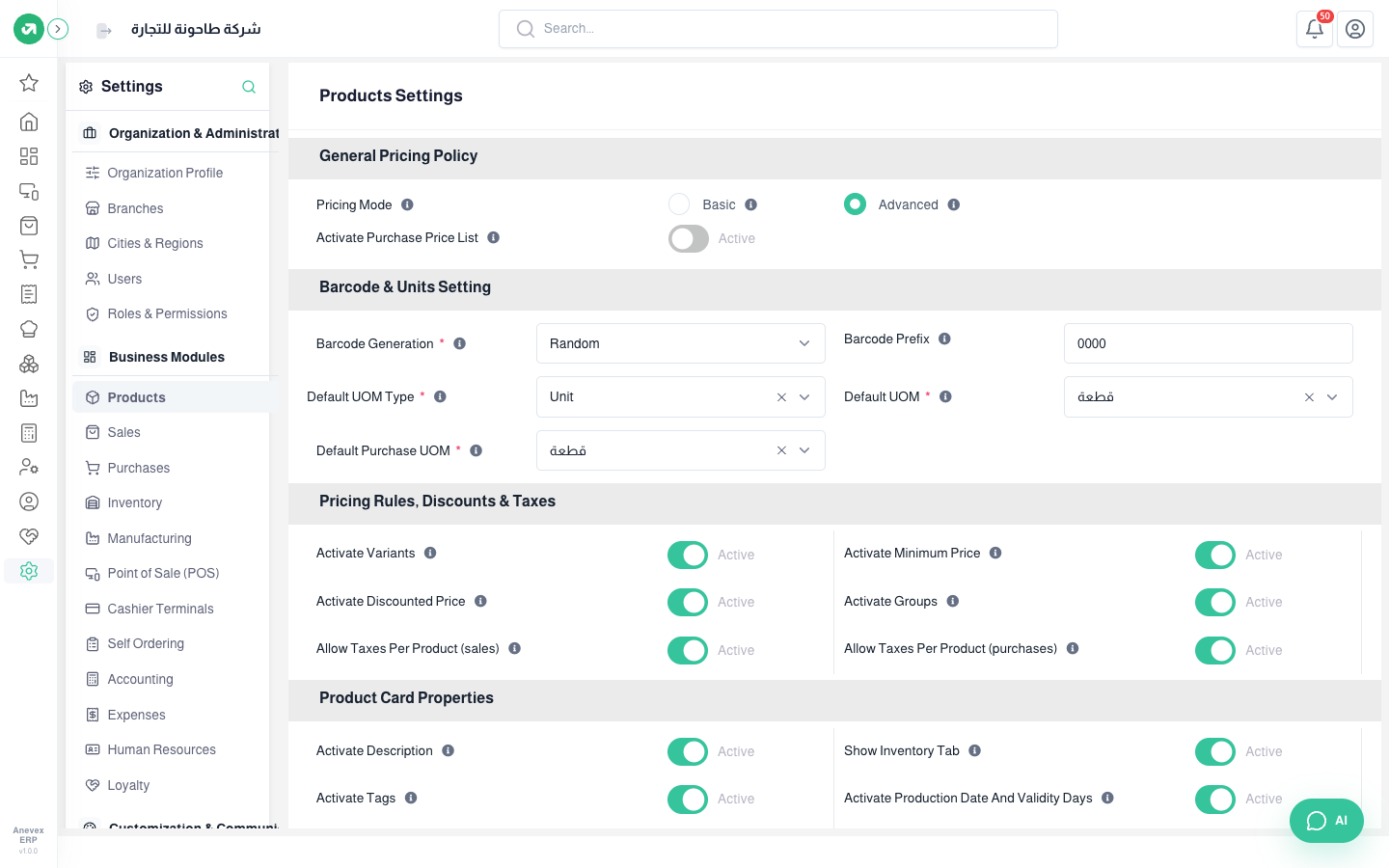
- Pricing Mode: Basic is one price per product. Advanced allows price lists and rules by category, customer or branch.
- Activate Purchase Price List: different purchase prices per vendor, currency or period.
- Barcode Generation: random or sequential, with a prefix that marks your products’ barcodes.
- Default UOM Type, Default UOM and Default Purchase UOM: filled in on every new product. The purchase unit can differ from the stock unit (carton and piece).
- Activate Variants: a product in colors or sizes, each with its own price.
- Activate Minimum Price: blocks selling below it.
- Activate Discounted Price and Activate Groups (selling several items as a bundle).
- Allow Taxes Per Product in sales or purchases: each invoice line carries its own tax instead of one tax for the whole invoice.
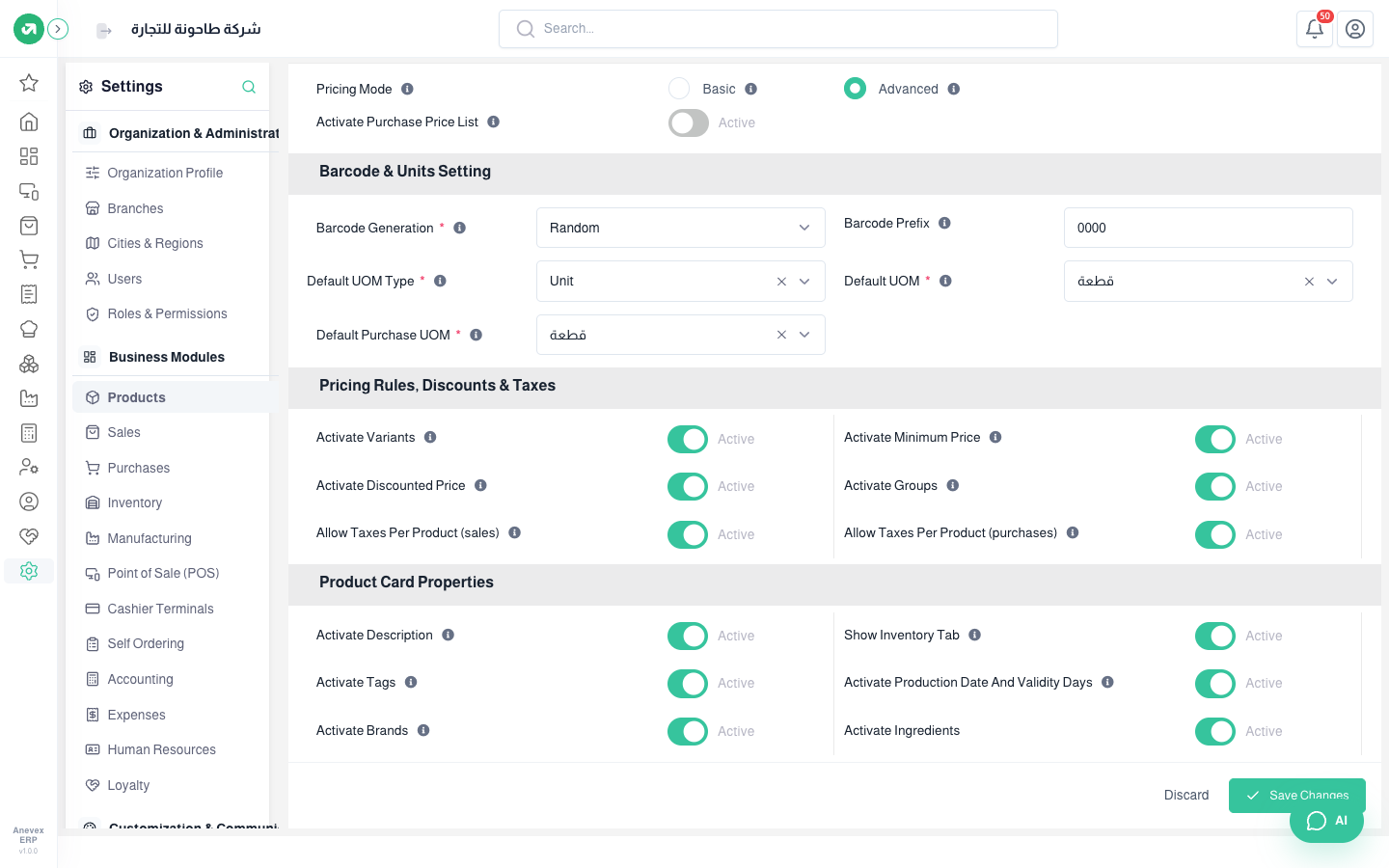
Under Product Card Properties you turn fields on or off in the product form: description, inventory tab, tags, production date and validity days, brands and ingredients. Hide what you do not need to keep the form simple.
Notes
- With Allow Taxes Per Product (sales), promotions on the bill total do not work in the POS and the Total Discount button disappears. See the POS chapter.