
Manufacturing Settings
The options shown in manufacturing orders: work orders, timer, batches, shelf life and make-to-order.
Overview
Where to find itSettingsBusiness ModulesManufacturing
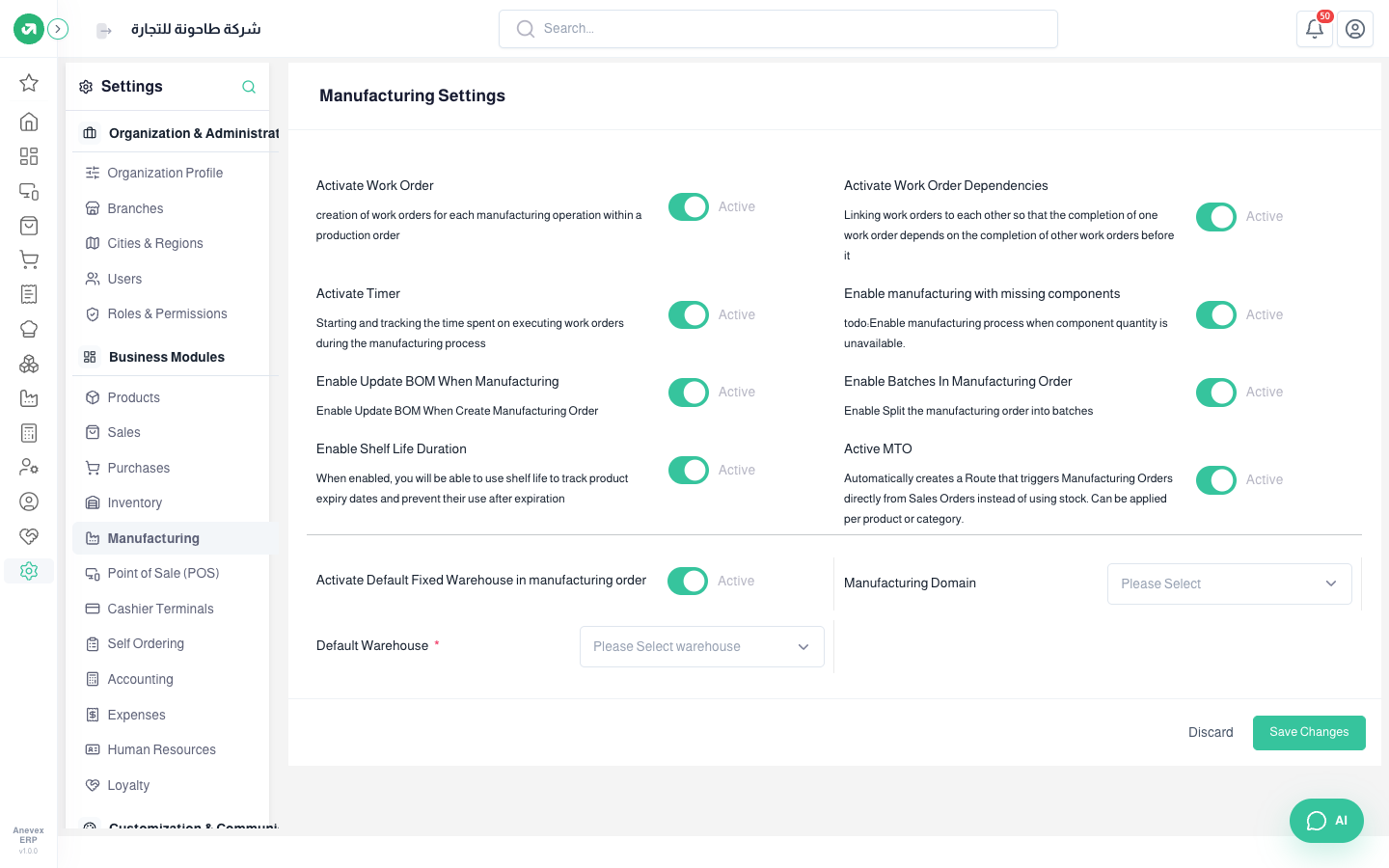
- Activate Work Order: a work order for each operation in a production order. Activate Work Order Dependencies: an order cannot finish before the ones before it.
- Activate Timer: records the actual time of each work order.
- Enable manufacturing with missing components: allows producing even when some components are short.
- Enable Update BOM When Manufacturing: edit the components inside the manufacturing order.
- Enable Batches In Manufacturing Order: split the order into batches.
- Enable Shelf Life Duration: track the expiry of manufactured products.
- Active MTO: a sales order creates a manufacturing order directly instead of selling from stock, per product or category.
- Activate Default Fixed Warehouse with Default Warehouse: every manufacturing order uses the same warehouse.