
Printer Management
Printers the system prints to directly without the print dialog: the cashier printer, the self-order printer and internal printers (like the kitchen).
Overview
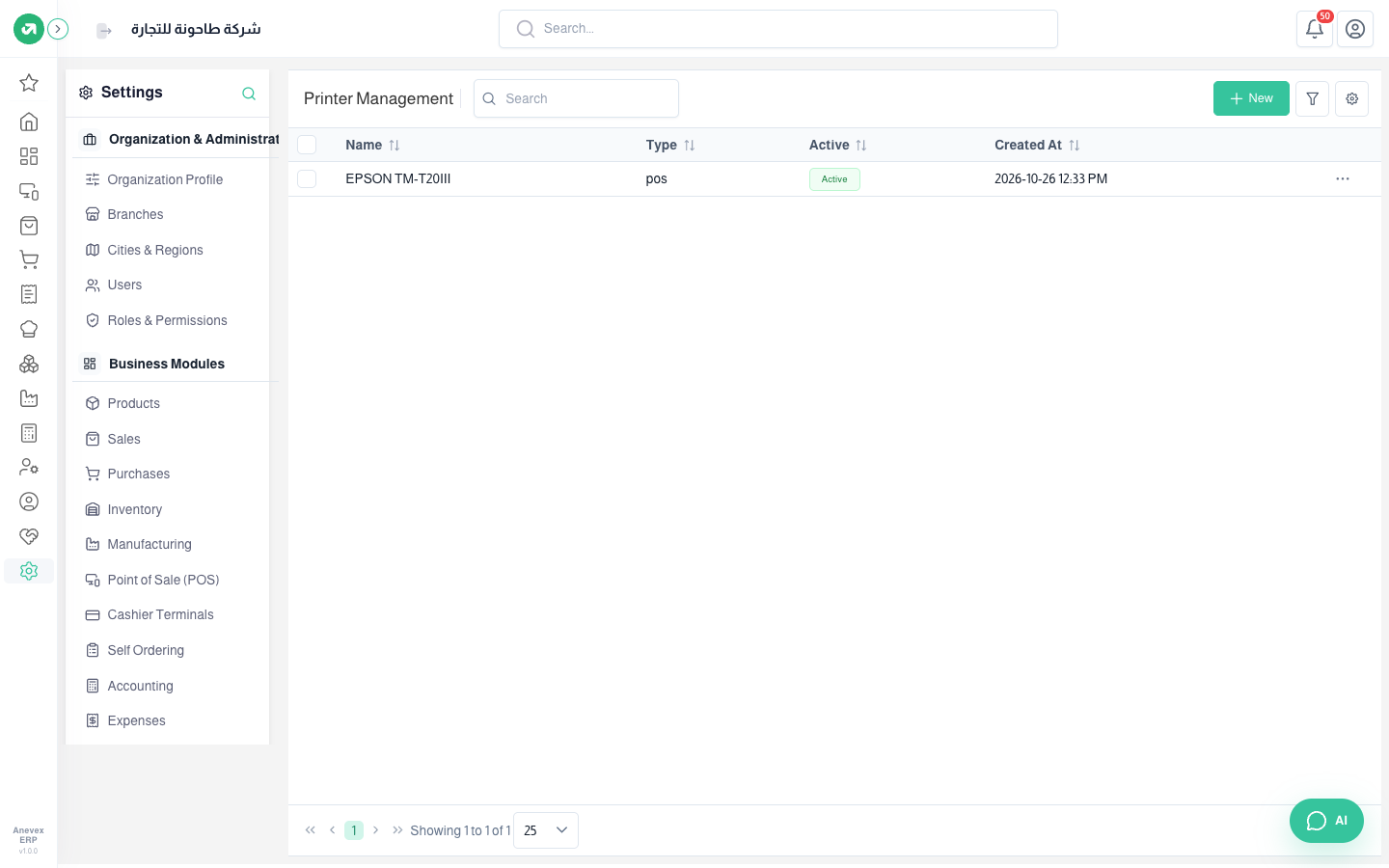
Where to find itSettingsCustomization & CommunicationPrinter Management
Steps
- Start the printing app on the cashier’s computer. The system reads the installed printer names from it.
- Click New and pick the printer in Name. The refresh button next to it reloads the list.
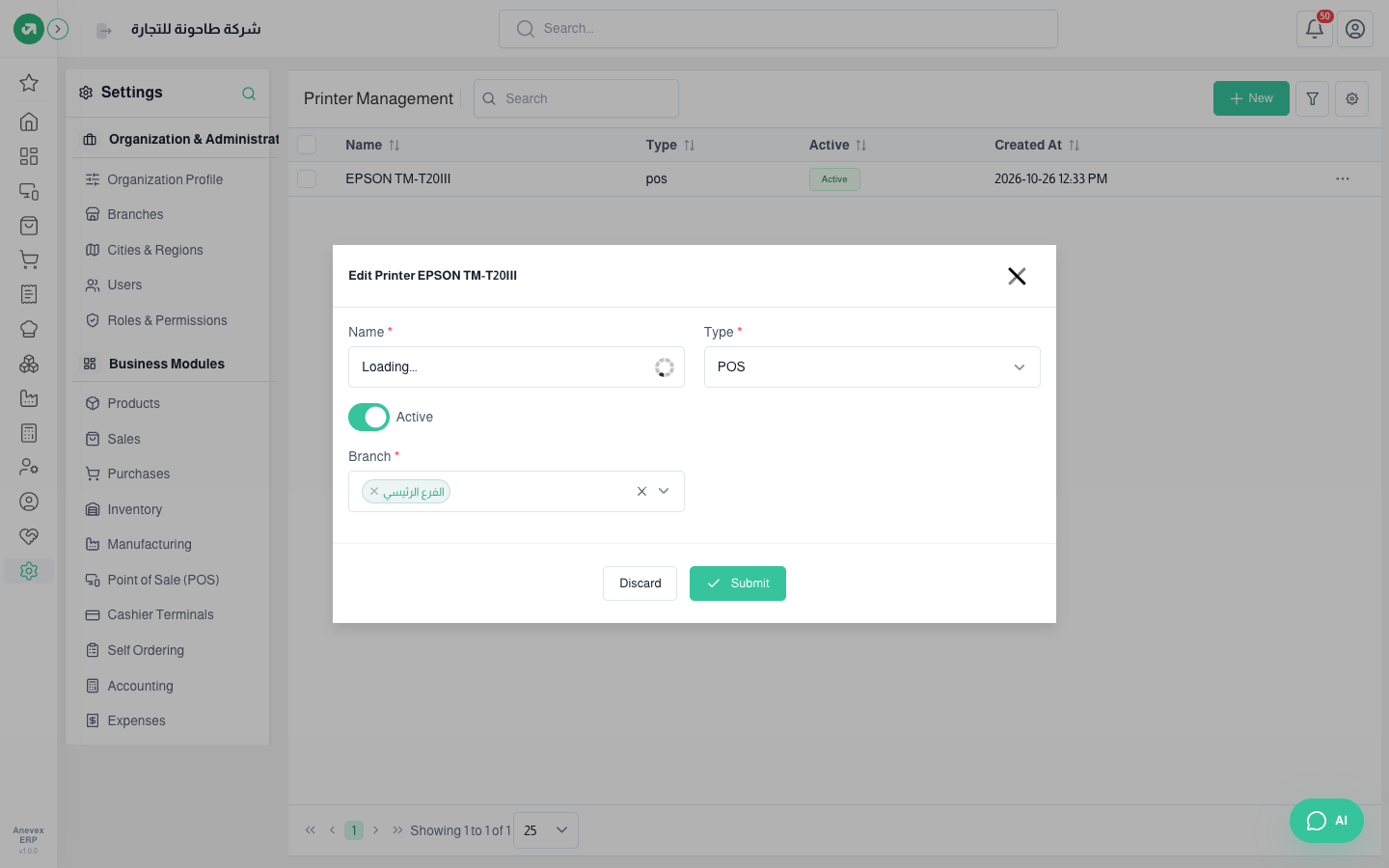
- Choose the Type: POS, Self Order, or Internal.
- Choose the branches, and the categories it prints (for internal printers, say kitchen orders).
- Click Submit.
Notes
- If the name field stays on "Loading", the printing app is not running on this computer.