User Preferences
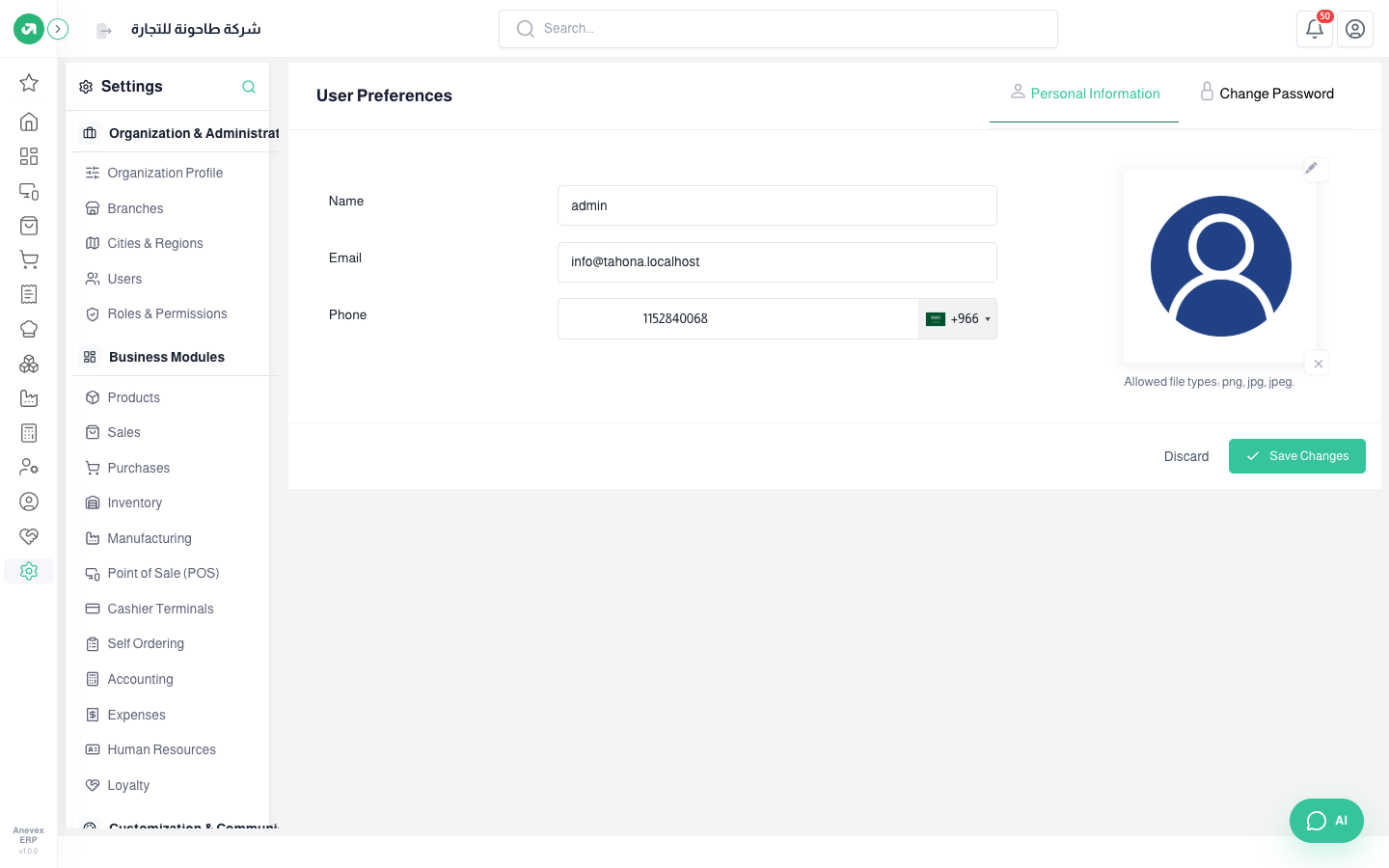
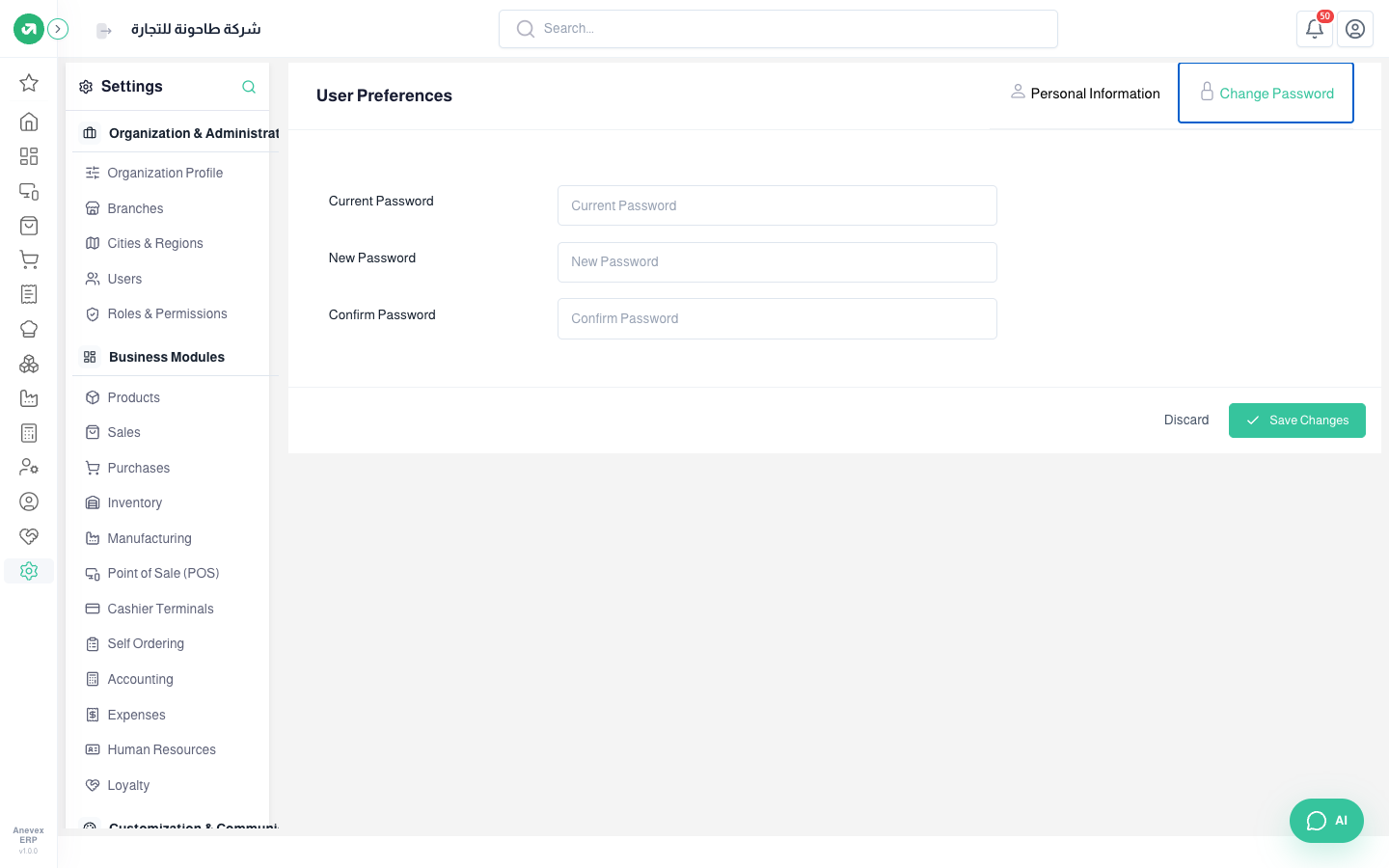
Your own details as a user: name, email, phone, photo and password. You can also open it from the account menu → Profile.

Your own details as a user: name, email, phone, photo and password. You can also open it from the account menu → Profile.